Because RFL™ and Hubbell® have a policy of continuous product improvement, we reserve the right to change designs and specifications without notice.
TESTING
When the RFL VF-16B module has been configured and installed, it should be tested for proper
operation before it is put into service. If a module is set up for two-channel operation, test each
channel separately.
EQUIPMENT REQUIRED
1. Telephone Set, Type 2500 or equivalent (one for each RFL VF-16B module).
2. PBX Station Line.
FXO/FXS TEST PROCEDURE
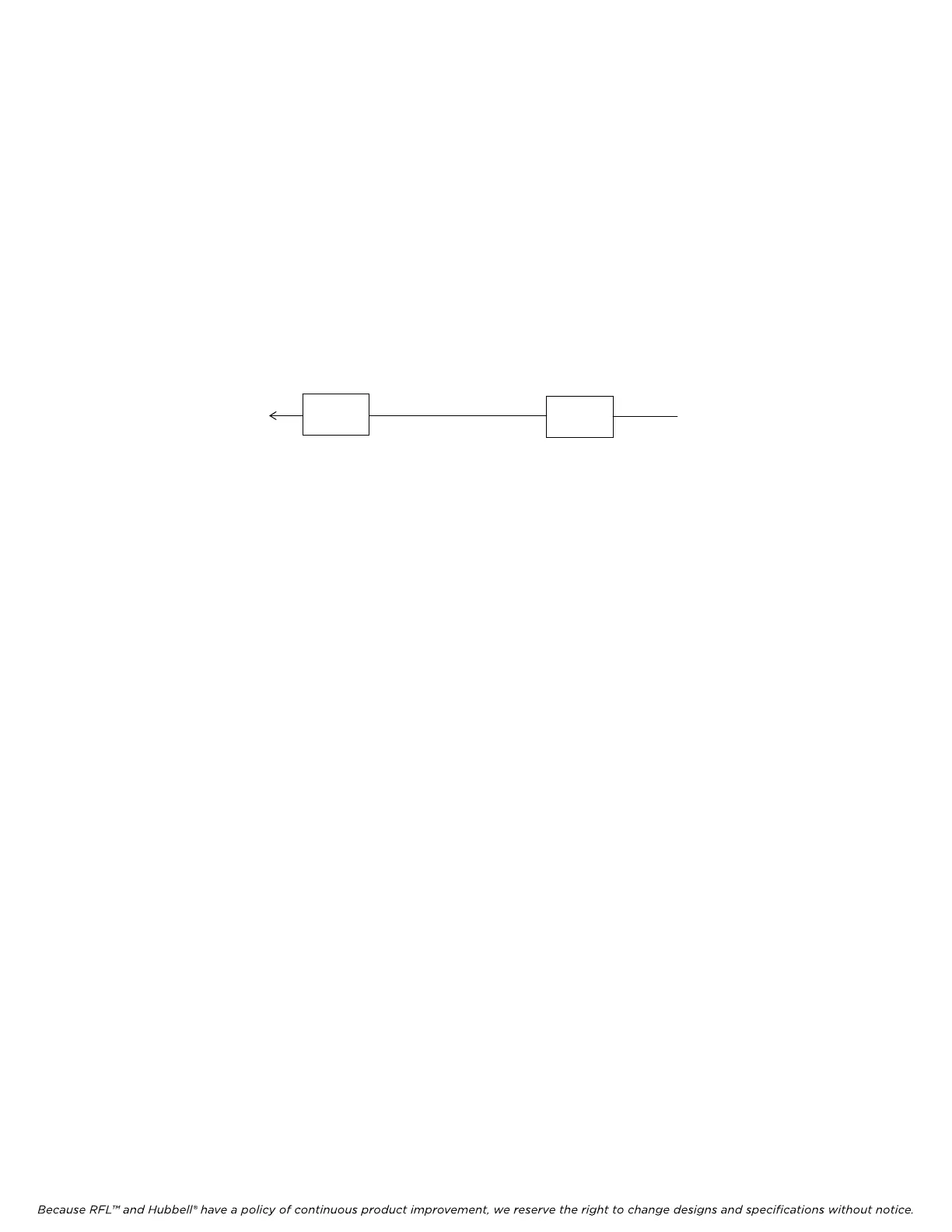
VF-16B
VF-15
PBX LINE
PHONE
1. Connect the PBX line to the channel under test on the RFL VF-15 module.
2. Connect the telephone to the channel under test on the RFL VF-16B module.
3. Check the settings of the DIP switches to make sure that both modules are set to use the same
time slots.
4. Set the channel under test on the VF-15 module to Loop Start.
5. Set both modules to local control.
6. Set service on for both modules.
7. Take the phone connected to the RFL VF-16B off-hook and observe the presence of a dial tone
from the PBX.
8. Dial an extension and verify that the extension rings.
9. Answer the extension and verify that the voice level is adequate in both directions, and that the
noise level is acceptably low.
10. Place both phones back on hook. Using the extension, dial the number of the line connected to
the RFL VF-16B under test.
The phone connected to the RFL VF-16B should ring 2 seconds on, and 4 seconds
off.
11. Answer the ringing phone and verify that ringing stops and the voice quality is acceptable.
12. Change the settings on both modules, if necessary, to suit the desired circuit configuration. The
circuit may now be placed in service.
RFL VF-16B RFL Electronics Inc.
January 17, 2007 36 (973) 334-3100



 To Next Page