Because RFL™ and Hubbell® have a policy of continuous product improvement, we reserve the right to change designs and specifications without notice.
INSTALLING THE EXTERNAL TELNET ADAPTER (107495-20)
MOUNTING
The External Telnet Adapter is used in place of the standard MA-490 Telnet I/O. TCP/IP and Data
port parameters can be sent to the Telnet Adapter in a remote mode.
Make sure the special Data port cable can reach the external equipment RS-232 port. This cable should
have enough slack so it is not in danger of being pulled out of place.
POWER INPUT
Power is supplied through pin 1. at the Data port connection. Ensure that the external equipment
connected to the Data port is capable of providing +5V with a current draw of approximately
0.175 Amps. (See Figure 7).
DATA PORT
Use the supplied special cable to connect the External Telnet Adapter Data port to the external
equipment RS-232 connector.
CRAFT PORT
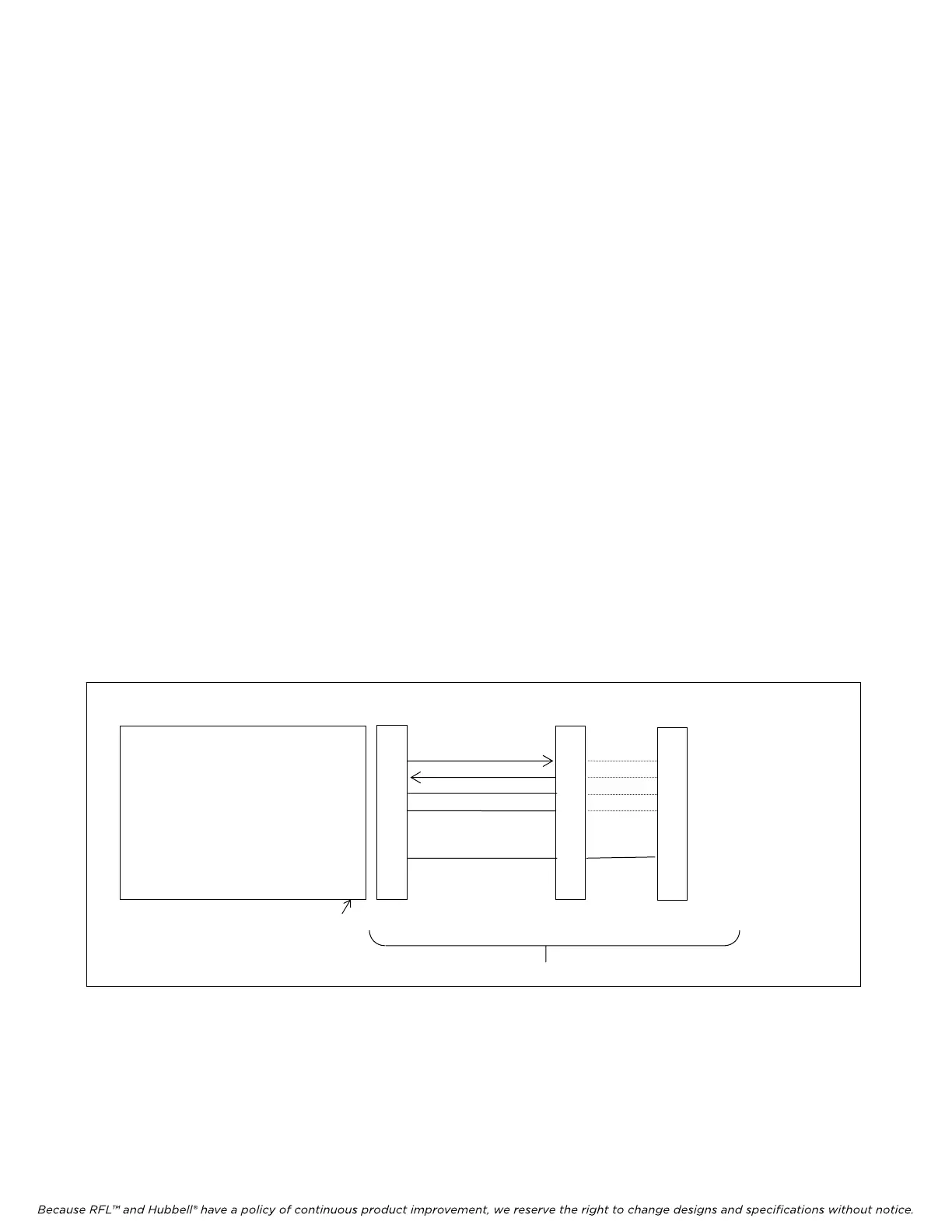
Connect a PC or laptop to the Craft port on the External Telnet Adapter using a standard
(straight-through) cable as shown below.
Cable Assembly
2
3
4
5
8
2
3
4
5
3
2
20
7
5
Not used 1
Transmit Data (TxD) (output) 2
Receive Data (RxD) (input) 3
CTS 4
Signal Common 5
Not used 6
Not used 7
DTR 8
Not used 9
TELNET ADPTER CRAFT PORT TO PC OR LAPTOP
Male DB-9 Female DB-9 Female DB-25 Female
Figure 6. External Telnet Adapter, Craft Port
ETHERNET
Connect the External Telnet Adapter to the ethernet hub or switch. The ethernet connector is an RJ-45
which is the commonly used 10BaseT connector for this application.
RFL MA-490 Telnet I/O RFL Electronics Inc.
March 6, 2007 9 (973)
334-3100



 To Next Page