Because RFL™ and Hubbell® have a policy of continuous product improvement, we reserve the right to change designs and specifications without notice.
Chapter 1 - Product Overview
SNMP Access Gateway User’s Manual - v1.0 -- 11/99 - Page 1
Chapter 1 - Product Overview
1.1 - Introduction
The SNMP Access Gateway monitors serial (RS232) data streams for alarm conditions, and provides notification of
alarm conditions by audible alarm, pager messages and SNMP traps. The SNMP Access Gateway may be used to
provide legacy (non-network) equipment with the ability to generate SNMP traps when alarm conditions occur.
Additionally, the SNMP Access Gateway can provide pass-through access to devices connected to the serial ports of
the SNMP Access Gateway, thereby providing remote access to programming or maintenance ports of equipment.
The SNMP Access Gateway has two serial ports, and one ethernet 10BaseT network port. Front panel LEDs provide
status information about the ethernet connection, serial port activity, and power status.
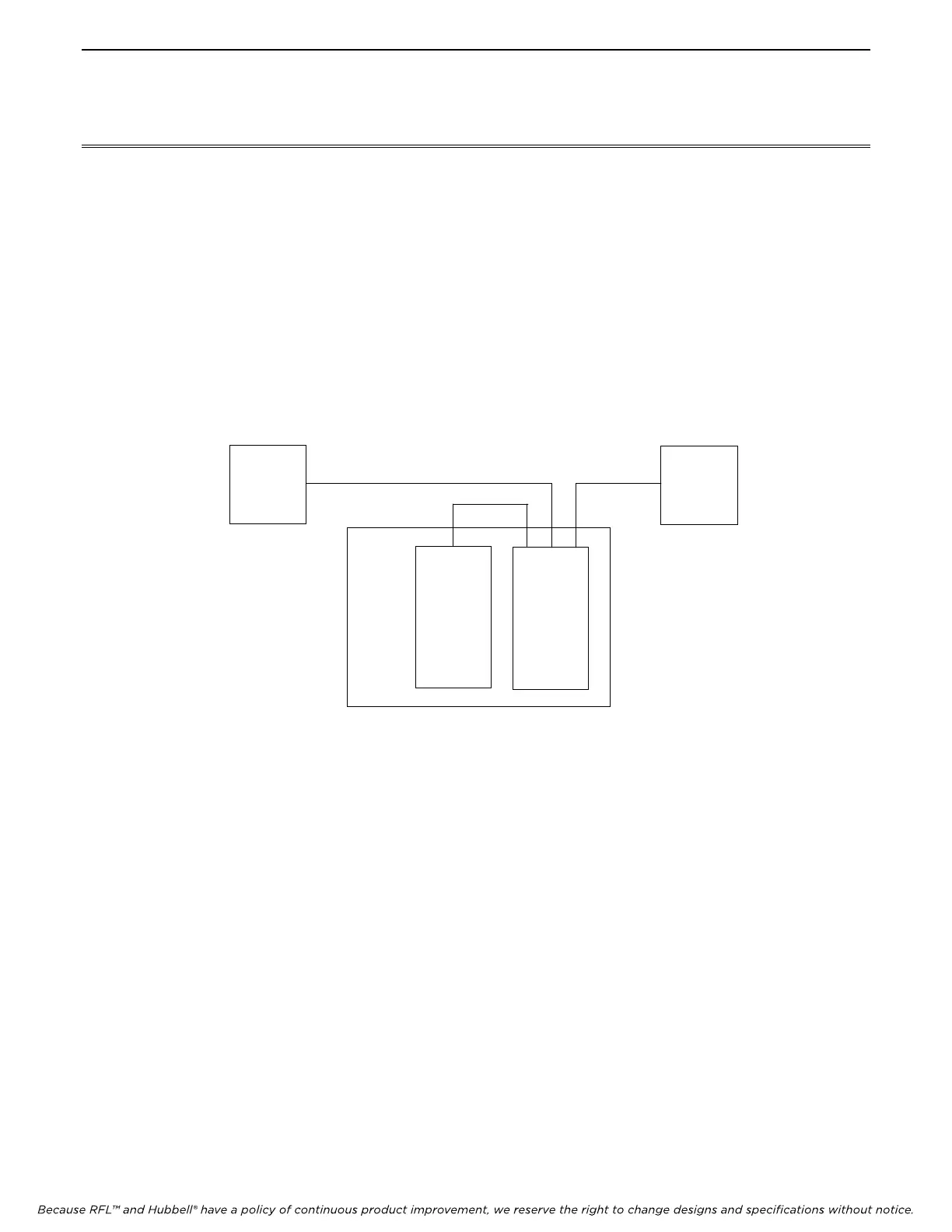
Figure 1. - SNMP Access Gateway Connectivity Overview
The serial ports can operate from 300 to 19,200 baud, and are used to monitor serial data streams and/or provide
remote pass-through access to connected equipment. These serial ports are labeled IMUX (I/O 1) and REMOTE
(I/O 2). An alarm configuration file can be loaded into the memory of the SNMP Access Gateway, and the SNMP
Access Gateway can then monitor the data received on the serial ports for alarm conditions.
The two serial ports may also be used in a ‘console’ mode, in which the SNMP Access Gateway is placed in-line
between two pieces of equipment. In this mode the alarm configuration file may still be used to monitor the data
streams for alarm conditions, but the SNMP Access Gateway, in this case, passes data received on each serial port to
the other port, so that the SNMP Access Gateway does not disrupt the data flowing between the two devices.
LOCAL
ACCESS
LAPTOP
NETWORK
MANAGER
PC
CM3
SAG
IMUX
RS232 ETHERNET
RS232



 To Next Page