U.4.23
Date Code 20090715 User’s Guide SEL-421 Relay
Basic Relay Operations
Making Simple Settings Changes
b. After showing the active display points, the relay
returns to line
1: followed by the settings ? prompt.
Step 4. Type <Enter> once to proceed to the line 2 present value and
settings
? prompt.
Step 5. Type DELETE <Enter> to delete Display Point 2.
Step 6. Type LIST <Enter> to examine the remaining display points.
Former Display Point 2 is eliminated, and Display Point 3
moves up to position 2.
The relay returns to line
2: followed by the settings ? prompt.
Step 7. Type END <Enter> to end the settings process.
The relay next scrolls a readback of all the Front-Panel settings,
eventually displaying the
Save settings (Y,N) ? prompt. (In
Figure 4.14, a vertical ellipsis represents this scrolling
readback.)
At the end of the readback information, just before the
Save
settings (Y,N) ?
prompt, you can verify the new display
point information.
Step 8. Answer Y <Enter> to save your new settings.
Alias Settings
Rename, or assign up to 200 alias names to any Relay Word bit or analog
quantity in the relay. This is very useful when programming using SEL
OGIC
®
control equations or analyzing SER and event report data. Assigning alias
names is also a text-edit type entry, with the same syntax as the display point
entries.
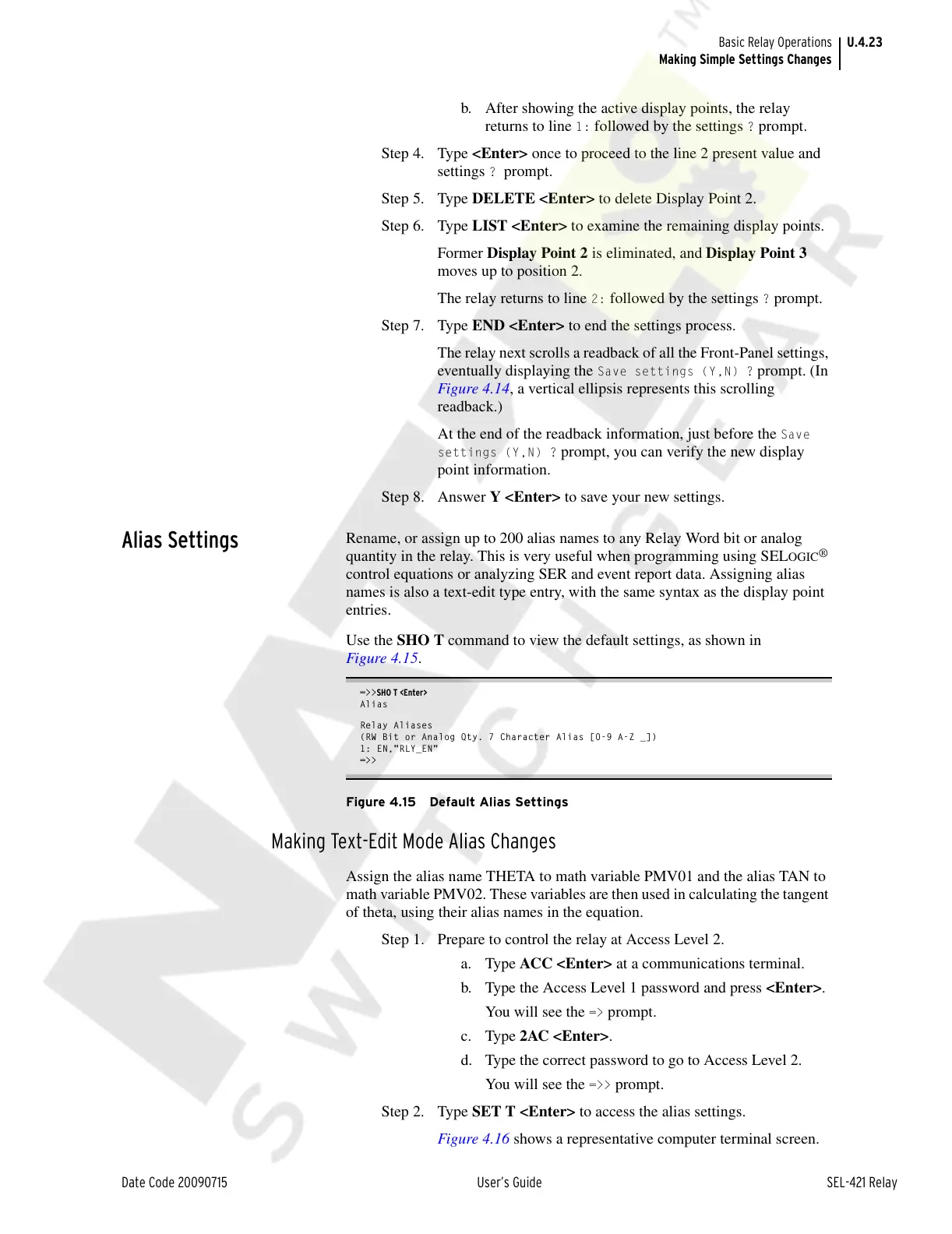
Use the SHO T command to view the default settings, as shown in
Figure 4.15.
=>>SHO T <Enter>
Alias
Relay Aliases
(RW Bit or Analog Qty. 7 Character Alias [0-9 A-Z _])
1: EN,"RLY_EN"
=>>
Figure 4.15 Default Alias Settings
Making Text-Edit Mode Alias Changes
Assign the alias name THETA to math variable PMV01 and the alias TAN to
math variable PMV02. These variables are then used in calculating the tangent
of theta, using their alias names in the equation.
Step 1. Prepare to control the relay at Access Level 2.
a. Type ACC <Enter> at a communications terminal.
b. Type the Access Level 1 password and press <Enter>.
You will see the
=> prompt.
c. Type 2AC <Enter>.
d. Type the correct password to go to Access Level 2.
You will see the
=>> prompt.
Step 2. Type SET T <Enter> to access the alias settings.
Figure 4.16 shows a representative computer terminal screen.
Courtesy of NationalSwitchgear.com



 To Next Page