U.3.20
SEL-421 Relay User’s Guide Date Code 20090715
PC Software
Analyze Events
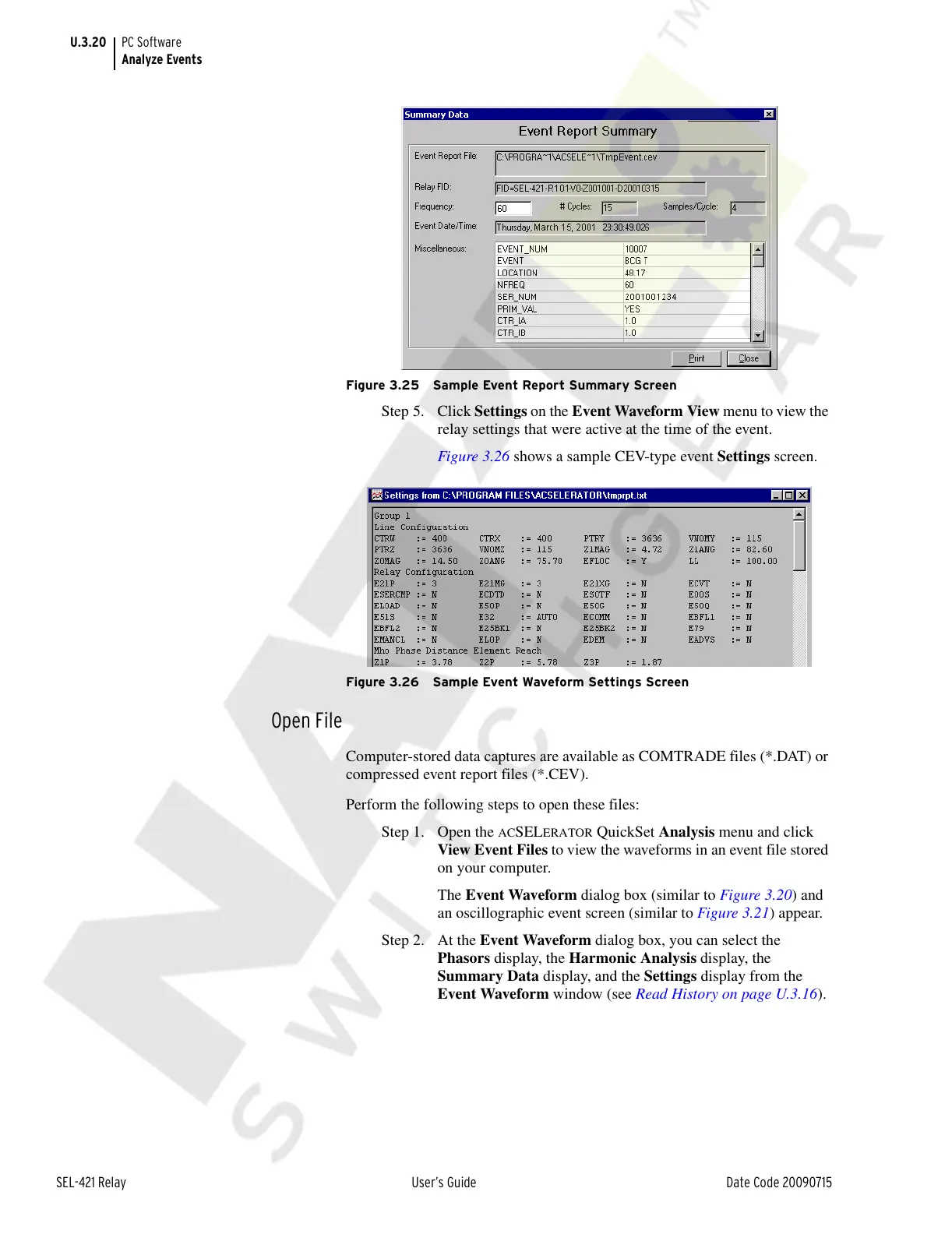
Figure 3.25 Sample Event Report Summary Screen
Step 5. Click Settings on the Event Waveform View menu to view the
relay settings that were active at the time of the event.
Figure 3.26 shows a sample CEV-type event Settings screen.
Figure 3.26 Sample Event Waveform Settings Screen
Open File
Computer-stored data captures are available as COMTRADE files (*.DAT) or
compressed event report files (*.CEV).
Perform the following steps to open these files:
Step 1. Open the
ACSELERATOR QuickSet Analysis menu and click
View Event Files to view the waveforms in an event file stored
on your computer.
The Event Waveform dialog box (similar to Figure 3.20) and
an oscillographic event screen (similar to Figure 3.21) appear.
Step 2. At the Event Waveform dialog box, you can select the
Phasors display, the Harmonic Analysis display, the
Summary Data display, and the Settings display from the
Event Waveform window (see Read History on page U.3.16).
Courtesy of NationalSwitchgear.com



 To Next Page