U.4.74
SEL-421 Relay User’s Guide Date Code 20090715
Basic Relay Operations
Configuring High-Accuracy Timekeeping
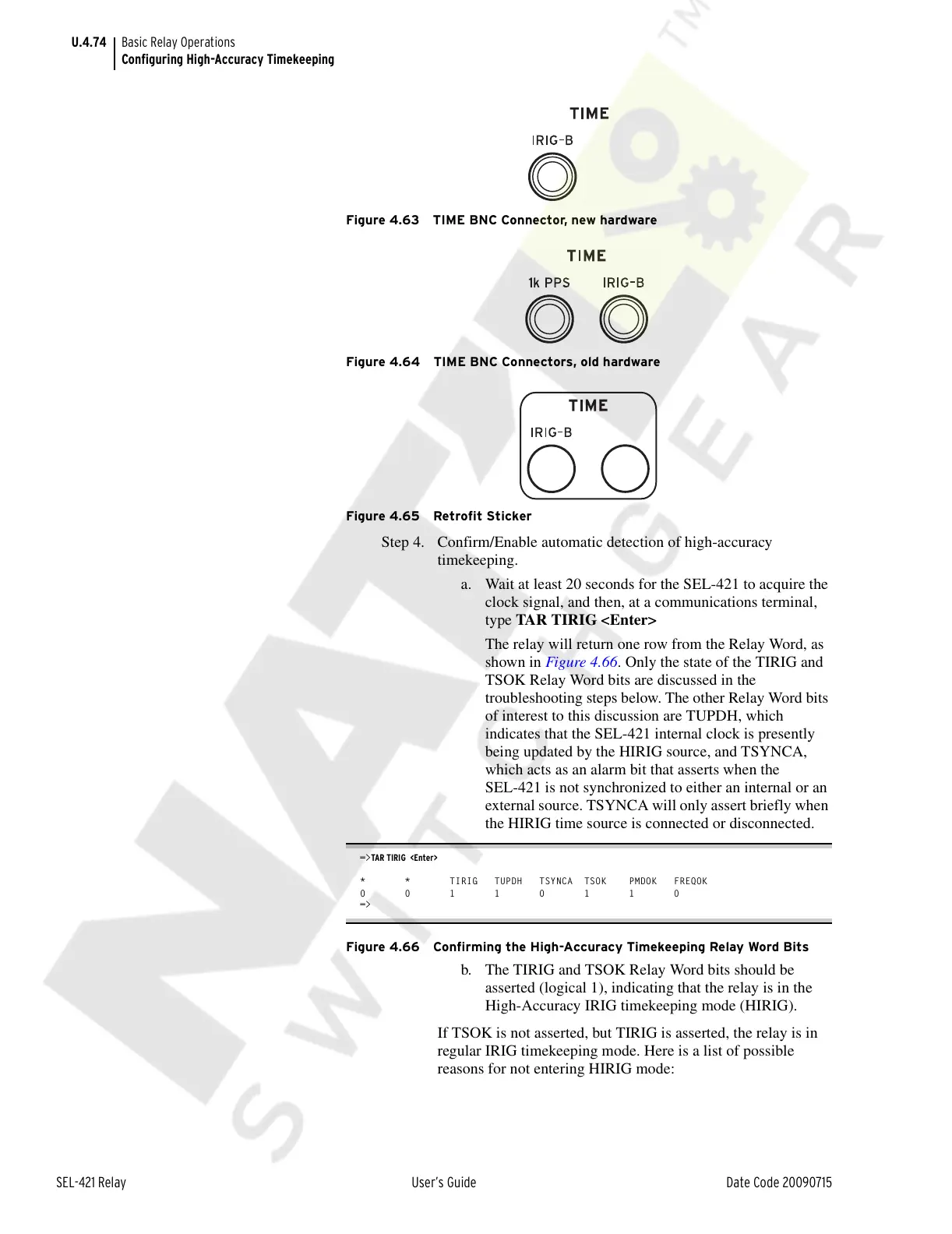
Figure 4.63 TIME BNC Connector, new hardware
Figure 4.64 TIME BNC Connectors, old hardware
Figure 4.65 Retrofit Sticker
Step 4. Confirm/Enable automatic detection of high-accuracy
timekeeping.
a. Wait at least 20 seconds for the SEL-421 to acquire the
clock signal, and then, at a communications terminal,
type TAR TIRIG <Enter>
The relay will return one row from the Relay Word, as
shown in Figure 4.66. Only the state of the TIRIG and
TSOK Relay Word bits are discussed in the
troubleshooting steps below. The other Relay Word bits
of interest to this discussion are TUPDH, which
indicates that the SEL-421 internal clock is presently
being updated by the HIRIG source, and TSYNCA,
which acts as an alarm bit that asserts when the
SEL-421 is not synchronized to either an internal or an
external source. TSYNCA will only assert briefly when
the HIRIG time source is connected or disconnected.
=>TAR TIRIG <Enter>
* * TIRIG TUPDH TSYNCA TSOK PMDOK FREQOK
0 0 1 1 0 1 1 0
=>
Figure 4.66 Confirming the High-Accuracy Timekeeping Relay Word Bits
b. The TIRIG and TSOK Relay Word bits should be
asserted (logical 1), indicating that the relay is in the
High-Accuracy IRIG timekeeping mode (HIRIG).
If TSOK is not asserted, but TIRIG is asserted, the relay is in
regular IRIG timekeeping mode. Here is a list of possible
reasons for not entering HIRIG mode:
Courtesy of NationalSwitchgear.com



 To Next Page