U.4.57
Date Code 20090715 User’s Guide SEL-421 Relay
Basic Relay Operations
Operating the Relay Inputs and Outputs
control output contacts. Perform the steps in this example to become familiar
with relay control and serial communication. For more information on the
PULSE command, see PULSE on page R.9.37.
This example assumes that you have successfully established communication
with the relay; see Making an EIA-232 Serial Port Connection on page U.4.5
for a step-by-step procedure. In addition, you must be familiar with relay
access levels and passwords (see Changing the Default Passwords: Terminal
on page U.4.9 to change the default access level passwords).
NOTE: To PULSE an output, the
circuit breaker control enable jumper,
J18C, must be installed on the main
board.
Step 1. Prepare to control the relay at Access Level B.
a. Using a communications terminal, type ACC <Enter>.
b. Type the Access Level 1 password and press <Enter>.
You will see the Access Level 1 => prompt.
c. Type the BAC <Enter> command.
d. Type the correct password to go to Access Level B.
You will see the Access Level 1 => prompt.
Step 2. Attach an indicating device (ohmmeter with a beep sounder or
a test set) to the terminals for control output OUT104.
This output is a Standard control output and is not polarity
sensitive.
For more information on connecting control outputs, see
Control Outputs on page U.2.7.
Step 3. Perform the pulse operation.
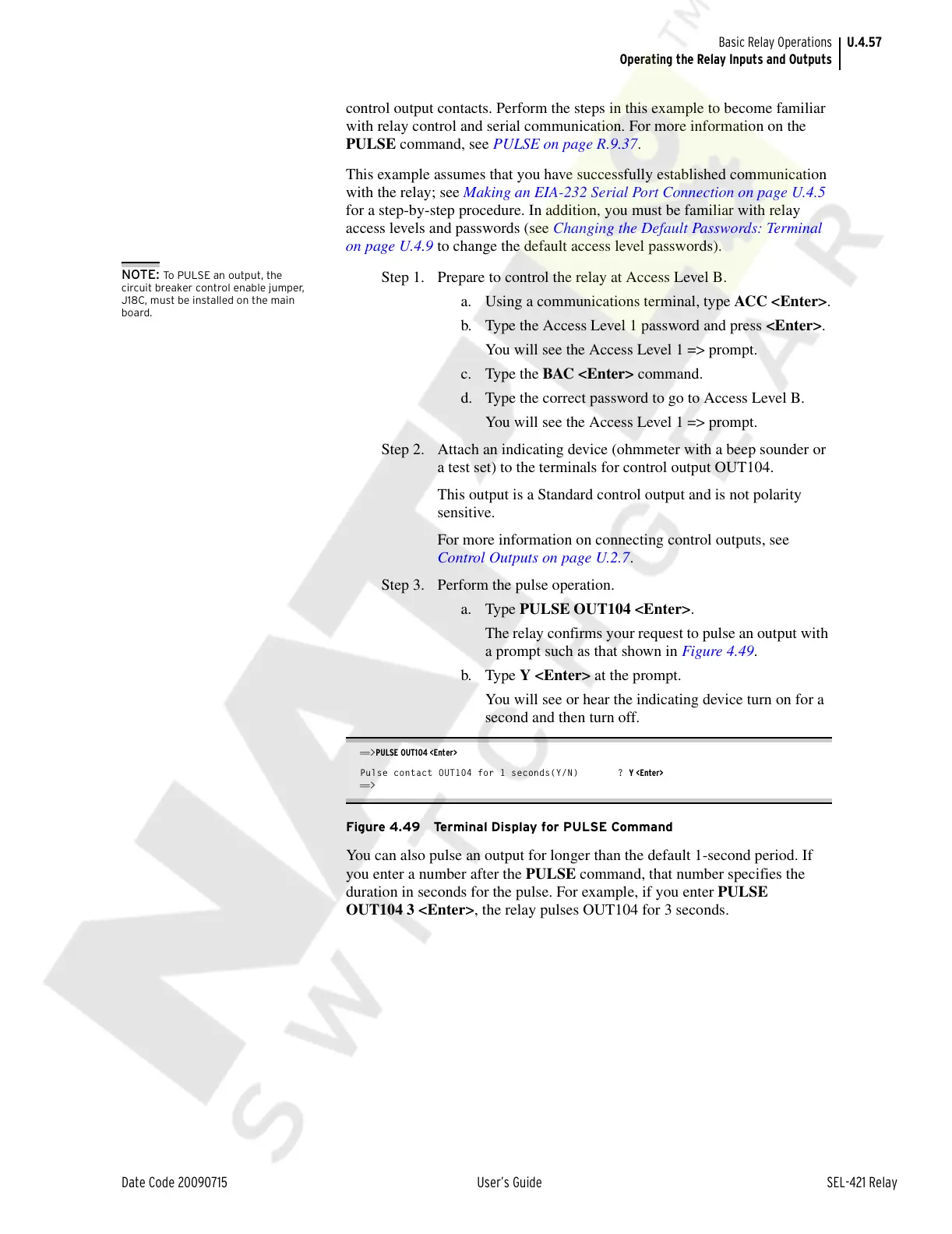
a. Type PULSE OUT104 <Enter>.
The relay confirms your request to pulse an output with
a prompt such as that shown in Figure 4.49.
b. Type Y <Enter> at the prompt.
You will see or hear the indicating device turn on for a
second and then turn off.
==>PULSE OUT104 <Enter>
Pulse contact OUT104 for 1 seconds(Y/N) ? Y <Enter>
==>
Figure 4.49 Terminal Display for PULSE Command
You can also pulse an output for longer than the default 1-second period. If
you enter a number after the PULSE command, that number specifies the
duration in seconds for the pulse. For example, if you enter PULSE
OUT104 3 <Enter>, the relay pulses OUT104 for 3 seconds.
Courtesy of NationalSwitchgear.com



 To Next Page