U.3.3
Date Code 20090715 User’s Guide SEL-421 Relay
PC Software
Installing the Computer Software
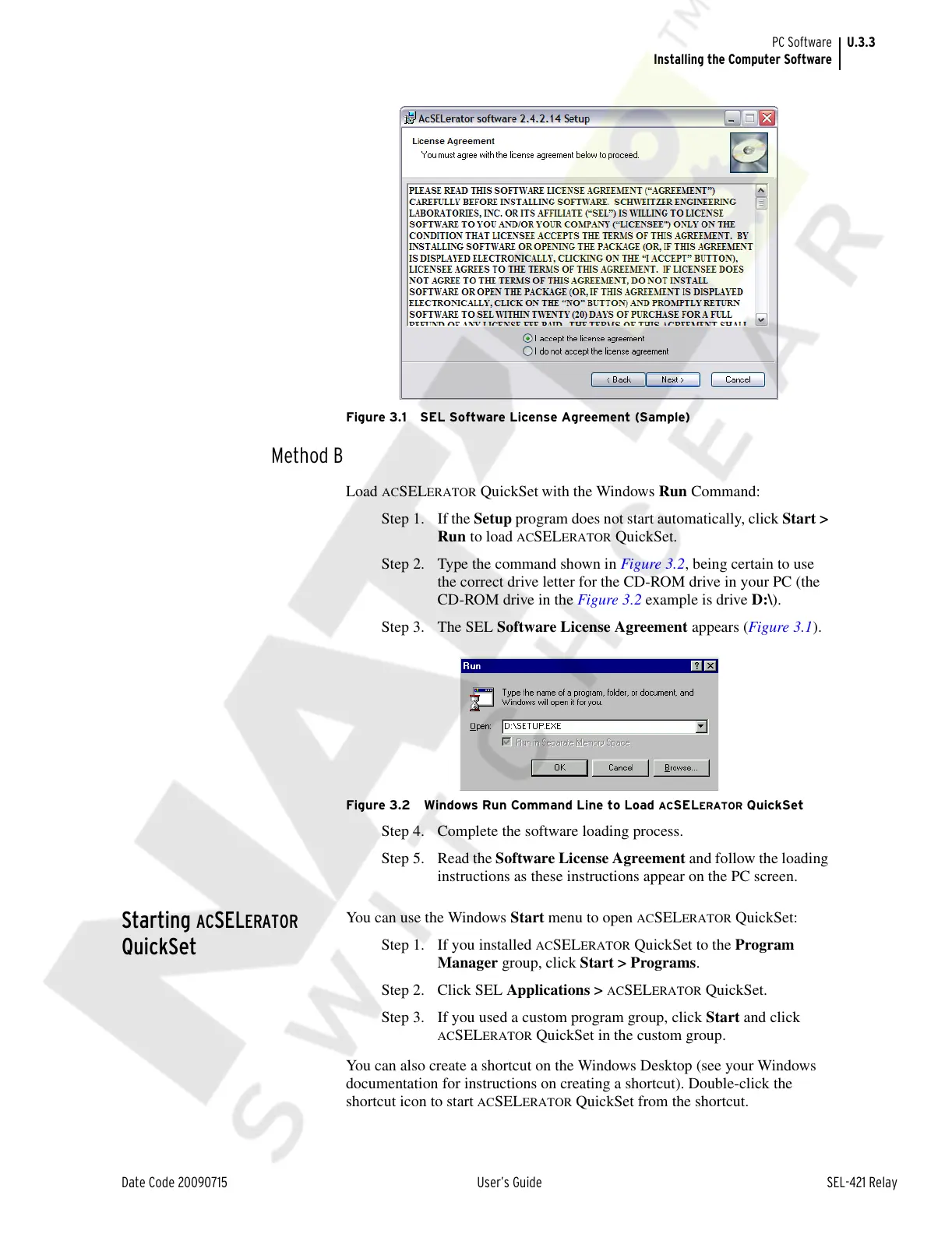
Figure 3.1 SEL Software License Agreement (Sample)
Method B
Load ACSELERATOR QuickSet
with the Windows Run Command:
Step 1. If the Setup program does not start automatically, click Start >
Run to load
ACSELERATOR QuickSet.
Step 2. Type the command shown in Figure 3.2, being certain to use
the correct drive letter for the CD-ROM drive in your PC (the
CD-ROM drive in the Figure 3.2 example is drive D:\).
Step 3. The SEL Software License Agreement appears (Figure 3.1).
Figure 3.2 Windows Run Command Line to Load ACSELERATOR QuickSet
Step 4. Complete the software loading process.
Step 5. Read the Software License Agreement and follow the loading
instructions as these instructions appear on the PC screen.
Starting ACSELERATOR
QuickSet
You can use the Windows Start menu to open ACSELERATOR QuickSet:
Step 1. If you installed
ACSELERATOR QuickSet to the Program
Manager group, click Start > Programs.
Step 2. Click SEL Applications >
ACSELERATOR QuickSet.
Step 3. If you used a custom program group, click Start and click
ACSELERATOR QuickSet in the custom group.
You can also create a shortcut on the Windows Desktop (see your Windows
documentation for instructions on creating a shortcut). Double-click the
shortcut icon to start
ACSELERATOR QuickSet from the shortcut.
Courtesy of NationalSwitchgear.com



 To Next Page