U.3.17
Date Code 20090715 User’s Guide SEL-421 Relay
PC Software
Analyze Events
Get Event
Perform the following steps to view events:
Step 1. Highlight the event you want to view and click the Get
Selected Event button.
For this exercise, choose Binary COMTRADE in the Event
Type dialog box to select high-resolution oscillography. The
other choices are CEV 4 samples/cyc and CEV 8 samples/cyc,
which correspond to relay event reports of four or eight
samples per cycle, respectively.
Step 2. When downloading is complete,
ACSELERATOR QuickSet asks
you to save the file on your PC.
Step 3. Once the file is saved, press the Close button, and then select
the Analysis menu and click View Event Files.
Step 4. Open the oscillography file you just saved. It may be necessary
to change the Files of Type selection to see the COMTRADE
files in the file list.
Step 5.
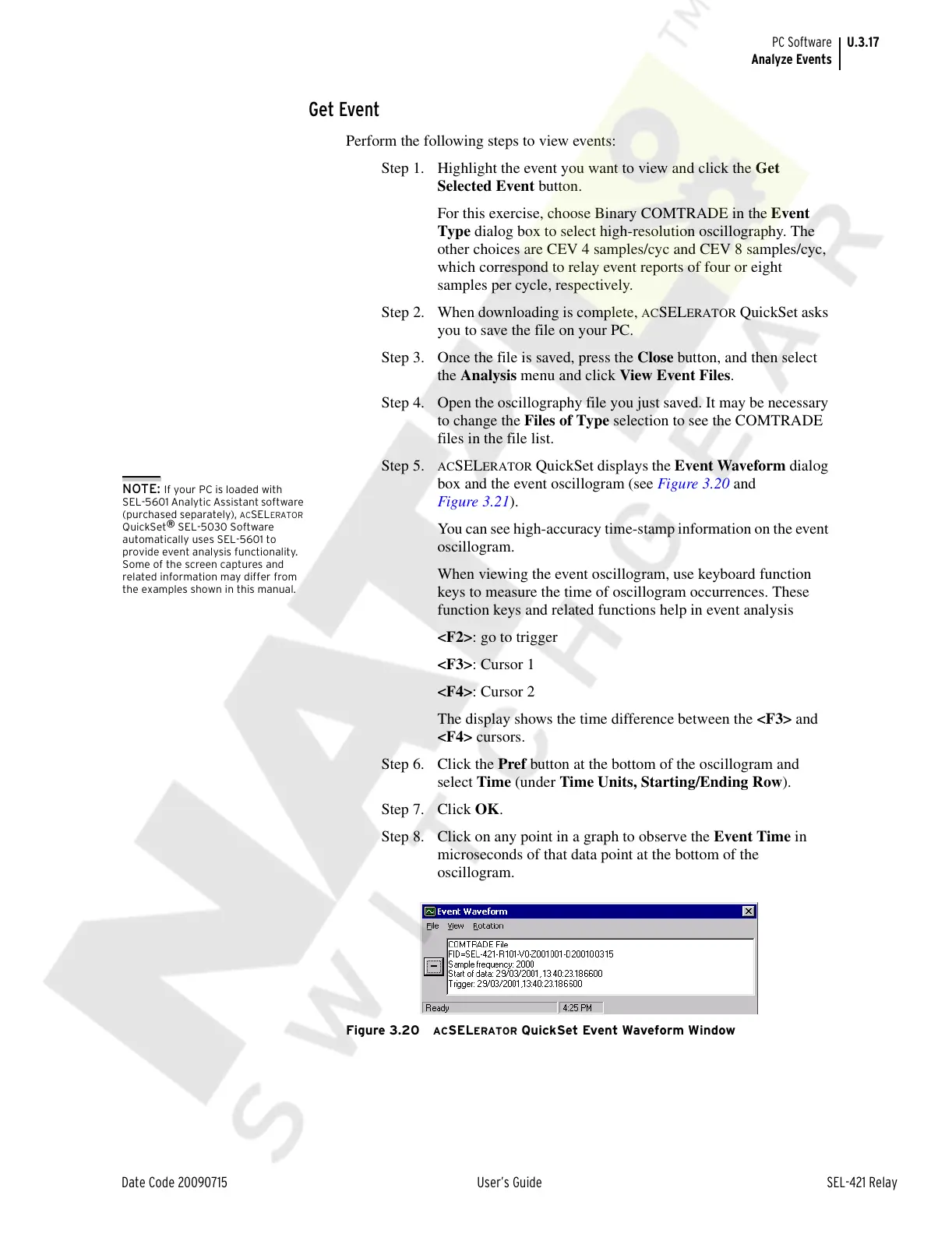
ACSELERATOR QuickSet displays the Event Waveform dialog
box and the event oscillogram (see Figure 3.20 and
Figure 3.21).
You can see high-accuracy time-stamp information on the event
oscillogram.
When viewing the event oscillogram, use keyboard function
keys to measure the time of oscillogram occurrences. These
function keys and related functions help in event analysis
<F2>: go to trigger
<F3>: Cursor 1
<F4>: Cursor 2
The display shows the time difference between the <F3> and
<F4> cursors.
Step 6. Click the Pref button at the bottom of the oscillogram and
select Time (under Time Units, Starting/Ending Row).
Step 7. Click OK.
Step 8. Click on any point in a graph to observe the Event Time in
microseconds of that data point at the bottom of the
oscillogram.
Figure 3.20 ACSELERATOR QuickSet Event Waveform Window
NOTE: If your PC is loaded with
SEL-5601 Analytic Assistant software
(purchased separately),
ACSELERATOR
QuickSet
®
SEL-5030 Software
automatically uses SEL-5601 to
provide event analysis functionality.
Some of the screen captures and
related information may differ from
the examples shown in this manual.
Courtesy of NationalSwitchgear.com



 To Next Page