4-10
PDW-700/V1 (E)
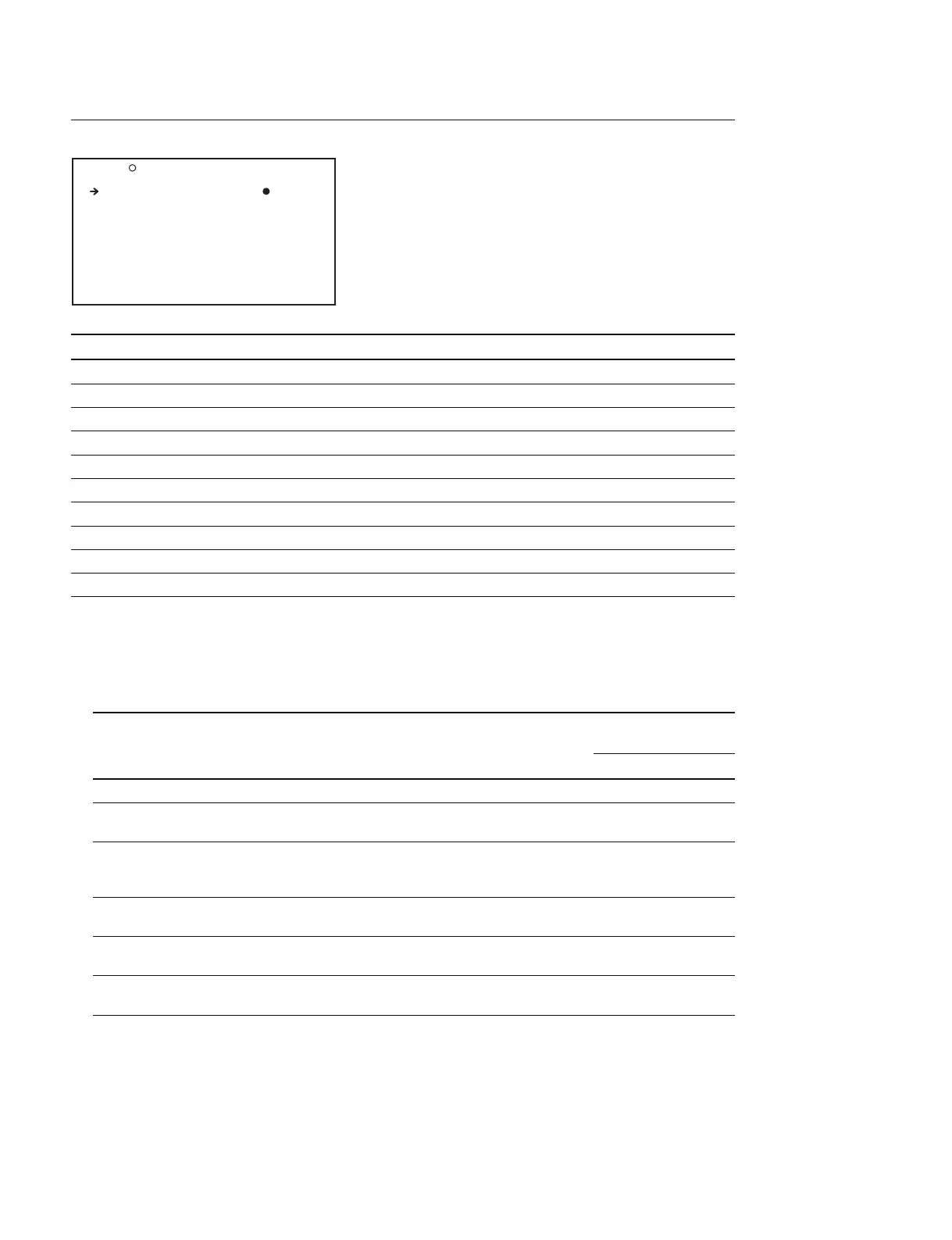
VF DISP 1 Display (Setting the Viewfinder screen displays)
Item Setting Function
VF DISP OFF/ON Turns ON/OFF the Viewfinder display
*1
VF DISP MODE 1/2/3 Sets the display mode
*2
DISP EXTENDER OFF/ON Displays the extender
DISP FILTER OFF/ON ND filter type
DISP WHITE OFF/ON Displays the white balance memory
DISP GAIN OFF/ON Displays the gain setup value
DISP SHUTTER OFF/ON Displays the shutter speed and ECS mode indicator
DISP AUDIO OFF/ON Displays the audio level
DISP DISC OFF/ON Displays the remaining amount of disc
DISP IRIS OFF/ON Displays the lens iris value
*1 : The viewfinder display can be also turned on or off by using the DISPLAY of the DISPLAY/ASPECT switch on the viewfinder.
*2 : Regarding the messages that indicate the contents of setup change and the messages that indicate progress/result of adjustments,
only a part of the display items can be selected or no display at all can also be selected by setting the display mode.
Correspondence between the conditions of the unit when the message is displayed and the display modes are shown as follows.
O : Message is displayed.
X : Message is not displayed.
The conditions that necessitate Message Display mode
showing of the message setting
123
When FILTER selection is changed FILTER : n (n = 1, 2, 3, 4) XXO
When GAIN setting is changed GAIN : n (n = _3 dB, 0 dB, 3 dB, 6 dB, 9 dB, XXO
12 dB, 18 dB, 24 dB, 30 dB, 36 dB, 42 dB)
When the WHITE BAL switch setting WHITE : n (n = A CH, B CH, PRESET) XXO
is changed or ATW (Auto Tracking White-balance)
: RUN
When the OUTPUT/DCC switch is DCC : ON (or OFF) XOO
set to DCC ON or DCC OFF
When the shutter speed/shutter : SS : 1/100 (or 1/125, 1/250, 1/500, XOO
mode setting is changed
*3
1/1000, 1/2000, ECS, EVS)
When BLACK balance/WHITE balance example : WHITE : OK XOO
adjustment is in progress
*3 : It is also displayed for about 3 seconds when the SHUTTER switch is set to ON.
O08 VF DISP1 TOP
VF DISP : ON
VF DISP MODE : 3
DISP EXTENDER : ON
DISP FILTER : ON
DISP WHITE : ON
DISP GAIN : ON
DISP SHUTTER : ON
DISP AUDIO : ON
DISP DISC : ON
DISP IRIS : ON



 To Next Page