4-21
PDW-700/V1 (E)
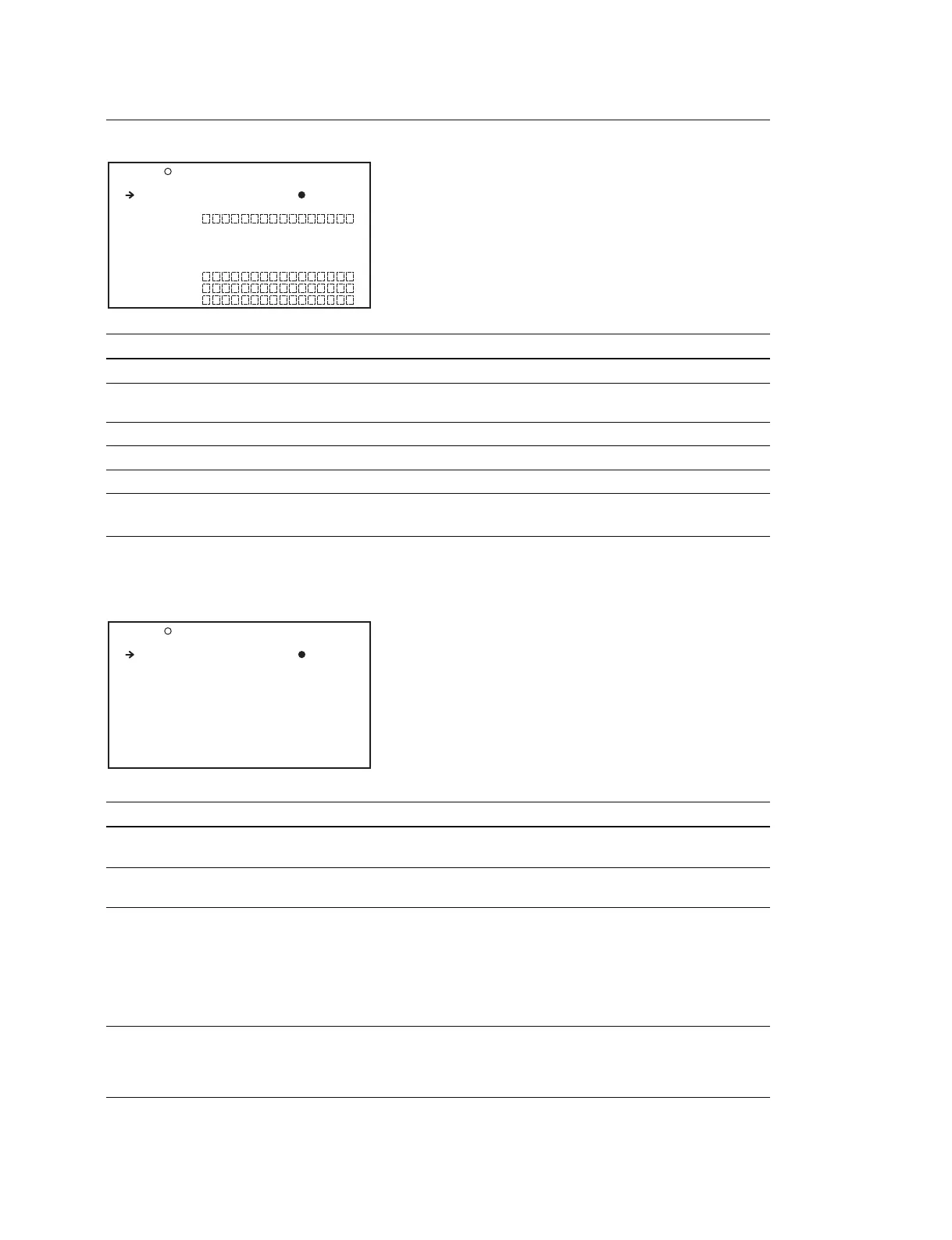
LENS FILE Display (Operating the LENS file)
Item Setting Function
LENS FILE SELECT 1 to 32 Selects the LENS file
F.ID Display only Displays the file ID of the LENS file that is selected by the
above LENS FILE SELECT
S.No Display only Displays the serial number of the LENS
L.ID Display only Displays the LENS-specific ID
L.MF Display only Displays the name of the LENS manufacturer
FORMAT Display (Setting the video format)
When 1080 is selected in SYSTEM LINE
Item Setting Function
SYSTEM LINE
*1
1080/720 Sets the format when the power is turned on
next time
SYSTEM FREQUENCY
*1
59.9i/29.9P/(23.9P)
*2
(NTSC AREA) Sets the format when the power is turned on
50i/25P (PAL AREA) next time
REC FORMAT See the right column Sets the recording format
Setting value :
HD422 50/HD420 HQ/HD420 SP/(IMX 50/
IMX 40/IMX 30/DVCAM)
Setting value in ( ) can be selected when
CBKZ-MD01 SD Record and Playback
Software is installed
COUNTRY
*
NTSC(J)AREA/NTSC AREA/ NTSC(J)AREA : NTSC area (Japan)
PAL AREA NTSC AREA : NTSC area
(for areas other than Japan)
PAL AREA : PAL area
*1 : The unit must be restarted to enable changes to this setting.
*2 : Setting value in ( ) can be selected when CBKZ-FC01 23.98P Record and Playback Software is installed.
O23 LENS FILE TOP
LENS FILE SELECT: 1
F.ID :
<LENS INFORMATION>
S.No :
L.ID :
L.MF :
O24 FORMAT TOP
SYSTEM LINE : 1080
SYSTEM FREQUENCY: 59.9i
REC FORMAT : HD422 50
COUNTRY : NTSC(J)AREA



 To Next Page