4-26
PDW-700/V1 (E)
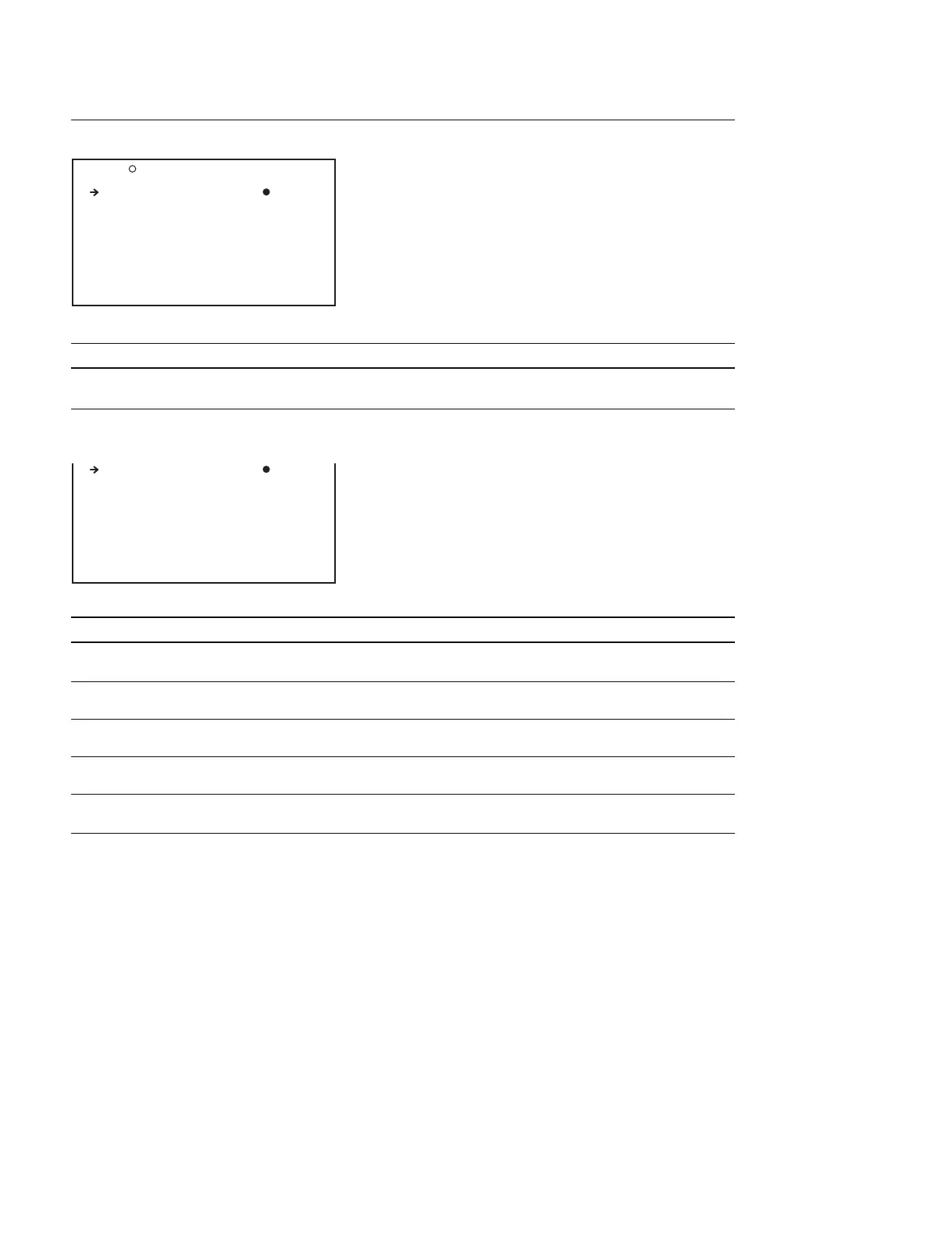
MEMORY REC Display (Setting the proxy data record function)
Item Setting Function
MEMORY REC DSABL/ENABL Turns ON/OFF the proxy data record function and the copy
function from the disc to the USB memory
When ENABL is selected in MEMORY REC
Item Setting Function
COPY CURRENT CLP
*
Press the MENU knob Copies a proxy data clip on the disc to the USB memory
to execute this menu item
COPY ALL CLIPS
*
Press the MENU knob Copies all of the proxy data clips on the disc to the USB
to execute this menu item memory
ABORT COPY
*
Press the MENU knob Stops copying to the USB memory
to execute this menu item
DEL ALL MEM CLP
*
Press the MENU knob Deletes the saved proxy data
to execute this menu item
FORMAT MEMORY
*
Press the MENU knob Formats the USB memory
to execute this menu item
* : Executable only when ETHERNET/USB is set to ENABL.
O30 MEMORY REC TOP
MEMORY REC : DSABL
MEMORY REC : ENABL
COPY CURRENT CLP: EXEC
COPY ALL CLIPS : EXEC
ABORT COPY : EXEC
DEL ALL MEM CLP : EXEC
FORMAT MEMORY : EXEC



 To Next Page