4-37
PDW-700/V1 (E)
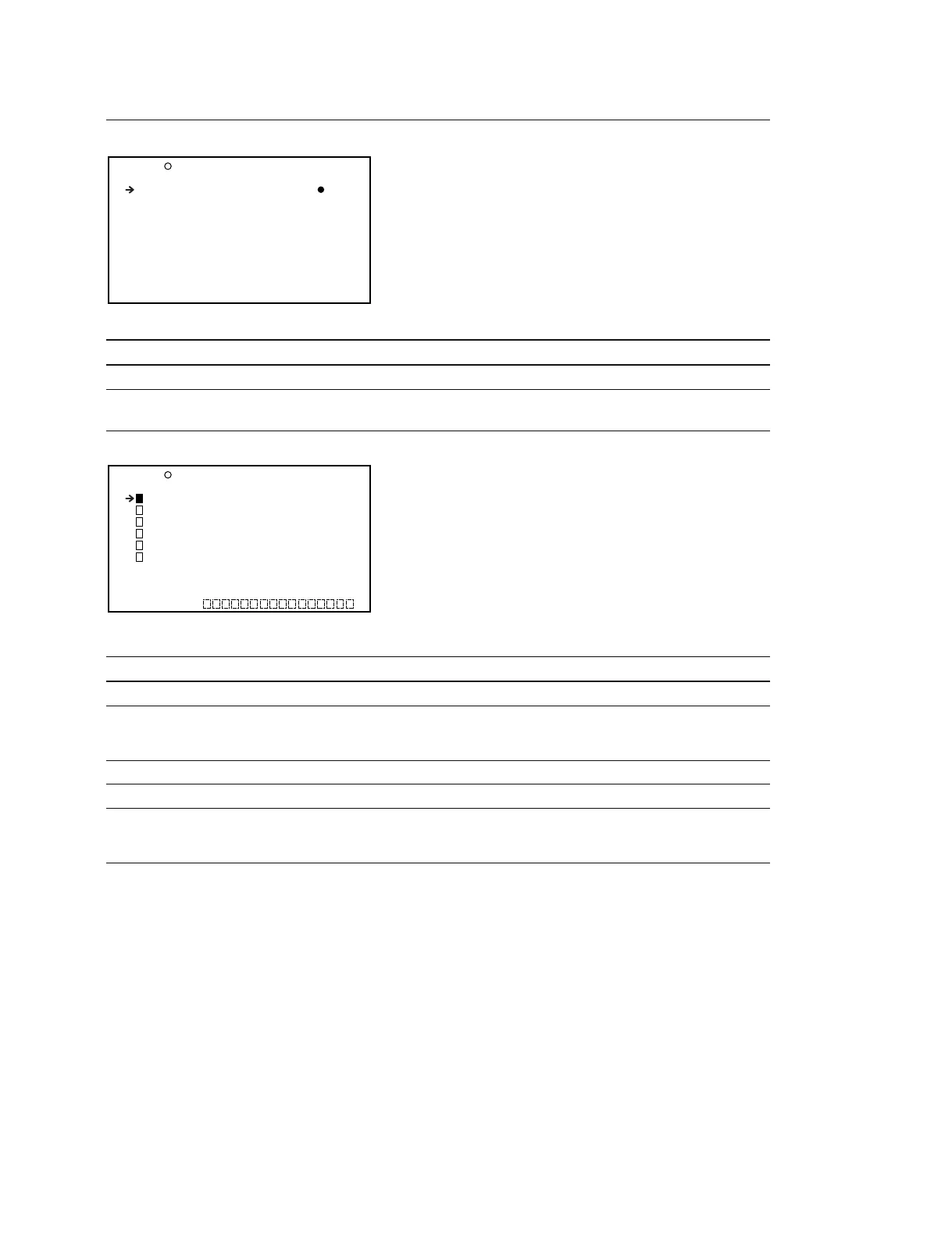
NOISE SUPPRESS Display (Setting the noise suppresser function )
Item Setting Function
NOISE SUPPRESS OFF/ON Turn ON/OFF the noise suppresser function
SCENE FILE Display (Operating the SCENE file)
Item Setting Function
1 to 5 STANDARD
Recalls the scene file saved in the memory of the camcorder
*
STANDARD _ Selects whether to clear all current detail-adjusted settings
and switch settings and returns the settings to the standard
settings saved in the reference file
SCENE RECALL _ Calls the SCENE file from the main unit or Memory Stick
SCENE STORE _ Save the SCENE file to the main unit or Memory Stick
F.ID 16 characters Sets the file ID (When the SCENE file is stored, the file ID
(alphanumeric characters, is saved)
symbols and spaces)
* : Refer to “4-7. FILE Menu” for the file selection display.
P16 SCENE FILE TOP
1 :STANDARD
2 :STANDARD
3 :STANDARD
4 :STANDARD
5 :STANDARD
STANDARD
SCENE RECALL : EXEC
SCENE STORE : EXEC
F.ID :
P15 NOISE SUPPRESS TOP
NOISE SUPPRESS : ON



 To Next Page