4-58
PDW-700/V1 (E)
ALL FILE Display (Operating the ALL file)
Item Setting Function
ALL FILE LOAD Press the MENU knob to Reads the ALL file from a Memory Stick
move to the file selection (For the description of the file selection display,
display see below)
ALL FILE SAVE Press the MENU knob to Saves the ALL file in a Memory Stick
move to the file selection (For the description of the file selection display,
display see below)
F.ID 16 characters Sets the file ID
(alphanumeric numbers,
(When ALL FILE SAVE is execute, this name is saved)
symbols and space)
ALL PRESET Press the MENU knob to Returns all the data of all menu items to the standard
execute this menu item settings
STORE ALL PRESET Press the MENU knob to Saves all the data that are set by all of the menu
execute this menu item items, in the PRESET/ESCAPE layer and uses them
as the standard setups
CLEAR ALL PRESET Press the MENU knob to Returns the settings of all menu items to the default
execute this menu item setting when shipped from the factory
3SEC CLR PRESET OFF/ON Turns ON/OFF the function that returns the data in the
PRESET layer to its factory-set value when the MENU
CANCEL/PRST/ESCAPE switch is pressed for 3
seconds (It returns to OFF at power-on even when
having been turned ON)
NETWORK DATA OFF/ON Selects whether or not to read in the network-related
data
File selection display
ALL FILE LOAD ALL FILE SAVE
Descriptions of the respective file selection displays are the same as the file selection display of the USER
FILE display.
For details, refer to the corresponding item of the USER FILE display.
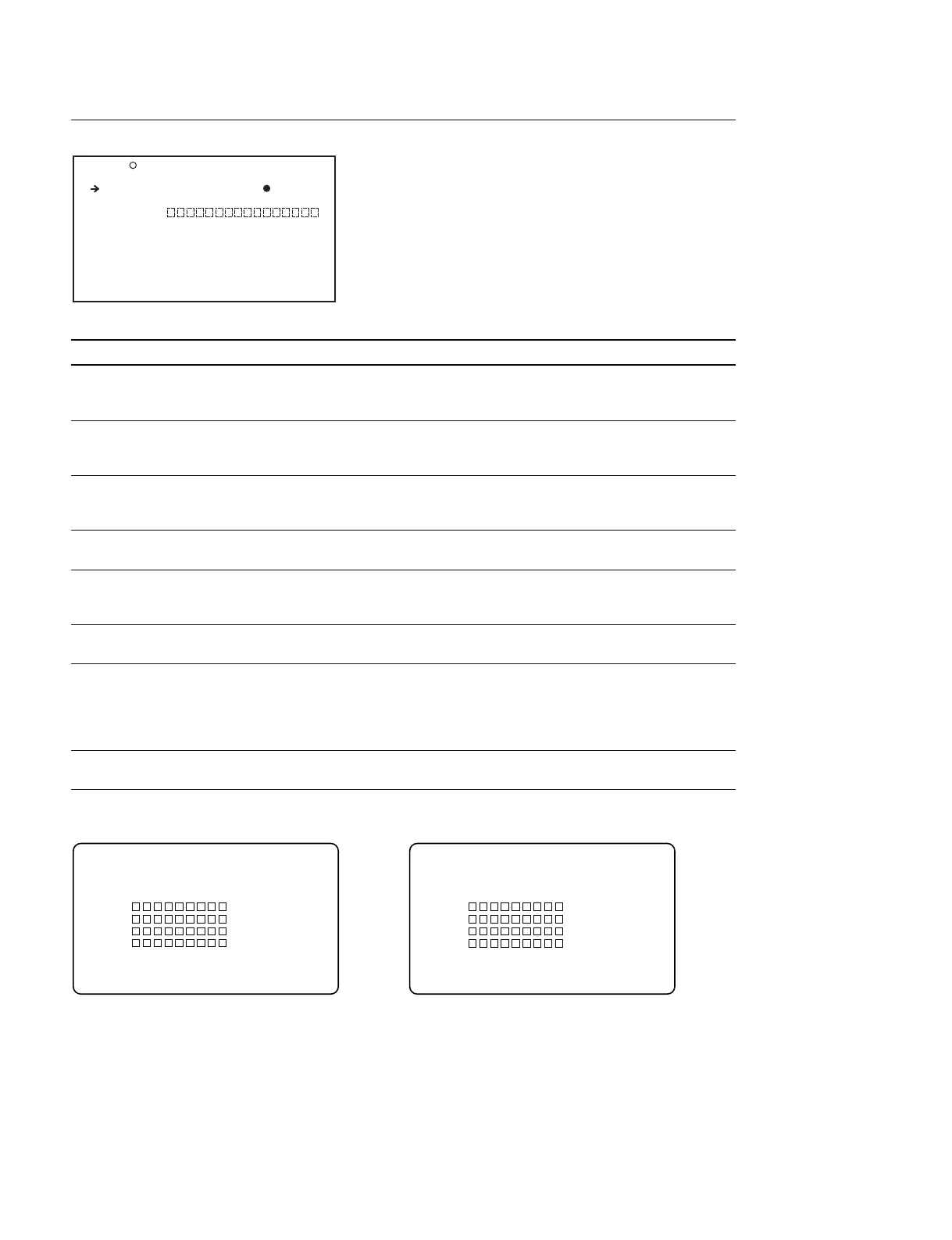
F03 ALL FILE TOP
ALL FILE LOAD : EXEC
ALL FILE SAVE : EXEC
F.ID :
ALL PRESET : EXEC
STORE ALL PRESET: EXEC
CLEAR ALL PRESET: EXEC
3SEC CLR PRESET : OFF
NETWORK DATA : OFF
P00 ALL LOAD ESC
MEMORY STICK ACCESS
DISPLAY MODE : ALL
001. 00/000/00
002. 00/000/00
003. 00/000/00
004. 00/000/00
005.NO FILE
P00 ALL SAVE ESC
MEMORY STICK ACCESS
DISPLAY MODE : ALL
001. 00/000/00
002. 00/000/00
003. 00/000/00
004. 00/000/00
005.NEW FILE



 To Next Page