4-59
PDW-700/V1 (E)
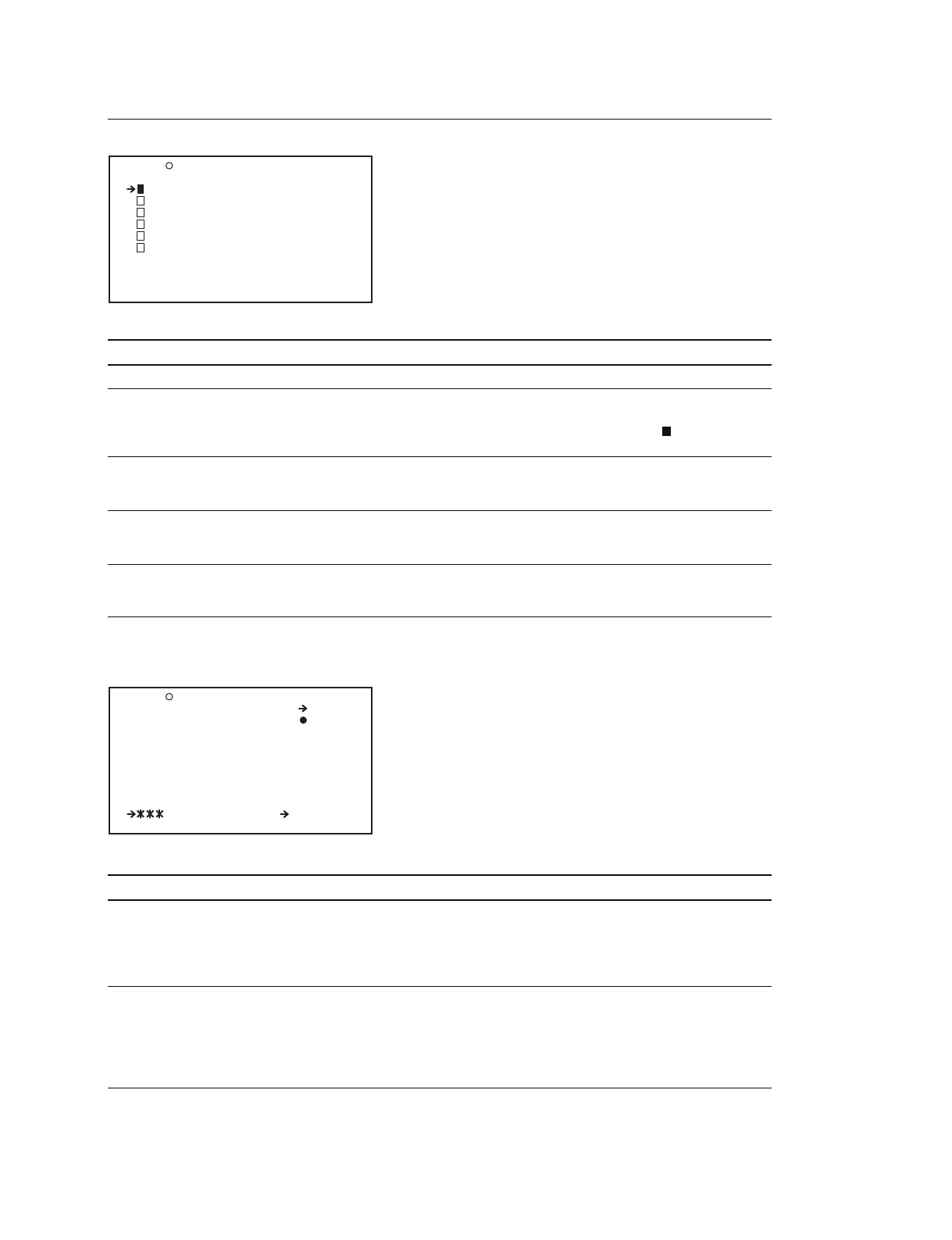
SCENE FILE Display (Operating the SCENE file)
Item Setting Function
1 to 5 STANDARD Selects the file when reading the SCENE file from the unit
STANDARD _ Selects whether to return the SCENE file setup to the
standard setting or not to return to
When pressing the MENU knob during the “ ” display, the
standard setting is canceled and returns to the original setting
SCENE RECALL Press the MENU knob Read the SCENE file from a Memory Stick
to move to the file (For the description of the file selection display, see below)
selection display
SCENE STORE Press the MENU knob Save the SCENE file to the main unit or Memory Stick
to move to the file (For the description of the file selection display, see below)
selection display
F.ID 16 characters Sets the file ID
(alphanumeric characters, (When the SCENE file is stored, the file ID is saved)
symbols and space)
File selection display (When calling a file from the inside of the unit/when saving a file to
the inside of the unit)
SCENE RECALL
Item Setting Function
DISPLAY MODE ALL/F.ID/DATE/MODEL Switches the attributes when displaying a file stored in a
Memory Stick
For a file stored in the main unit, the file ID is displayed
when ALL/F.ID/DATE is selected. When MODEL is
selected, the format when the file was saved is displayed
MEM (1) to (5) Press the MENU knob Select the target read file from which data is read or
to execute this menu item select the target storage file to which the data is going to
be stored
When the file does not exist, the message NO FILE is
displayed
When saving the data in a new file, select NEW FILE
F04 SCENE FILE TOP
1 :STANDARD
2 :STANDARD
3 :STANDARD
4 :STANDARD
5 :STANDARD
STANDARD
SCENE RECALL : EXEC
SCENE STORE : EXEC
F.ID :STANDARD
P01 SCENE RECALL ESC
RECALL OK? YES NO
DISPLAY MODE : ALL
001.SCENE1:
002.SCENE2:
003.NO FILE
004.SCENE4:
005.SCENE5:
.5FILE LOAD MEM1-5



 To Next Page