Customer Replaceable Units X Encoder Sensor
Page 197
© Copyright 2021 Stratasys. All rights reserved.
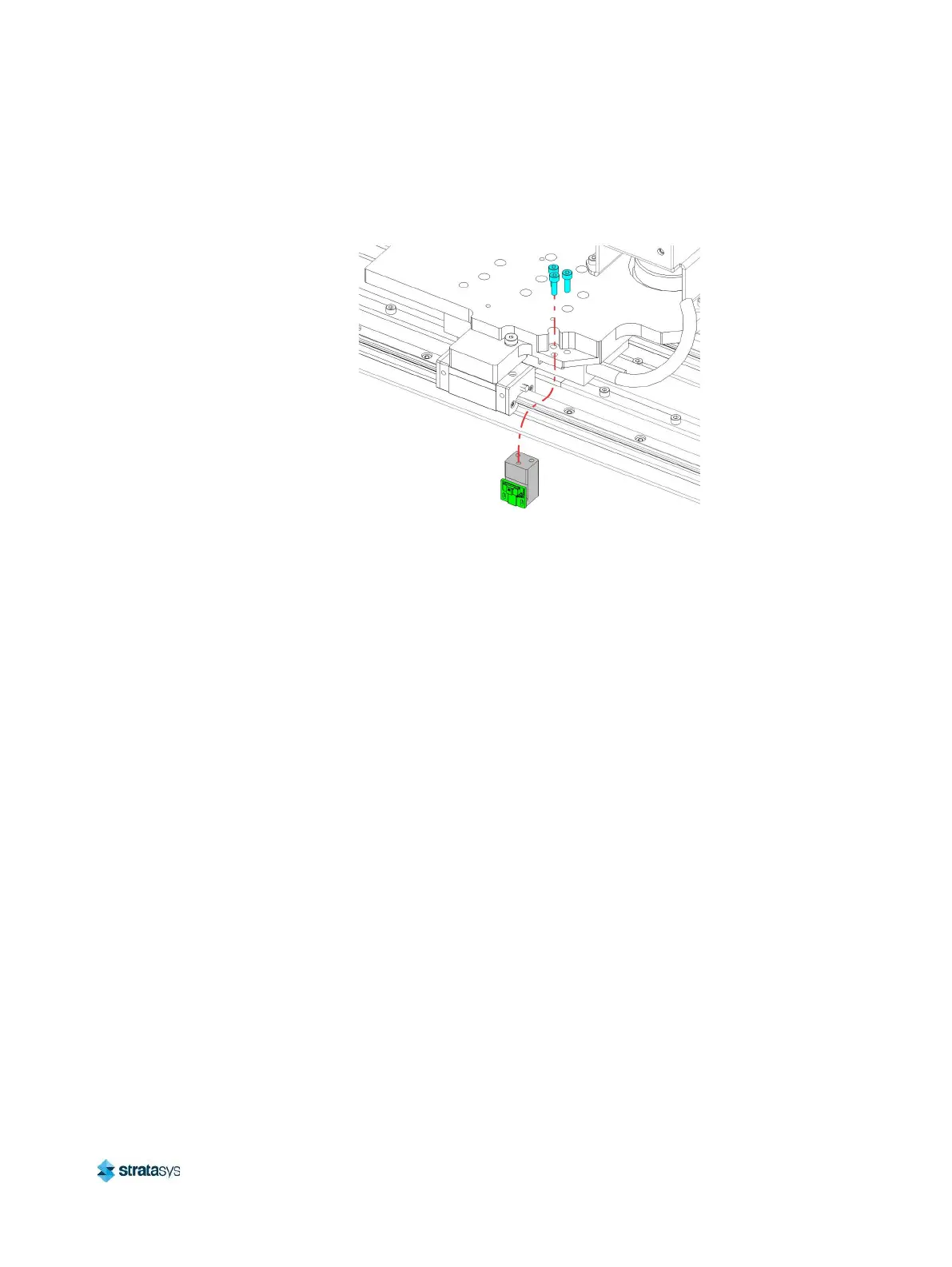
7. Use a 3 mm hex wrench to remove the screws (3) that secure the X encoder mounting
bracket to the rear of the Y bridge. Remove the sensor and bracket.
Figure 34: Rear X Encoder Sensor Mounting Screw Locations
Installing the X Encoder Sensor
1. From the rear of the gantry, use a 3 mm hex wrench to install the screws (3) that secure the
X encoder mounting bracket to the rear of the Y bridge. See Figure 34.
2. Connect the rear X encoder sensor cable.
3. From the front of the gantry, use a 3 mm hex wrench to install the screws (3) that secure
the X encoder mounting bracket to the front of the Y bridge. See Figure 33.
4. Connect the front X encoder sensor cable.
5. Close the top access doors.
6. Power ON the printer.
7. Verify that auto-home is successful.














 To Next Page