Working with the Queue Page Viewing Job Details
Page 59
© Copyright 2021 Stratasys. All rights reserved.
Use the scrollbar (along the right side of the page) to scroll up or down within the page. To
close this page and return to the main Queue page, press the Back button within the header of
the page.
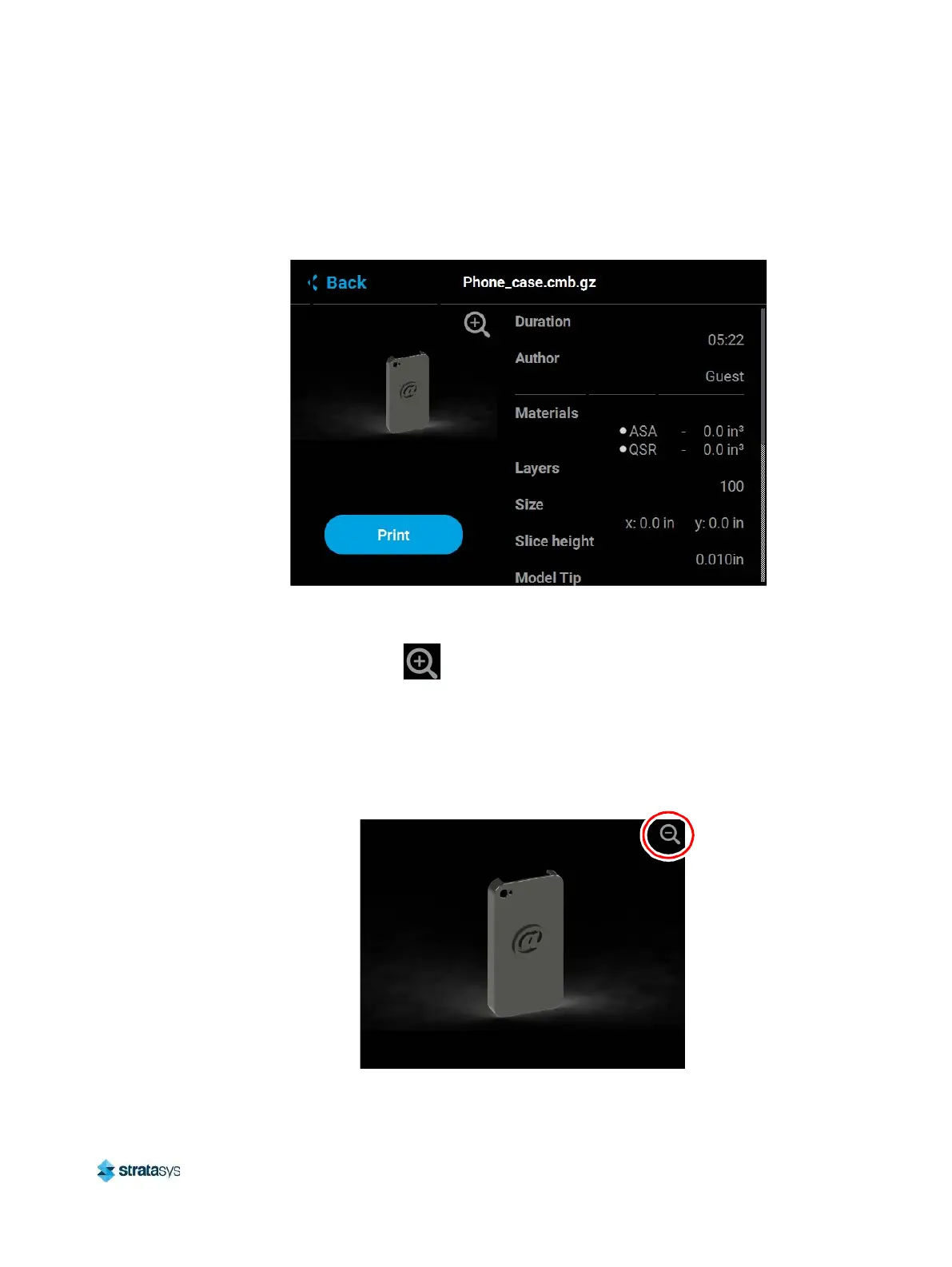
Figure 22: View Job Details
The left portion of the Job Details page displays a visual representation of what the part will
look like once the build is complete.
Pressing the Zoom In button within the upper-right corner of this portion of the page will
hide the job details information and instead zoom in on the representation of the completed
part (as shown in Figure 23).
Press the Zoom Out button in the upper-right corner of the expanded view display to close the
expanded view and return to the Job Details page.
Figure 23: View Job Details - Expanded View














 To Next Page