Note: If the DEFRAGMENTATION function is performed after the read out of the files catalogue
the logical addresses of the files could be wrong.
The measurement start date is coded as a word with bits:
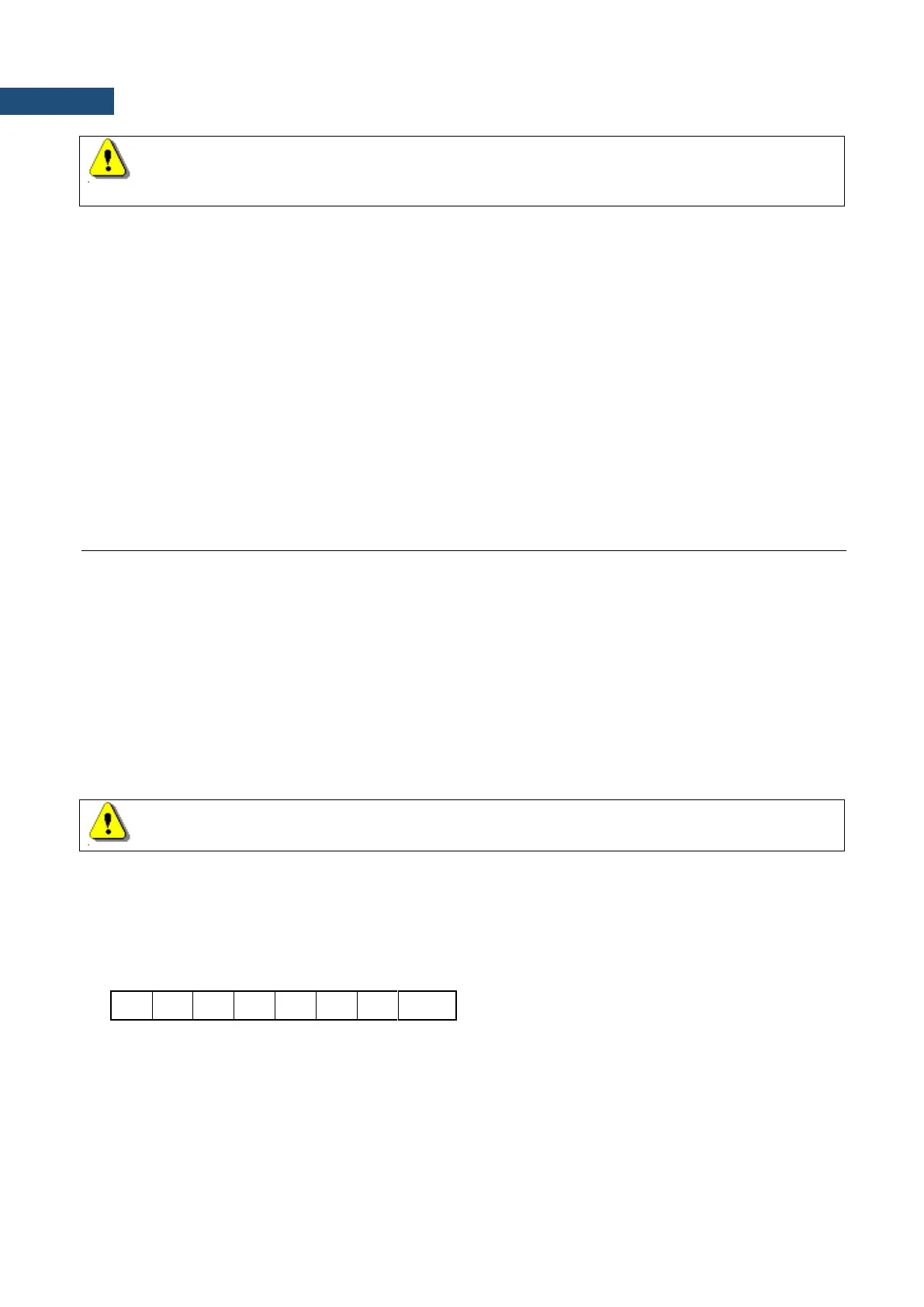
b15 ... b3 b2 b1 b0
where:
b15 b14 b13 b12 b11 b10 b9 is a year minus 2000.
b8 b7 b6 b5 is a month (1..12),
b4 b3 b2 b1 b0 is a day (1..31).
The measurement start time is coded as number of seconds counted from 00:00:00 divided by 2.
The structure of the files containing the measurement results, saved setups and/or logger files
is described in details in Appendix B.
A.6. FUNCTION #5 – READ-OUT OF THE STATISTICAL ANALYSIS RESULTS
Function #5 enables one to read out the statistical analysis results. This function is available only for channels
in sound level meter mode.
#5 function format is defined as follows:
#5,p;
where:
p the number of the channel (1, 2, 3 or 4)
or the number of channel plus 4 (5, 6, 7 or 8) for the read out of the statistics
in 1/1 OCTAVE or 1/3 OCTAVE analysis.
Note: Statistical analysis is always performed in profile 1.
The device will respond, sending the current statistics in the following format:
#5,p;<Status Byte> <LSB of the transmission counter> <MSB of the transmission counter>
<NofClasses><BottomClass><ClassWidth><Counter of the class> (...) <Counter of the class>
Status Byte gives the information about the current state of the instrument.
where:
D7 = 1 denotes "overload indicator",
D6 = 1 reserved,
D5 = 0 the instantaneous current result (RUN State),
= 1 the final result (STOP State),
D0 to D4 reserved bits.



 To Next Page