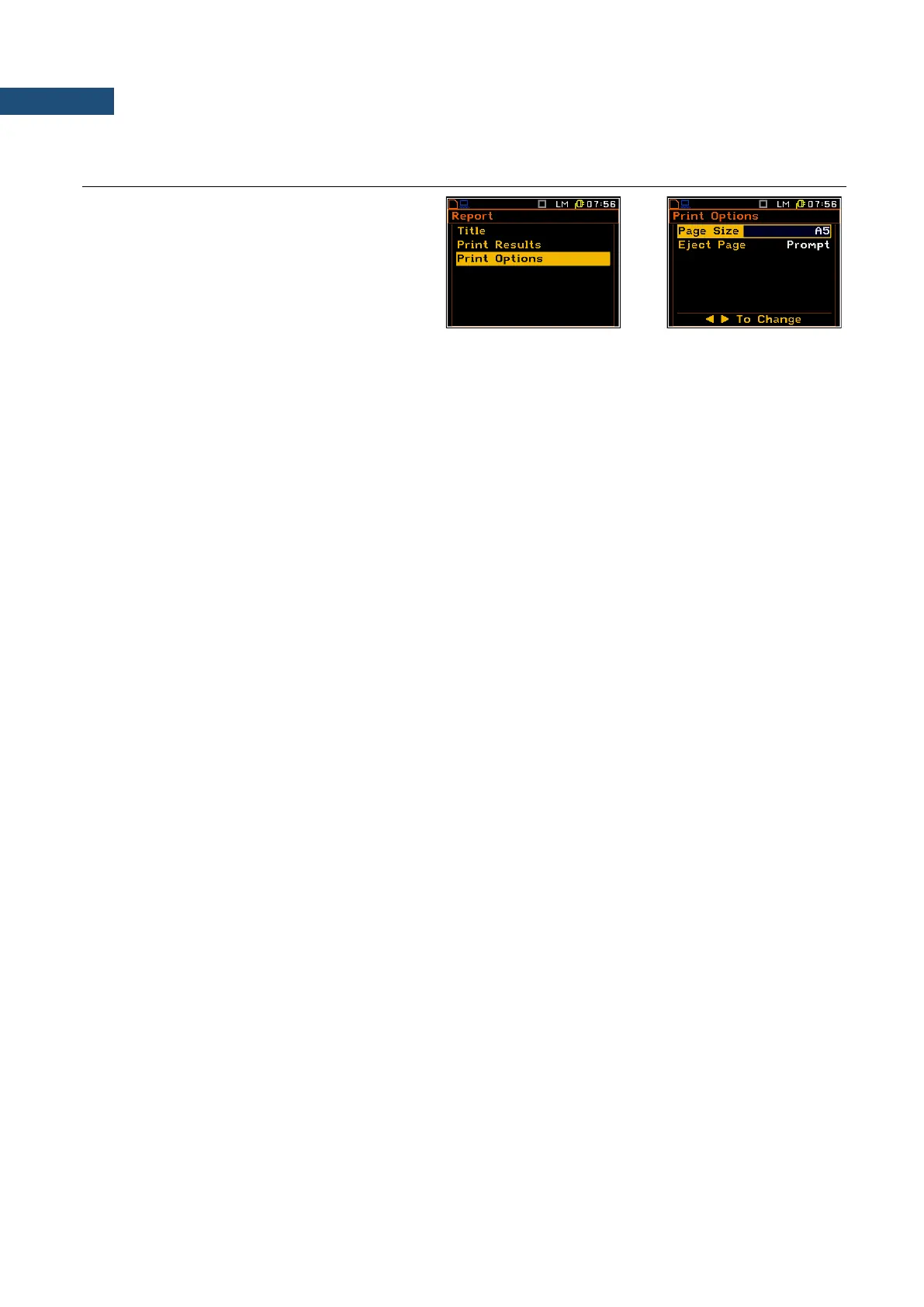
The Options list enables the user to select
the format of the listing (Page Size) and the
way the paper is ejected in the printer
(Eject Page).
Selection of the format of the print out
The Format position enables the user to select the format of the listing (A4 and A5 options are available).
Controlling the paper ejection after print out
The Eject Page position enables the user to control the ejection of the paper after the listing is done. The
following options are available: Prompt (the instrument asks whether to eject the page after printing report,
statistics or catalogue), Auto (after printing, the paper is ejected automatically) and None (the paper is not
ejected after printing). In particular, it is possible to have one result after another using the None or Prompt
options.
The request is displayed after printing the measurement results if the Prompt parameter was selected in the
Eject Page position. The user has to answer in this case if the paper in the printer has to be ejected to the new
page. After pressing <ENTER> the instrument returns to the Report list.
The message about the time limit is displayed if the printer is not connected or there is any other reason that it
does not eject a paper. The instrument waits for the reaction of the user (any key should be pressed except
<Shift>) and after pressing a key it returns to the Report list.



 To Next Page