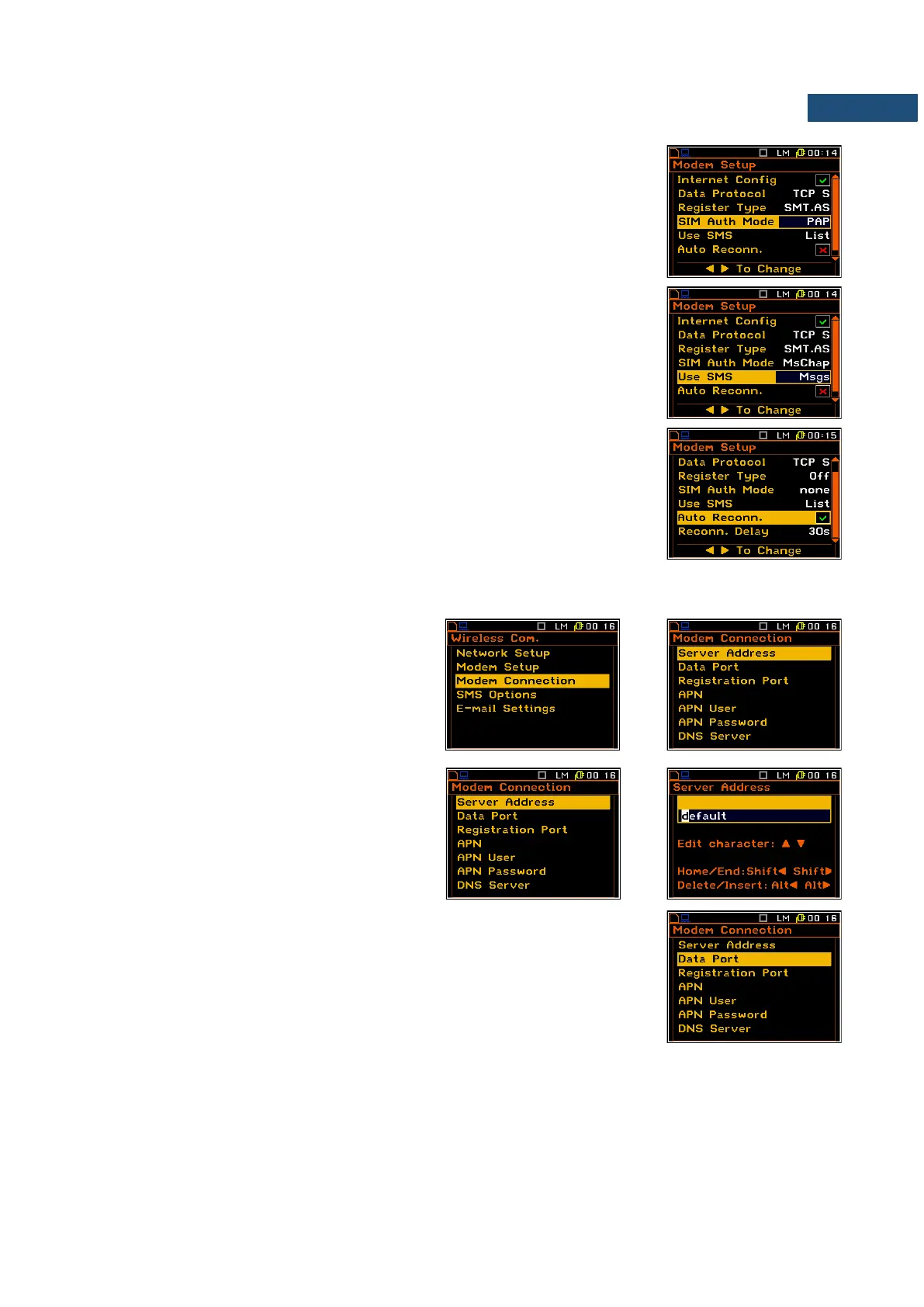
• SIM Auth Mode – defines the method of user verification by the SIM
card. Depending on the SIM card, several options are possible, some of
them are recognized by the modem:
• none – no verification required.
• PAP
• CHAP
• MsChap – denotes MsChap in version 1.
• Use SMS – selecting this option will configure SMS service by the
modem.
• Auto Reconn. – selecting this option will make the device attempt to
reconnect the modem in the case of errors or sudden disconnection.
• Reconn. Delay – time between each reconnection attempt.
7.20.3 Setting of support modem options – Modem Connection
The Modem Connection position enables
the user to configure several supporting
options required by SIEMENS modem to
establish internet connection.
The Modem Connection window contains
the following positions, which can be edited
after pressing the <ENTER> key:
• Server Address – allows the user to
enter up to 32 characters of either IP or
domain address, where the registration
data will be sent during the registration
process (Data Protocol: TCP S or
UDP) or to which the modem will
connect to (Data Protocol: TCP C).
• Data Port – allows the user to enter up to 5 characters for the port
number. This number denotes a port on which a communication socket
will be configured for data exchange between remote host and the
station.
• Registration Port – allows the user to enter up to 5 characters for the
port number. This number denotes a port on which a communication
socket will be configured to transmit registration packet (Register Mode:
On) or exchange Http data (Register Mode: AS or SMT. AS).



 To Next Page