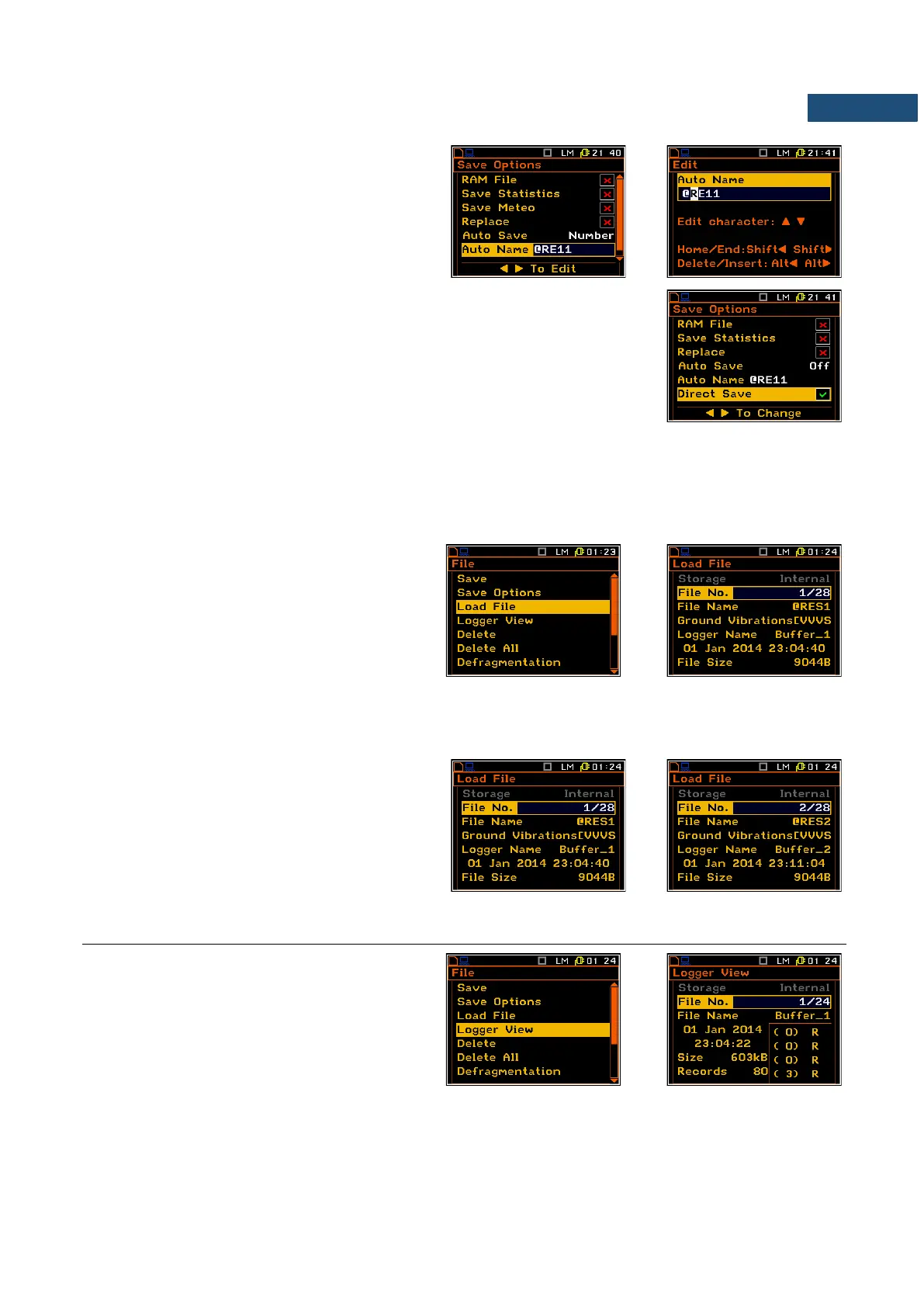
Editing the name of the Auto Save file
The Auto Name enables the user to edit the
name of the Auto Save file. To edit the file name
the user has to press the ► key. The text editing
window is opened.
Direct access to the Save function
The Direct Save option enables saving the measurement results in a file with
the name number increased by one by pressing the <Alt> and <ENTER> keys
after the measurement stop. If this option is disabled, after pressing these keys,
the instrument will switch you to the Save Results menu.
Press the <ENTER> and <Alt> keys during the execution of a measurement causes, disregarding the option
set in the Direct Save position, the message “Measurement in Progress” to be displayed.
7.3 LOADING FILES WITH THE MEASUREMENT RESULTS – LOAD FILE
The Load File position is used for loading data
file from the FLASH DISC (e.g. for verification
or comparison).
The Load File window shows basic file
information: the memory the file was saved in,
current number of the file and total number of
saved files, type of the current file
(Level Meter, 1/1 Octave etc.) and measure
mode in each of four channels (Sound or
Vibration), logger name, date and time of the
Save operation and size of the loaded file.
To change the file the user has to press the
◄ / ► key. To jump to the first file the user has
to press the ◄ with <Shift> key , and to the last
one - the ► with <Shift> push.
7.4 CHECKING THE CONTENTS OF THE LOADED FILE – LOGGER VIEW
The Logger View position enables the user to
examine the contents of the logger files saved
in the internal memory of the instrument.
The Logger View window displays logger file basic information: in what memory file was saved, current number
of the file and total number of the saved files, logger file name, date and time of the Save operation, size of the
file, number of records (one record is saved after each period equal to logger step), number of saved logger



 To Next Page