7.7 MERGING RESULT AND SETUP FILES MEMORY – DEFRAGMENTATION
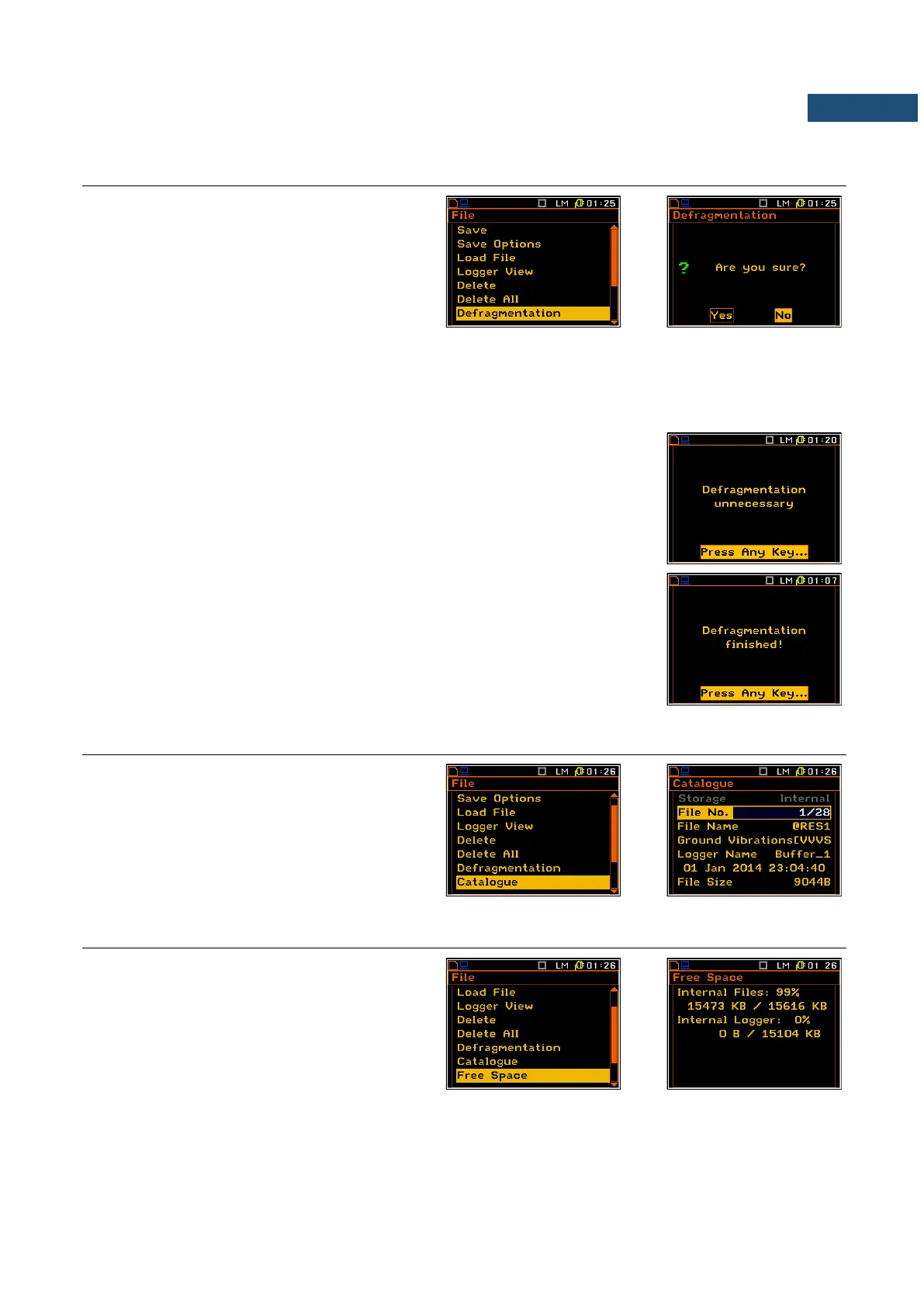
The Defragmentation option is used to make
the Internal memory space contiguous. All new
files are saved starting from the beginning of
the free memory space. The memory occupied
by the deleted file, assuming that the file was
not the last one, remains unused for the next
files saving.
After the removing a file the memory space becomes discontinuous, with unused parts, which cannot be utilized
in the future.
The situation changes after the process called defragmentation. During this process the files saved in the files
memory are moved in order to obtain minimum continuous occupied space.
After pressing the <ENTER> key on the active Yes option, the instrument
checks whether the used result and setup files memory is continuous or not.
If this memory is continuous, the Defragmentation operation is not executed
and the special message is displayed. The instrument waits for the reaction
of the user (any key should be pressed except <Shift> and <Alt>) and after
pressing a key it returns to the Defragmentation sub-list.
If there are conditions to execute the Defragmentation operation the current
progress of defragmentation is shown on the display. After successful
defragmentation, the special message is displayed and the instrument waits
for the reaction of the user. Any key should be then pressed except <Shift>
and <Alt>. After pressing a key, the instrument returns to the
Defragmentation sub-list.
7.8 CHECKING THE CONTENTS OF THE MEMORY – CATALOGUE
The Catalogue position is used for checking
the contents of the internal instrument’s
memory (the list of the files). The content of the
Catalogue window is similar to the Load File
and Delete one.
7.9 CHECKING THE FREE SPACE IN THE MEMORY – FREE SPACE
The Free Space position is used to read out the
free space in the FLASH DISC memory of the
instrument.
The memory of the instrument is divided into
two separate parts. One part is dedicated for
saving the result and setup files and its size is
equal to 15616 Kbytes. The second part is used
for saving the logger files and its size is equal
to 15104 Kbytes



 To Next Page