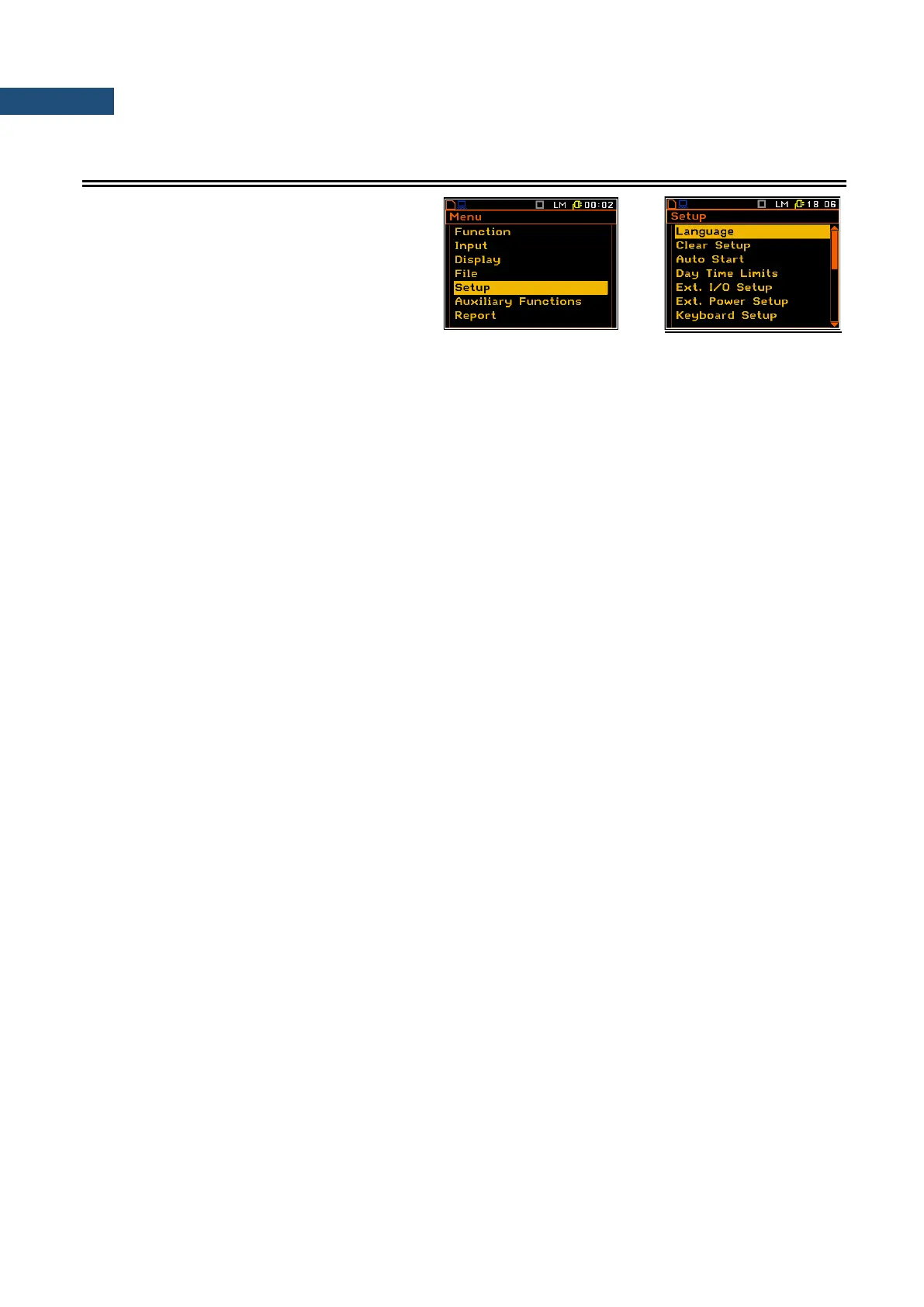
The Setup list contains additional positions
related with measurements or with the
hardware components of the instrument. In
order to open the Auxiliary Setup list the user
has to press the <Menu> key, select the
Auxiliary Setup position and press
<ENTER>.
The Setup list includes the following items:
Language enables the user to select the language of the user interface.
Clear Setup enables the user to return to the default, factory settings.
Auto Start enables the user to automatically start the measurement.
Day Time Limits enables the user to select the hours limiting day and night for the calculation of
the Lden result.
Ext. I/O Setup enables the user to select the available functionality of the I/O port.
Ext. Power Setup enables the user to select the minimum voltage of the external source, when
the instrument should be switched off automatically.
Keyboard Setup enables the user to set the operating mode of the <Shift> and the
<Start/Stop> keys.
Menu Lock enables the user to lock the menu and to reduce the access to the program
functions of the instrument.
Reference Levels enables the user to program the user filters.
Remote Control Setup enables the user to activate or deactivate error confirmation function.
RMS Integration enables the user to select the detector type for the calculations
of the RMS function.
RS232 Setup enables the user to set the transmission speed and the timeout in the RS232
interface.
RTC enables the user to set the Real Time Clock.
Statistical Levels enables the user to define 10 statistical LN% levels.
Timer enables the user to program the internal delay start/stop timer.
USB Host Setup enables the user to programme the functionality of the instrument’s socket
named USB Host.
User Filters Setup enables the user to select the Vibration units in which the results of the
Vibration Units enables the user to select the Vibration units in which the results of the
measurements are to be given.
Warnings enables the user to switch the warnings on or off that can be displayed during
the normal operation of the instrument.
Wireless Com. enables the user to select the network type and set the parameters of the data
transmission. This position is available for the SVAN 958A Firmware
supporting modem.



 To Next Page