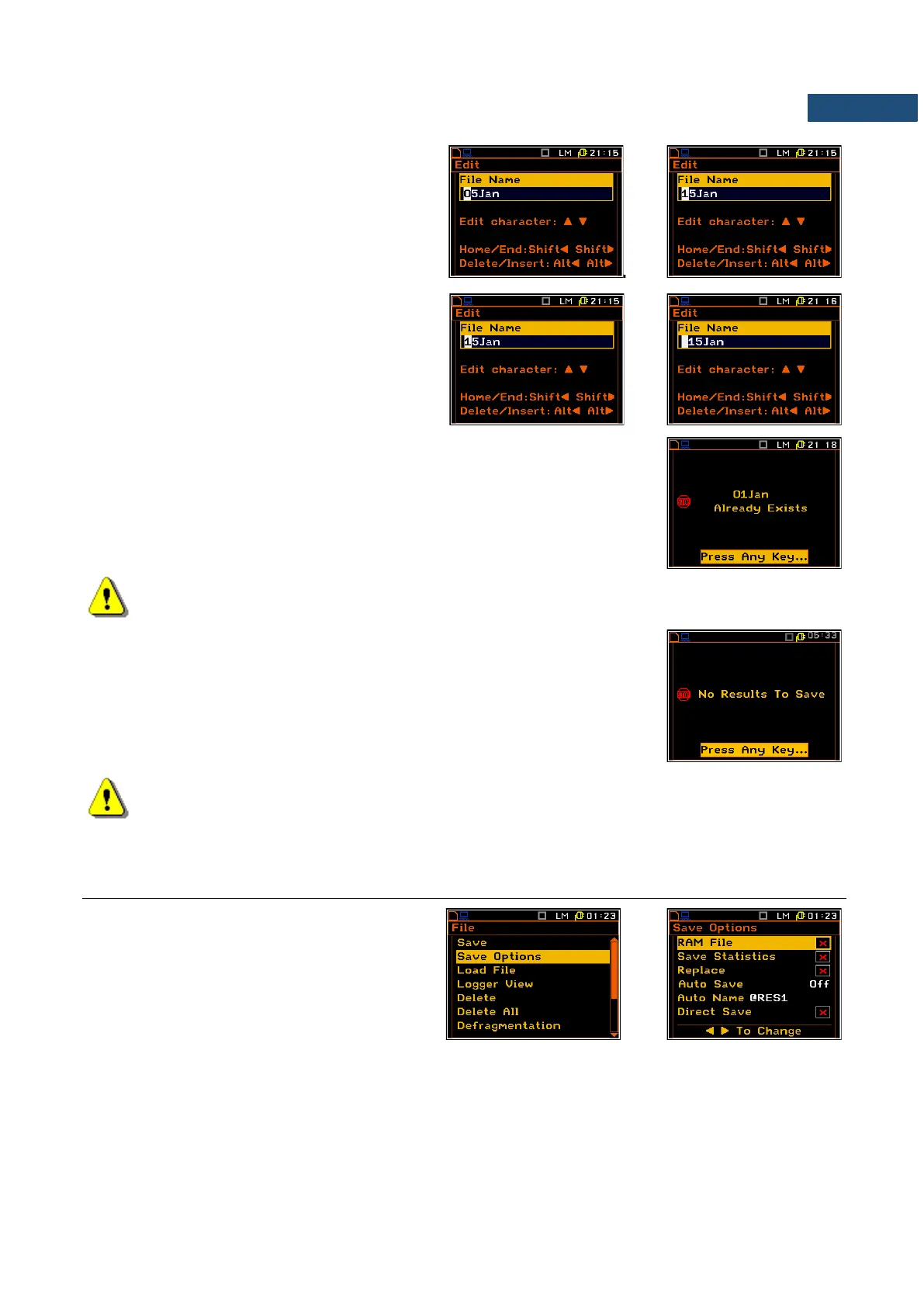
Changing the edited character
The available ASCII characters can be
changed using the ▲ / ▼ key. The
subsequent digits, letters and other characters
appear on the display in the inversely
displayed position after each press of the
above mentioned keys.
Position insertion, deletion
The user can delete or insert the position in the
edited text using the ◄ / ► key, pressed
together with <Alt>.
The edited name is accepted and the instrument returns to the Save Results
list after pressing <ENTER>. Pressing the <ENTER> key again saves the file
in the working directory. The special warning is displayed if a file with the
same edited name already exists in the memory. The instrument waits then
for a reaction from the user (any key should be pressed except <Shift> or
<Alt>).
Note: The files can be overwritten (using of the same file name) without any warning if the Replace
option is switched on (path: <Menu> / File / Save Options).
Saving is not possible when the instrument is measuring the signal. The
message “Measurement in progress!” is displayed for about 3 seconds.
The message “No Results To Save” is displayed after trying to execute the
save operation in the case when no measurements were performed and there
are no results to be saved. The instrument then waits for the reaction of the
user (any key should be pressed except <Shift> or <Alt>) and after pressing
a key it returns to the Save Results list.
Note: Direct access to the Save Results list is possible after pressing the <ENTER> and <Alt> keys
simultaneously if the Auto Save option is switched off (path: Menu / File / Save Options). Otherwise
(Auto Save option is switched on), the results are saved automatically, after pressing these keys,
in the file with the incremented name.
7.2 CONTROLLING DATA STORING IN THE INSTRUMENT’S MEMORY – SAVE OPTIONS
The Save Options sub-list is used for the
selection of the options for storing data in the
instrument's files.
Saving files in RAM memory
The RAM File enables the user to save the
results of the measurement in the special file
in the RAM memory (the name of the file is
defined as “RAMfile”).
Saving statistics
The Save Statistics option is used to set saving, together with the sound measurement results, the statistics
of the measurements. Together with the sound measurements, 100 statistics are calculated (the values named
from L01 to L99).



 To Next Page