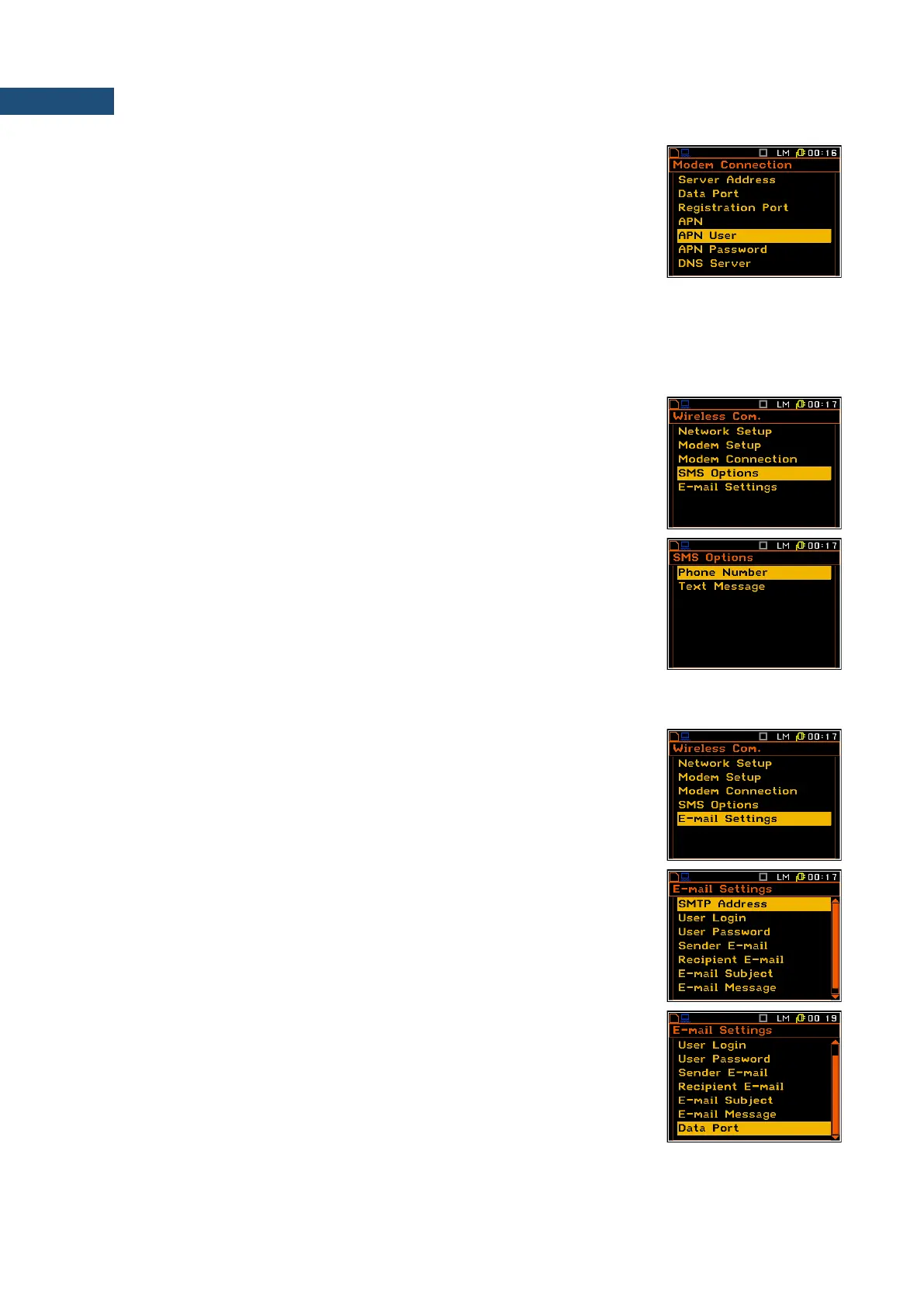
• APN – allows the user to enter up to 20 characters of APN name of the
SIM card used with the modem.
• APN User – allows the user to enter up to 20 characters of user name
used for verification by the SIM card used with the modem.
• APN Password – allows entering up to 20 characters of password used
for verification by the SIM card used with the modem.
• DNS Server – allows the user to enter up to 15 characters of IP address
of DNS server used for establishing connection with the internet. In most
cases, leaving the default value of “0.0.0.0” will be sufficient, but some
SIM cards may require a specific address to be entered.
7.20.4 Configuration of SMS service – SMS Option
The SMS Options position allows the user to configure SMS service used for
alarm notification.
The SMS Options window contains the following positions, which can be
edited after pressing the <ENTER> key:
• Phone Number – allows the user to enter up to 20 characters of the
phone number where the text messages will be sent.
• Text Message – allows the user to enter up to 20 characters of additional
text, which will be appended into a standard alarm message template.
7.20.5 Configuration of e-mail service – E-mail Settings
The E-mail Settings position allows the user to configure the e-mail service
used for alarm notification.
The E-mail Settings window contains the following positions, which can be
edited after pressing the <ENTER> key:
• SMTP Address – allows the user to enter up to 32 characters of SMTP
server address which will be used to send e-mail messages.
• User Login – allows the user to enter up to 20 characters of user login
text used to establish verified connection with SMTP server.
• User Password – allows the user to enter up to 20 characters of user
password text used to establish verified connection with SMPT server.
• Sender e-mail – allows the user to enter up to 48 characters of e-mail
address from which the e-mail message will be sent.
• Recipient e-mail – allows the user to enter up to 48 characters of e-mail
address to which the e-mail message will be sent.
• E-mail Subject – allows the user to enter up to 20 characters of the
message's subject.
• E-mail Message – allows the user to enter up to 20 characters of
additional text which will be appended to standard e-mail message



 To Next Page