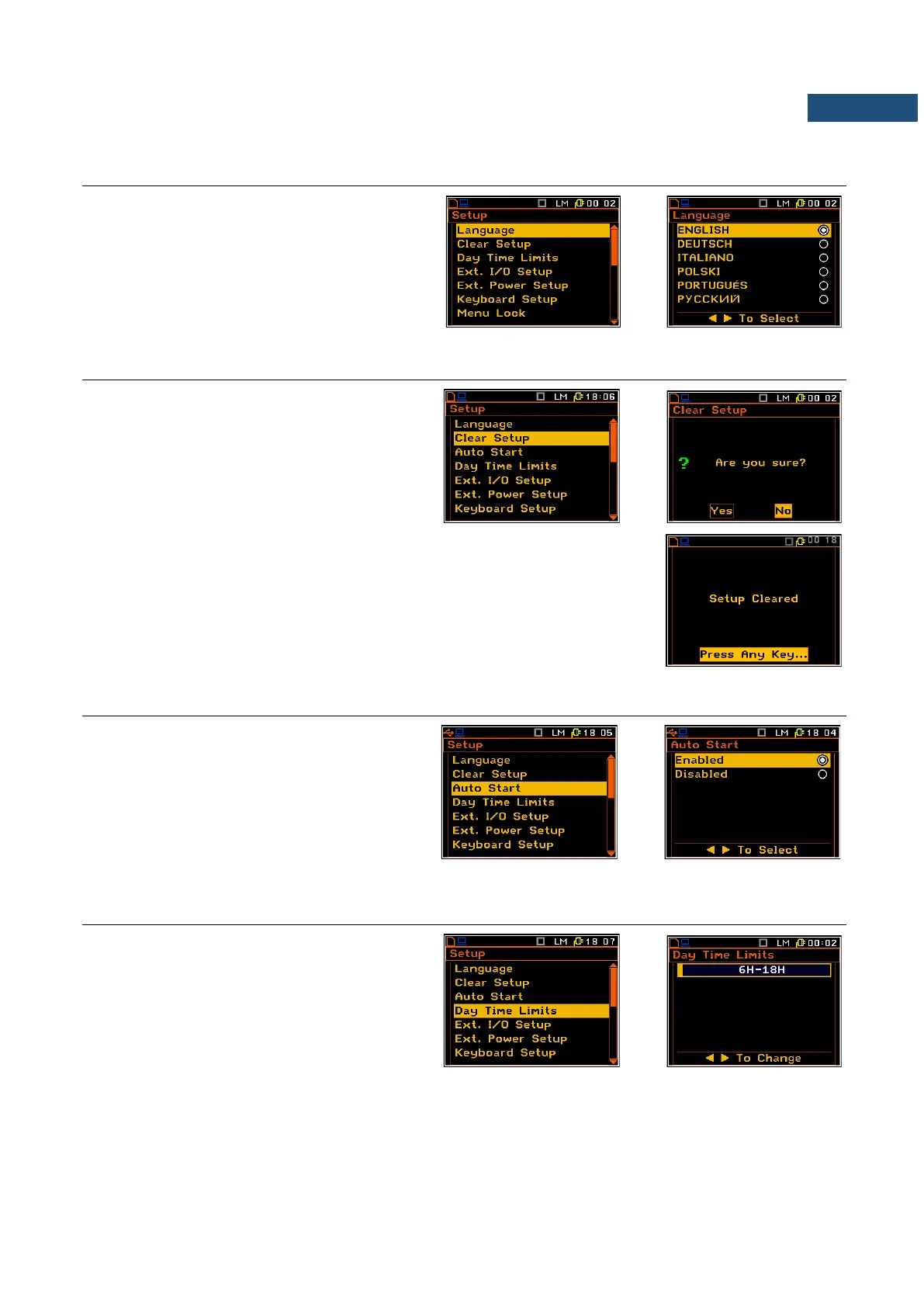
7.1 SETTING THE LANGUAGE OF THE USER INTERFACE – LANGUAGE
The Language list enables the user to select
the language of the user interface.
For activation of the Russian version of the
user interface, a special code has to be
entered.
7.2 RETURN TO THE FACTORY SETTINGS – CLEAR SETUP
The Clear Setup sub-list enables the user to
return to the default (factory) setup of the
instrument.
The factory setup can be install also by means
of the four <Shift/Enter> and <Alt/Start> keys
pressed together.
During the clearing process the message WAIT... is displayed. The following
message is displayed after return to the default settings and the instrument
waits for the user’s reaction to press any key to continue.
7.3 AUTOMATIC MEASUREMENT START – AUTO START
The Auto Start position allows the user to
enable/disable the automatic measurement
start (Auto start) right after the turning the
instrument on without pressing the <Start>
key.
By default, this function is disabled.
7.4 DAY TIME LIMITS SELECTION – DAY TIME LIMITS
The Day Time Limits position enables the
user to select the required by the local
standards determination of the day and night.
These limits are used for the calculation of the
Lden function.
Two options are available: 6H–18H and
7H-19H.



 To Next Page