6 SAVING THE MEASUREMENT RESULTS – File
The File list contains the elements that enable the user to manage the data
files that are created and saved in the internal memory of the instrument.
There are two main ways for storing the measurement data in the instrument:
1. Saving files in the FLASH DISC using the File list.
2. Logging data in the logger files automatically.
Instrument's files contain data:
• measurement results from Level Meter;
• measurement results from 1/1 Octave analysis; (available as option)
• measurement results from 1/3 Octave analysis; (available as option)
• measurement results from FFT analysis; (available as option)
• logger results (measurement time history),
• wave recording (available as option),
• settings.
Note: The instrument’s logger memory is independent from the FLASH DISC memory. The capacity
of available memory is equal to 32 MB.
Result files can be saved manually or automatically, Setup files are saved manually, Logger and Wave files are
saved automatically.
Each file consists of some elements, which are the same for all kind of files:
• file header;
• unit and software specification;
• user’s text stored together with the measurement data;
• parameters and global settings;
• special settings for profiles;
• marker of the end of the file.
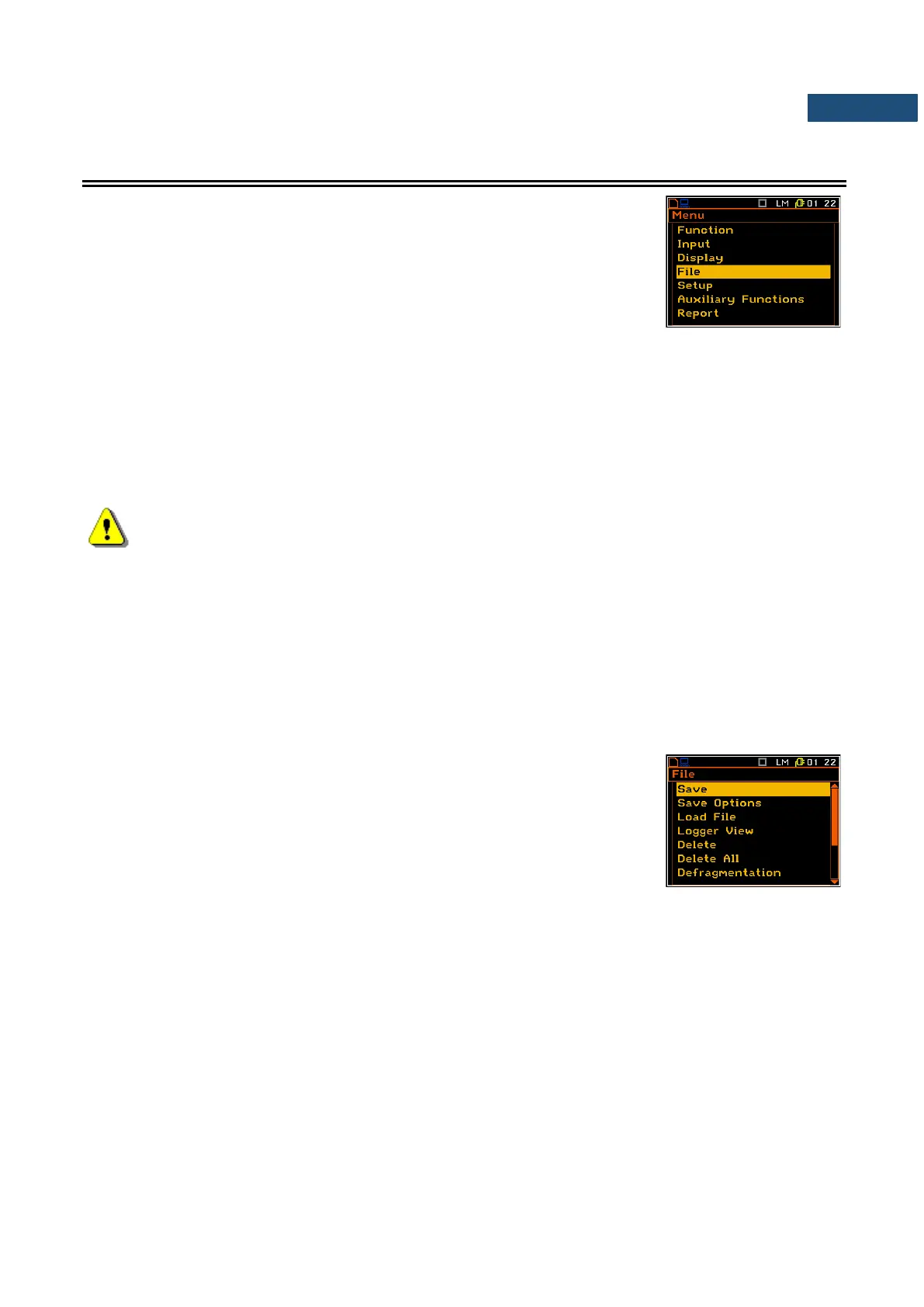
The File list contains the following items:
Save enables the user to save the measurement results as a
file in the instrument’s memory;
Save Options enables the user to set the saving’s options;
Load File enables the user to load to the working space of the
instrument’s memory the measurement results saved
as a file;
Logger View enables the user to select and present the results stored in the logger’s files;
Delete enables the user to delete a selected file from the instrument’s memory;
Delete All enables the user to delete all files from the instrument’s memory;
Defragmentation enables the user to recover the memory, which was used by the deleted files;
Catalogue enables the user to check the content of the instrument’s memory catalogue;
Free Space informs the user about the capacity of the instrument’s memory still available for storing
the measurement results;
Save Setup enables the user to save the configurations of the instrument;
Setup Options enables the user to save the user filter coefficients;
Load Setup enables the user to load saved configurations of the instrument;
USB Directory enables the user to create and select the catalogue of the USB memory disk. This
position appears when the USB disc is attached and enabled.



 To Next Page