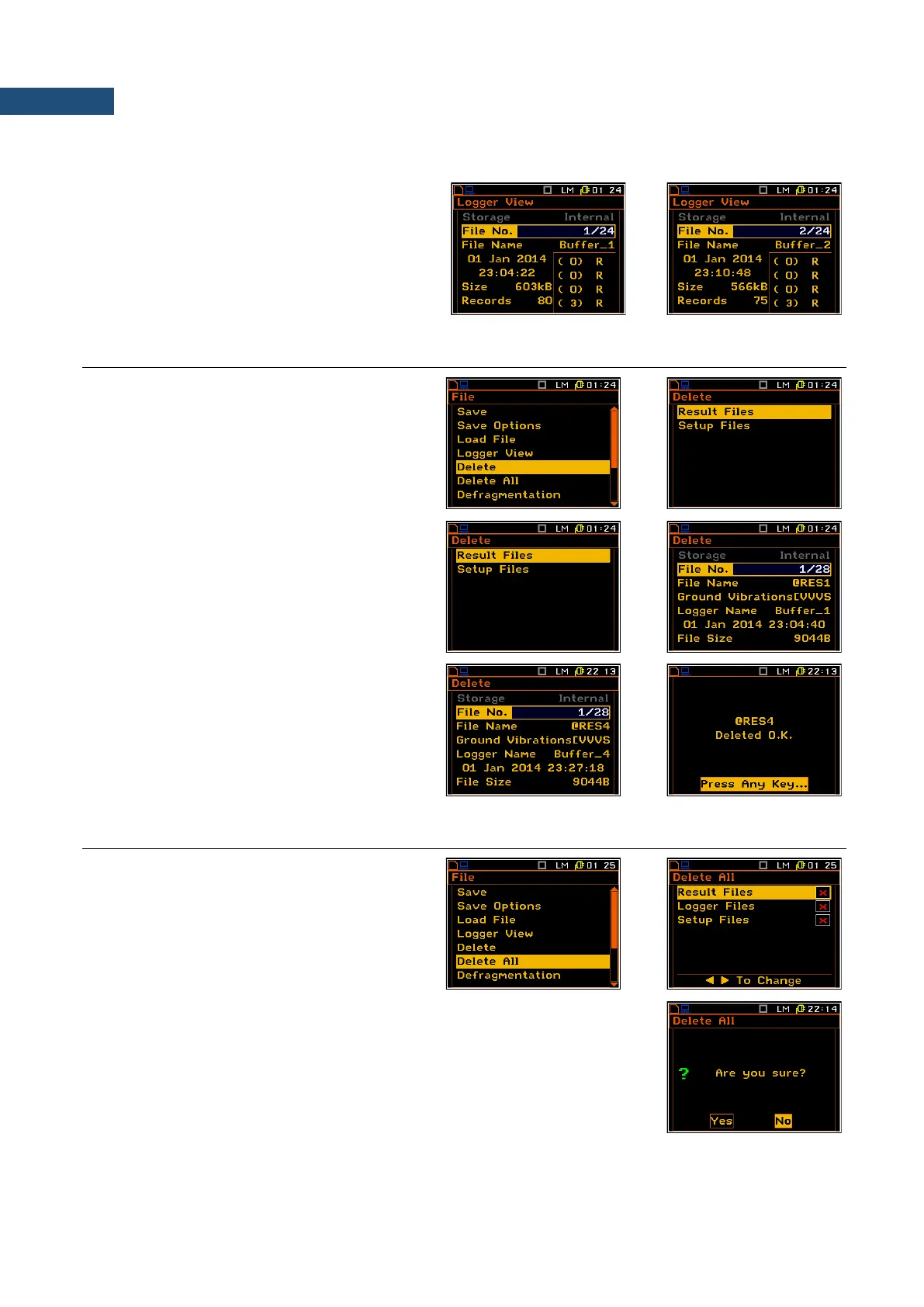
results in each channel (e.g.: (5)rvR means that from the first channel all five available logger results are stored
in memory and, additionally, rpm, vector and spectrum (RMS) are also saved in the selected logger file).
To change the file the user has to press the
◄ / ► key. To jump to the first file the user has
to press the ◄ with <Shift> key , and to the
last one - the ► with <Shift> push.
7.5 REMOVING FILE WITH THE MEASUREMENT RESULTS – DELETE
The Delete list consists of two elements: the
Result Files with the measurement results
and the Setup Files with the saved setups of
the instrument.
After entering the Result Files or Setup Files
window the user has to select the file to be
deleted and press <ENTER>.
The delete function is then confirmed by the
instrument.
7.6 REMOVING ALL FILES WITH MEASUREMENT RESULTS FROM MEMORY – DELETE ALL
The Delete All position is used to remove all
files of certain type (Result Files, Logger Files
and Setup Files) from the memory.
After selection files type and pressing <ENTER> the instrument will request
confirmation of the operation.



 To Next Page