• analogue output with the signal from the input of the analogue / digital converter (before
the correction); this signal can be registered using magnetic recorder or observed on the oscilloscope (the
ANALOG setting)
• digital input for external interrupt (the DIGITAL IN setting)
• digital output for external trigger (the DIGITAL OUT setting)
Note: Switch the power off before connecting the instrument to any other device (e.g. a printer or a
Personal Computer).
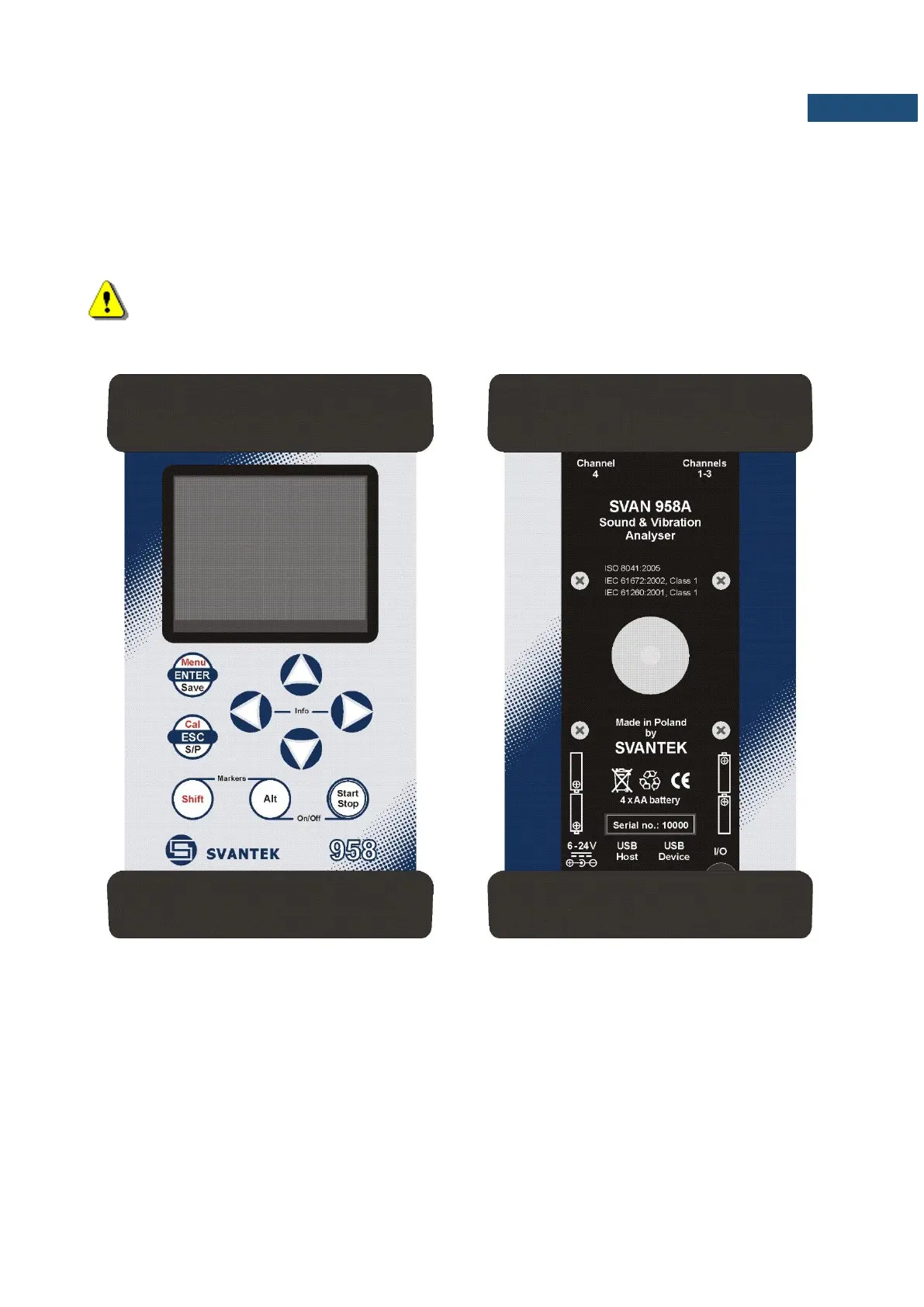
Front panel of the SVAN 958A instrument
Rear panel of the SVAN 958A instrument
Control of the instrument has been developed in a fully interactive manner. The user can operate the instrument
by selecting the appropriate position from the selected Menu list. Thanks to that, the number of the control keys
of the instrument has been reduced to nine for ease of use and convenience.



 To Next Page