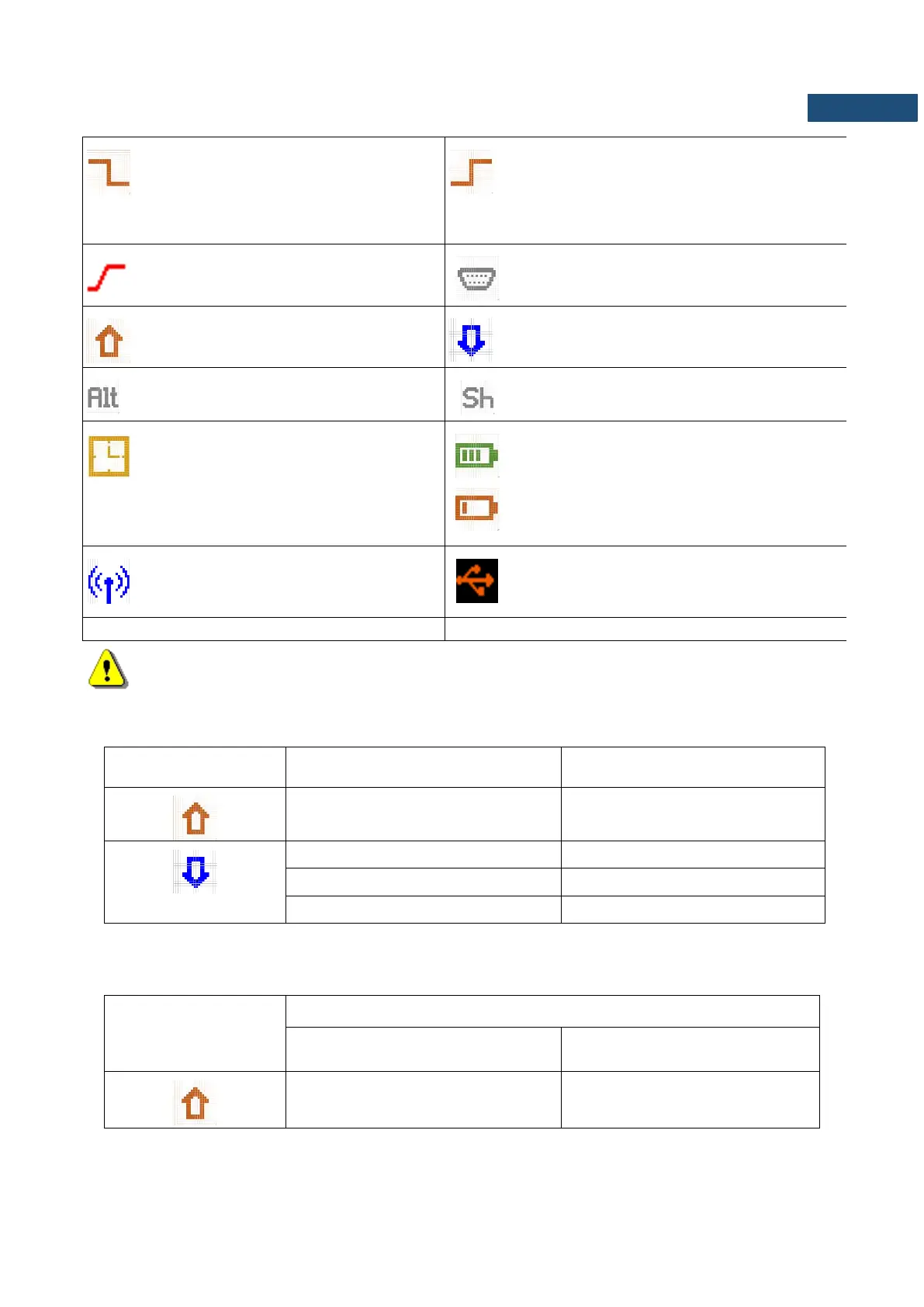
“slope–” icon is displayed when the
“Slope-” trigger is waiting for a condition
fulfilment. The icon appears alternately
with the „measurement”, „logging” or
„wave” icons.
“slope+” icon is displayed when the “Slope+”
trigger is waiting for a condition fulfilment. The
icon appears alternately with the
„measurement”, „logging” or „wave” icons.
“gradient“ icon is displayed when the
trigger condition is set up to „Gradient”
“RS232” icon is displayed when the RS232 port
is activated.
„overload” icon is displayed when an
overload appears.
„underrange” icon is displayed when an
underrange appears.
“alt” icon is displayed when the <Alt> key
is pressed.
“shift” icon is displayed when the <Shift> key
is pressed.
“clock” icon is displayed when the timer is
On. It is active when the instrument is
waiting for the measurement start-up to
occur. When the measurement start is
close, the icon changes its colour to green
and starts blinking.
“battery” icon is displayed when the instrument
is powered from the internal batteries. The icon
corresponds to the status of the batteries (three,
two, one or none vertical bars inside the icon).
When voltage of batteries is too low, the icon
becomes red.
“wireless” icon is displayed when the
wireless transmission is active (GPRS is
enabled).
“interface” icon is displayed when USB disc is
assigned for file saving. USB disc is connected
and activated.
Note: The “battery” icon is displayed if we use internal batteries (four AA batteries). When the
meter is powered from an external power supply, the “battery” icon is not displayed.
Limits of the signal causing the different icon’s indication in the case of sound measurements:
Limits of the signal causing the different icon’s indication in the case of vibration measurements (values
expressed in decibels are calculated with the assumption that the reference level is equal to 1 µm/s
2
):
VLM, 1/1 Octave, 1/3 Octave or FFT ANALYSIS



 To Next Page