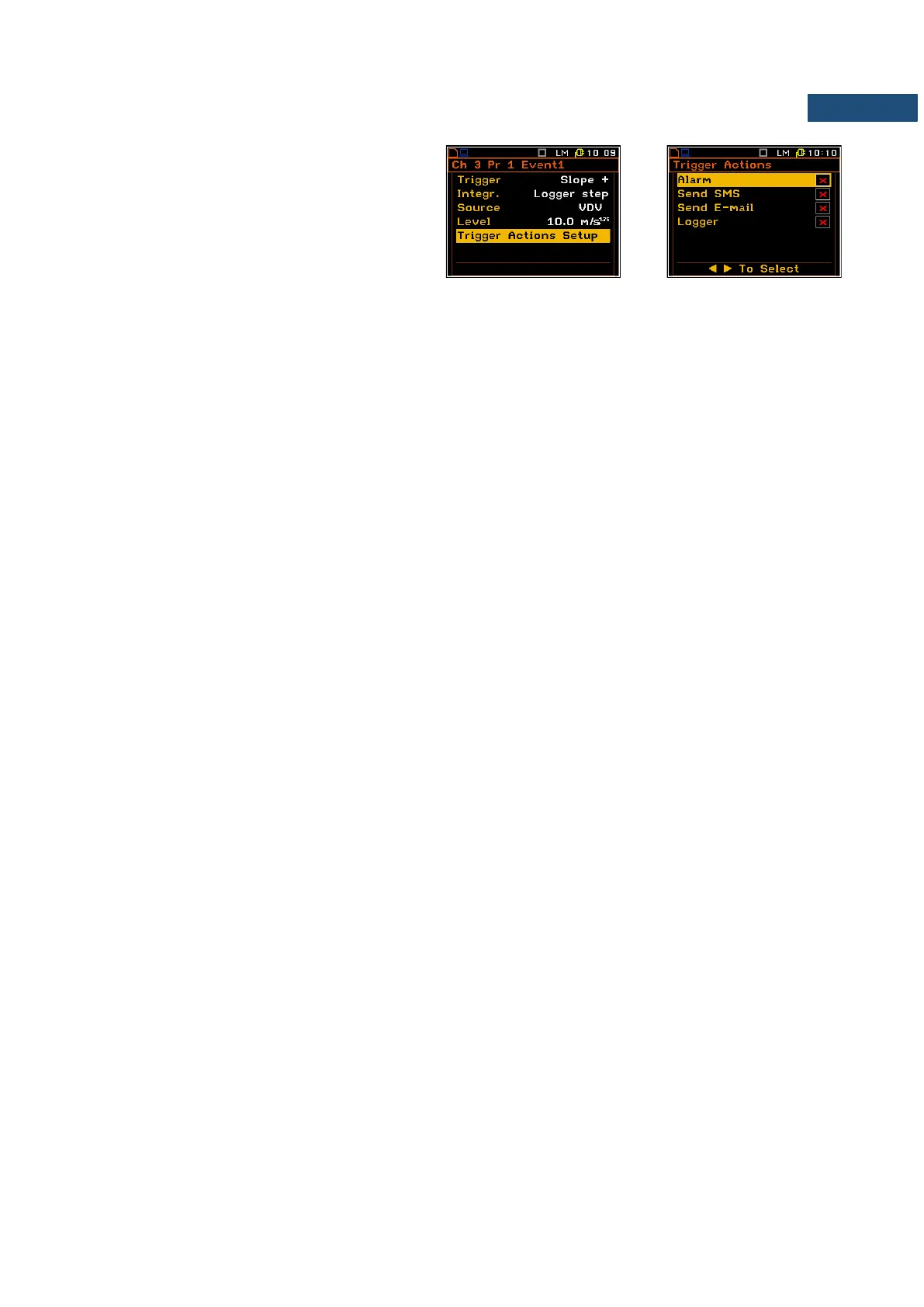
Selecting trigger actions
The Trigger Actions Setup position enables
the user to select the trigger actions for defined
condition: Alarm, Send SMS, Send E-mail and
Logger.
If selected the trigger action will appear in the
Logger Events, Alarm Events,
SMS Alarm Conditions and
E-mail Alarm Conditions lists by default.



 To Next Page