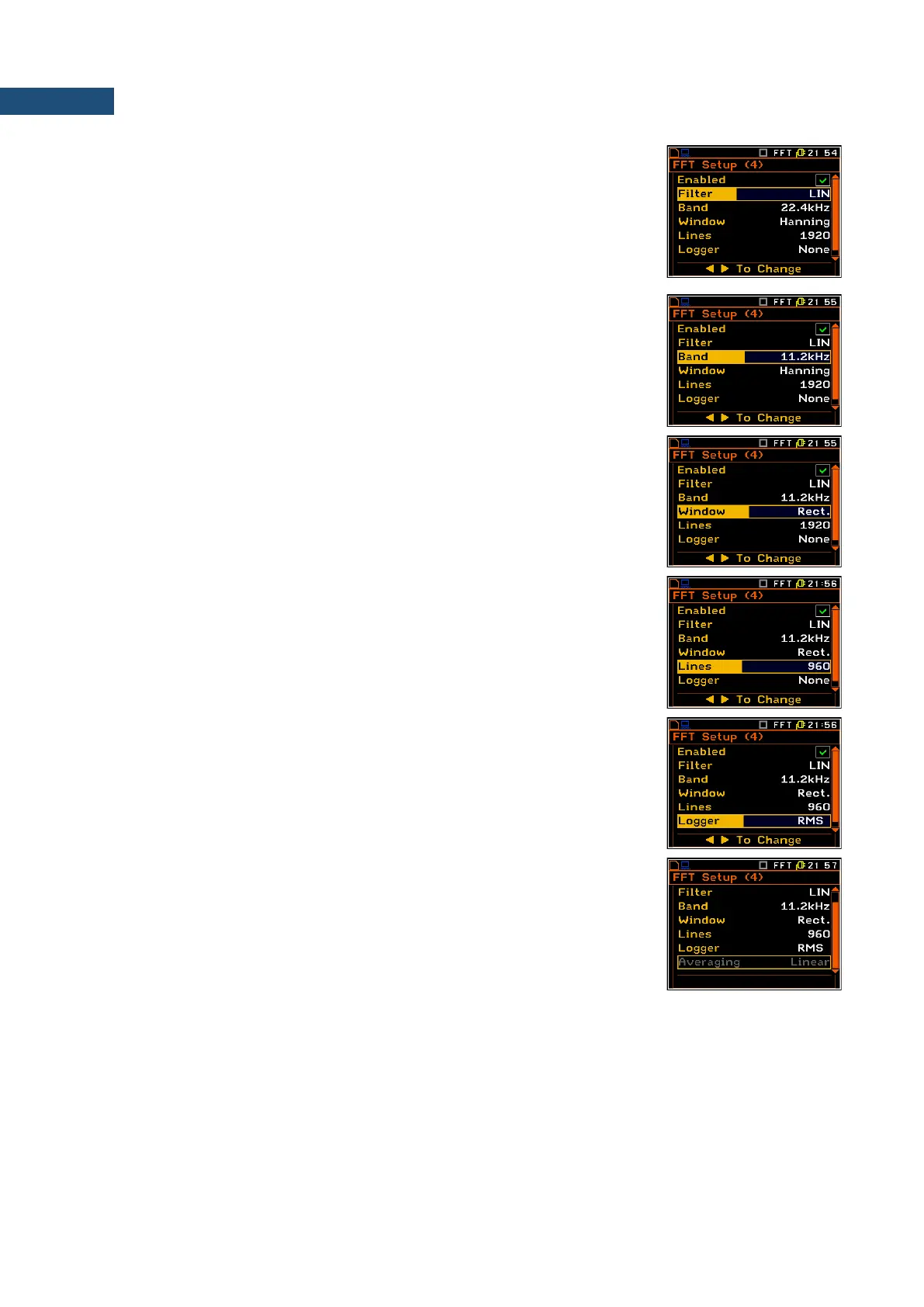
Weighting filter
In the case of sound measurements there are HP, LIN, A and C filters available.
In the case of vibration measurements, only HP filter is available and the
position is not accessible after entering the FFT Setup list.
The frequency characteristics of the filters mentioned above are given in
Appendix C.
Band
The Band position enables the user to select the band in which the narrow-
band analysis of the signal has to be performed. The user has the following
possibilities: 22.4 kHz, 11.2 kHz, 5.6 kHz, 2.8 kHz, 1.4 kHz, 700 Hz, 350 Hz,
175 Hz and 87.5 Hz.
Time window for the FFT analysis
The Window position enables the user to select the coefficients of time window,
which are used in the FFT analysis. Available time windows of the FFT analysis
are as follows: Hanning, Rect., Flattop, Kais-Bes.
Number of the lines in FFT spectra
The Lines enables the user to select the number of lines in the FFT analysis.
There are three values available: 1920, 960 and 480.
Enabling the FFT spectra logging
The RMS result of FFT analysis can be saved in the logger’s file of the
instrument. The activation of this option is made by selecting the RMS text in
the Logger position. (If the Logger functionality has been switched off, the
position is not accessible).
Type of averaging
The Averaging position informs about one type of averaging applied in the
instruments with FFT function – Linear.



 To Next Page