5 Service
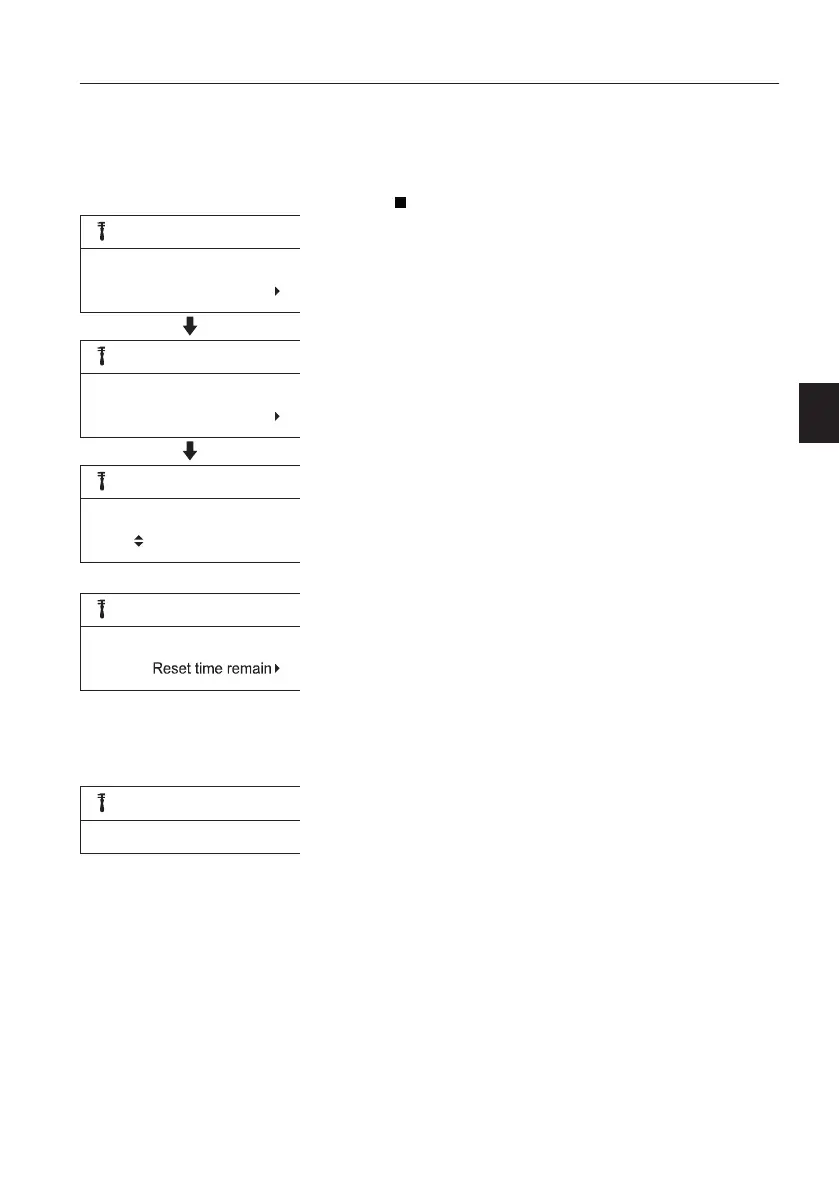
This subscreen shows the service items with
“time remaining” value. Press the SELECT
button to adjust interval or to check detail
information.
Engine oil/filter
- Interval: This shows the value of engine oil/
filter interval in the unit hours. According to
engine oil/filter type, the operator can adjust
engine oil/filter interval. The setting range is 50
~ 1000 hours.
- Time remaining: This shows the value for
remaining time to next engine oil/filter service.
When the "Time remaining" reaches 40 h, 20
h, and 0 h, the check screen with "Time
remaining" and "Interval" will pop up on the IC
(Instrument Cluster). Service the maintenance
items which should be serviced in that interval.
For the service interval and maintenance
items, see page
367
.
- Reset time remaining?: After servicing the
maintenance items, the time can be reset.
Press ESC button to "Cancel" or SELECT
button to "Yes". When the time is reset, the
next service interval and "Time remaining" will
be displayed.
If the operator does not replace the engine oil/
filter and resets this value, it turns to zero and
then to negative.
V1137878
Service
Engine oil/filter
450h
Engine oil/filter
Interval: 500h
Set interval
Engine oil/filter
Set interval:
500h
V1137879
Engine oil/filter
Time remaining: 450h
V1140746
Reset time remaining?
Yes
Instrument panels
Display unit
51



 To Next Page