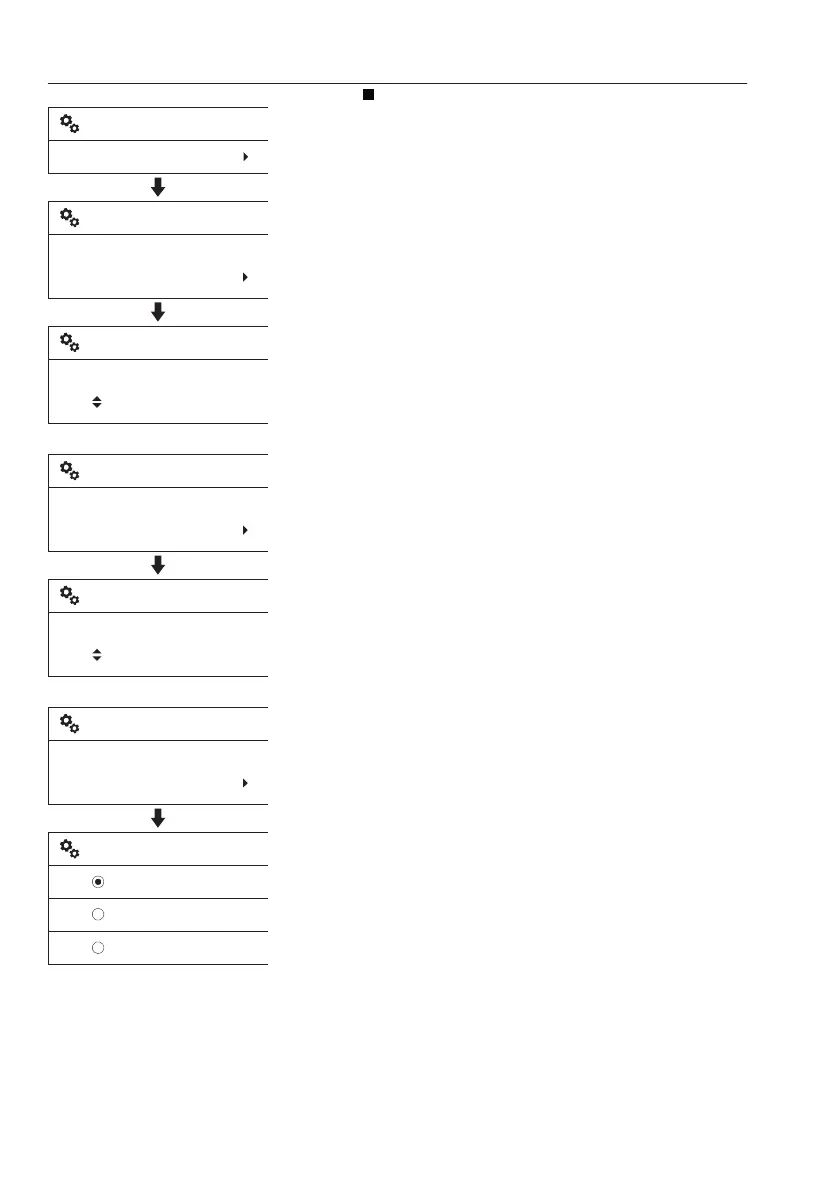
Time/Date
- Date set: This is for adjusting the date. The
preset date format is shown in the first row of
the screen. The operator can adjust the date
with arrow, ESC, and SELECT buttons.
SELECT and ESC buttons are used to move
ahead or go back with the cursor. Arrow
buttons are used to adjust each segment of the
date.
- Time set: This is for adjusting the time. The
preset clock format is shown in the first row of
the screen. The operator can adjust the time
with arrow, ESC, and SELECT buttons.
SELECT and ESC buttons are used move
ahead or go back with the cursor. Arrow
buttons are used to adjust each segment of the
time.
- Date format: The items "yyyymmdd",
"mmddyyyy", and "ddmmyyyy" decide how the
IC (Instrument Cluster) shows the date. "yyyy"
means year, "mm" means month, and "dd"
means day.
V1137905
Setup
Time/date
Date set
20140101
Time/date
yyyymmdd:
20140101
Set date
V1137906
Time set
12:30
Time/date
24h:
12:30
Set time
V1137907
yyyymmdd
mmddyyyy
ddmmyyyy
Date format
Date format
yyyymmdd
Time/date
62
Instrument panels
Display unit



 To Next Page