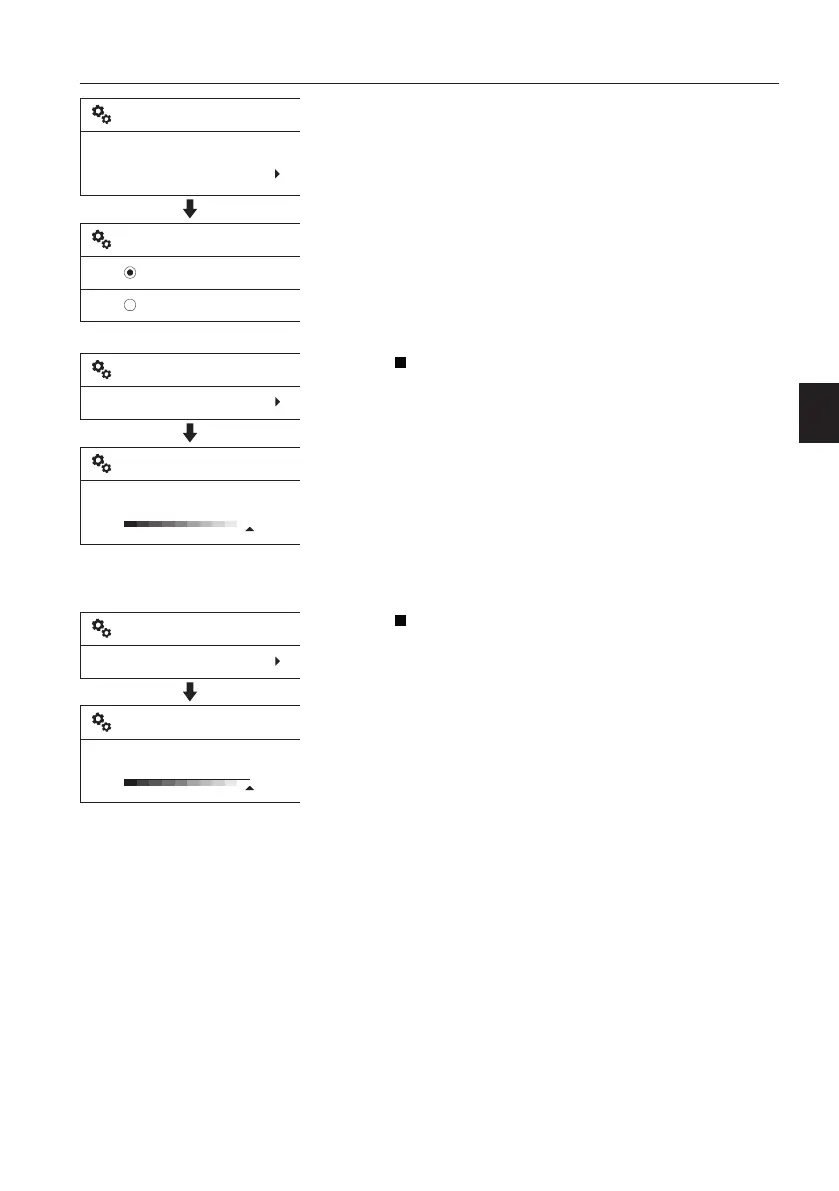
- Time format: The items "24h" and "AM/PM"
decide how the IC (Instrument Cluster)
describes the time, 24-hour-system or 12-
hour-system.
Display light
This is for changing the contrast of the IC
(Instrument Cluster). The adjusting bar in the
screen is controlled with the arrow buttons and
the value is set with the SELECT button.
The contrast is independently adjustable for
day and night.
Contrast (Day/Night)
- When adjusting the “Contrast(Day)”, the
machine's work lights should be turned off.
- When adjusting the “Contrast(Night)”, the
machine's work lights should be turned on.
Keypad backlight
The brightness of the keypad backlight is
changed by the adjustment. The adjusting bar
in the screen is controlled with the arrow
buttons and the value is set with the SELECT
button.
V1137908
24h
AM/PM
Time format
Time format
24h
Time/date
V1137909
Setup
Display light
Contrast (Day/Night)
Setup
V1137910
Setup
Keypad backlight
Keypad backlight
Setup
Instrument panels
Display unit
63



 To Next Page