Chapter 1 Overview
Menu fields
24 WCDMA Options Version 6.20
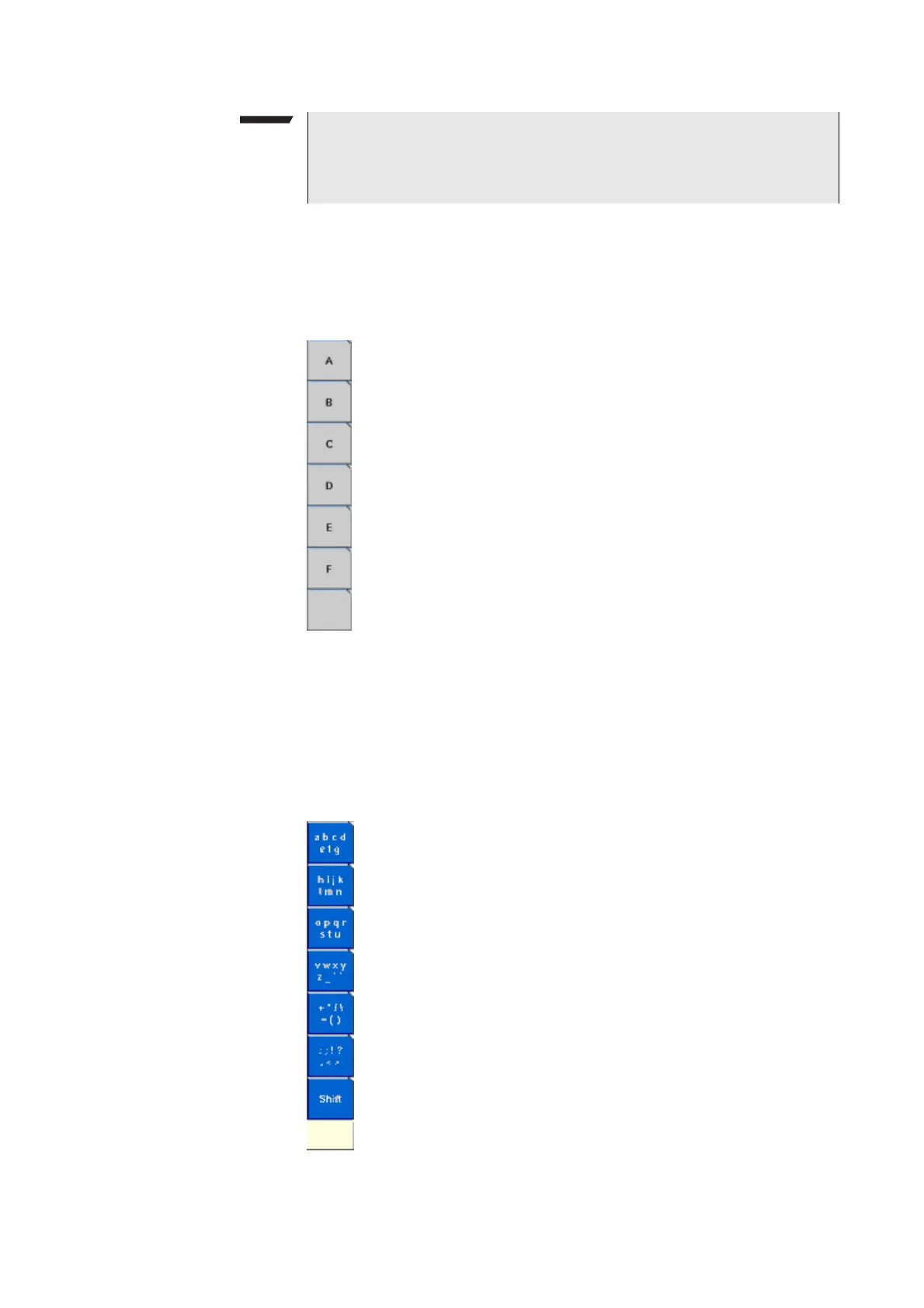
Entering values on hexadecimal entry fields
Where an entry in hexadecimal notation (0 to 9, A to F) is expected, the marker
tabs change to the letters A to F. You can enter data with the numeric keys (0 to
9) and with the softkeys (A to F).
Entering values on alphanumeric entry fields
On alphanumeric entry fields as e.g. SMS to mobile phone, texts are best entered
using an external keyboard. Of course, it is also possible to enter alphanumeric
values directly on the 4400:
As soon as the entry field is opened, the marker tabs change to groups of letters
and symbols. The lowest marker tab incorporates the “shift” function and allows
you to toggle between lowercase and uppercase letters.
NOTE
When you use the selection key or the cursor keys to change a parameter
value on an entry field, the changes are confirmed automatically. It is not
required to push the E
NTER key.



 To Next Page