Note
In any case to set the network card IP address avoid using the following
values:
•
192.168.0.10 and 192.168.0.11 that are dedicated to the bootloader
of MCU and CCU boards
•
192.168.0.211 dedicated to MCU board.
•
192.168.0.99 dedicated to ceph detector
•
Plug the 3D Sensor Ethernet cable i.e. the one connected to the
machine port labelled with “Sensor” to the right port of the NIC. The
second network adapter corresponding to the dual port NIC will
become active.
6.
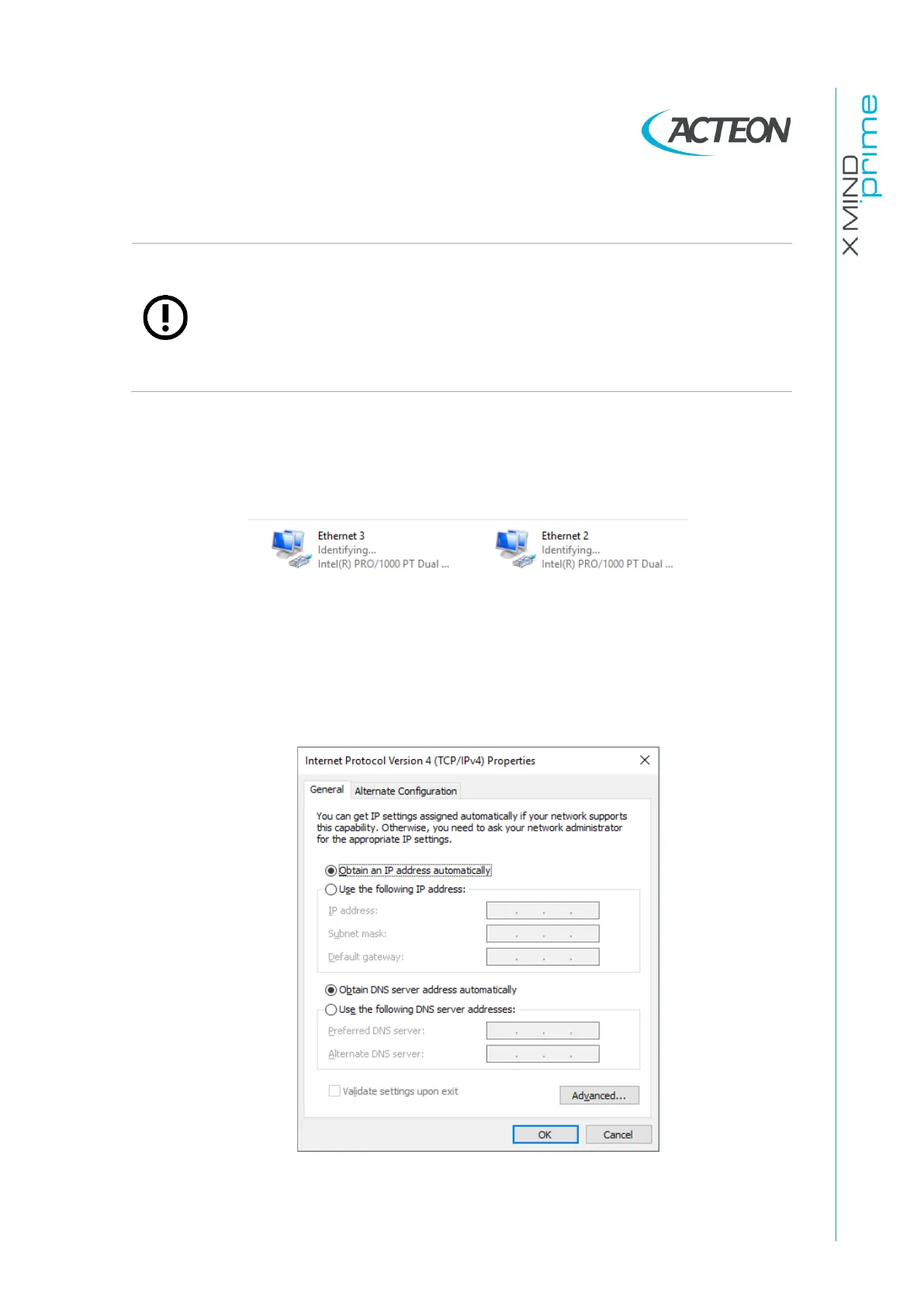
Right click on it and select “Properties”.
7.
Select the item “Internet Protocol Version 4” and click on “Properties”. Select
“Obtain an IP address automatically”.
Confirm with OK.















 To Next Page