3.
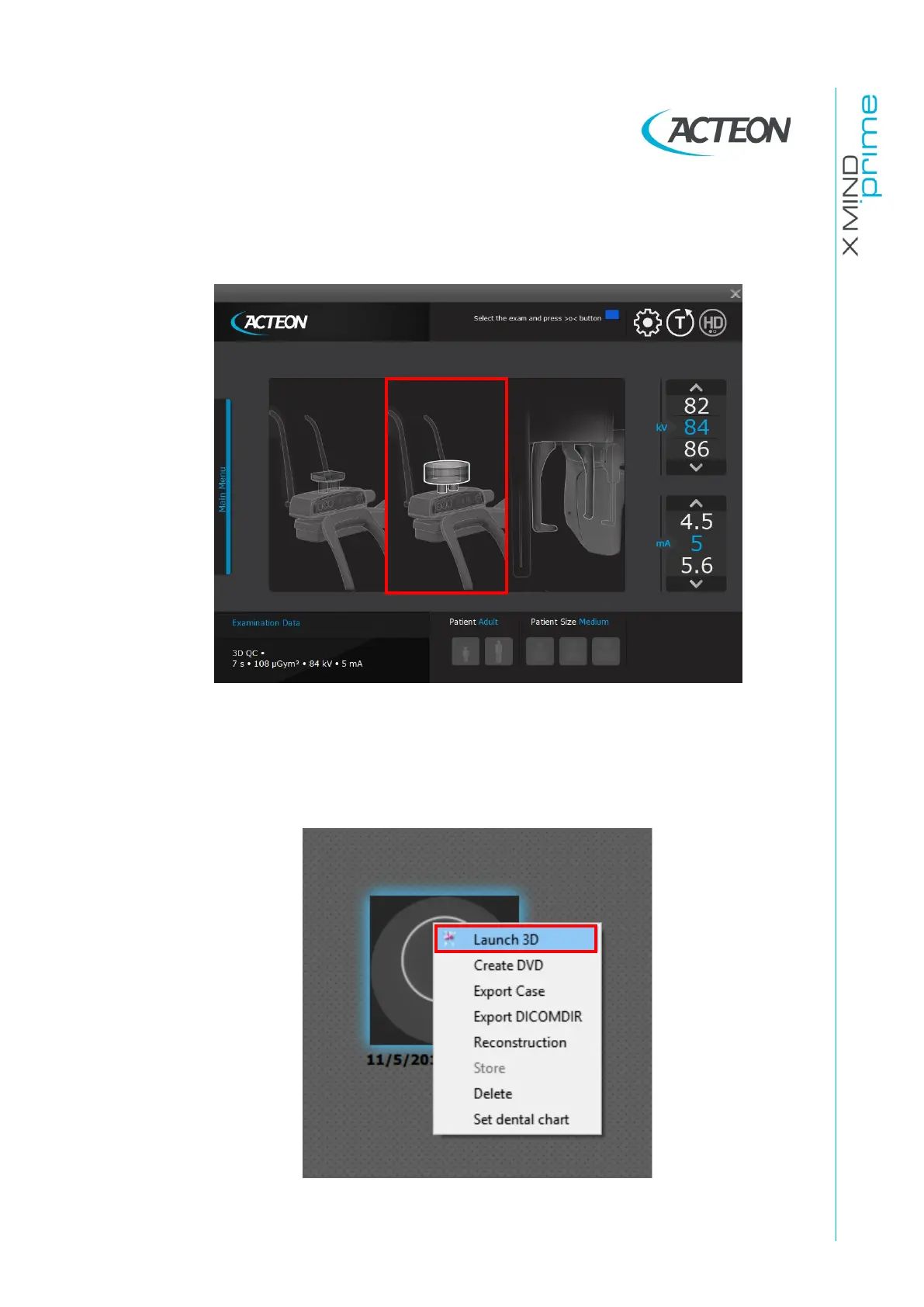
On the main menu of the virtual interface, select “Quality Test” exam, the
following image will be displayed:
4.
Select “3D QC” exam clicking on the central area of the virtual interface.
5.
Make an exposure at 60kV, 5mA (see User’s Manual – chapter 9).
6.
At the end of the acquisition, right click on the exam icon and select “Launch
3D”.















 To Next Page