Service Manual – Corrective maintenance
SERVICE MANUAL • X-MIND prime 3D • (19) • 11/2019 • NXMPEN080A
2.
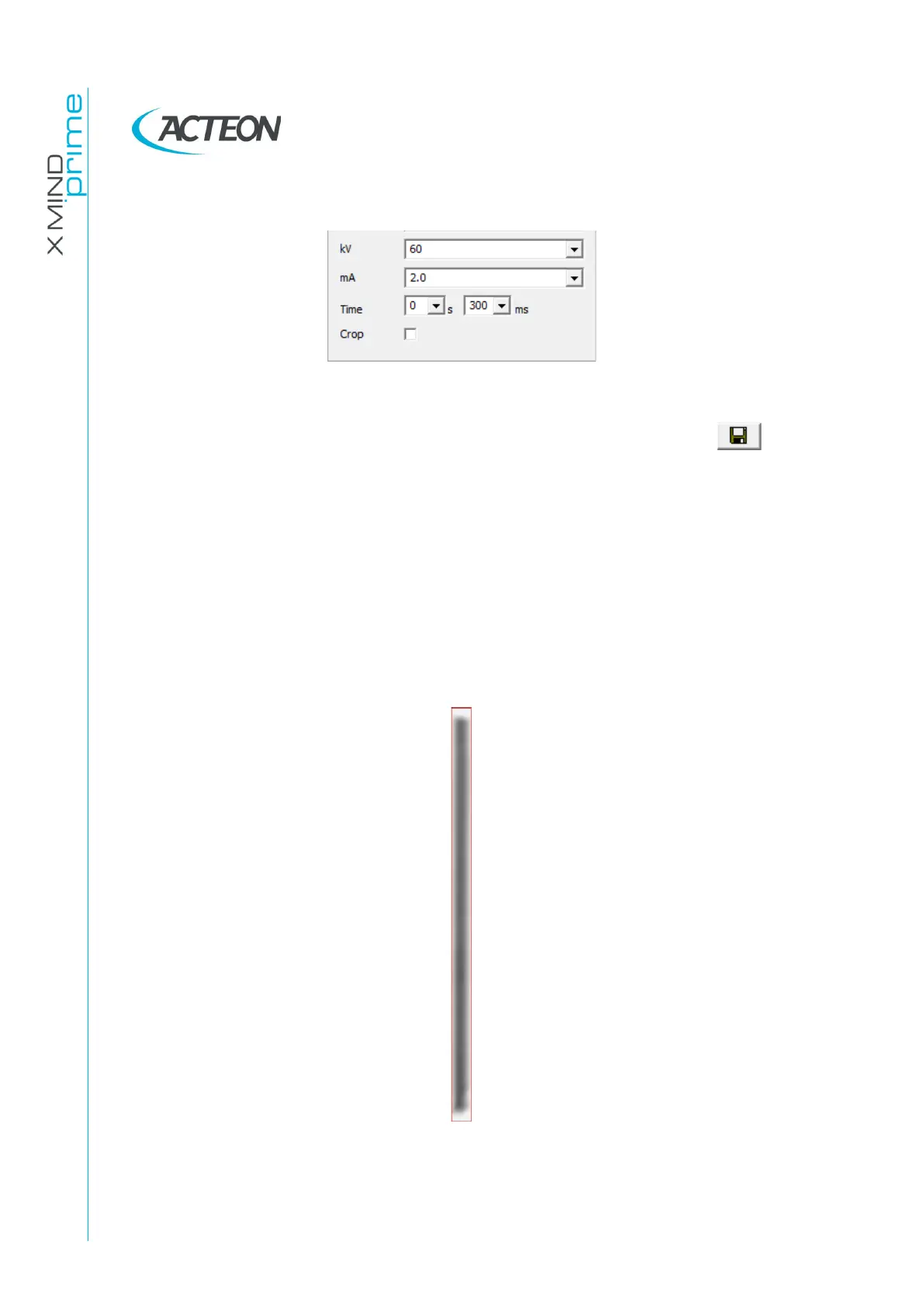
Set the exposure parameters from the "Exam parameter" window.
3.
Once the green led on the keyboard gets solid, press the X-ray button to
make an exposition. The acquired image will be displayed.
4.
If needed, the images can be saved by clicking the button "Save" . To
save the image in bitmap format, put ".bmp" at the end of the file name
while saving.
5.
With the panoramic collimator format selected,
verify that
:
•
In the panoramic acquisition
a white border is visible on each side
of the image
•
In the panoramic acquisition the irradiated area is
not tilted
and
centered
in the acquisition area
•
The width of the panoramic collimator window (distance between
leads edge of P1 and P2) is
W=1mm +/-0.2mm
•
The maximum distance between the iron part of the P3-P4 blades is
H≤ 32mm















 To Next Page