Service Manual – Corrective maintenance
SERVICE MANUAL • X-MIND prime 3D • (19) • 11/2019 • NXMPEN080A
•
Ceph collimator checks
10.
In the “Exam parameters” window set the “Centring ceph” ID and the
following options:
•
Format: Height 24
•
Resolution: High
•
Param1=”View of primary collimator field”
•
70kV 8mA
11.
In the image processing menu set the option “Dynamic adjustment”
12.
Rotate the ceph head support in the lateral position
13.
Prepare the unit to acquire a ceph exam
14.
Acquire the centring ceph exam by pressing the X-ray button
15.
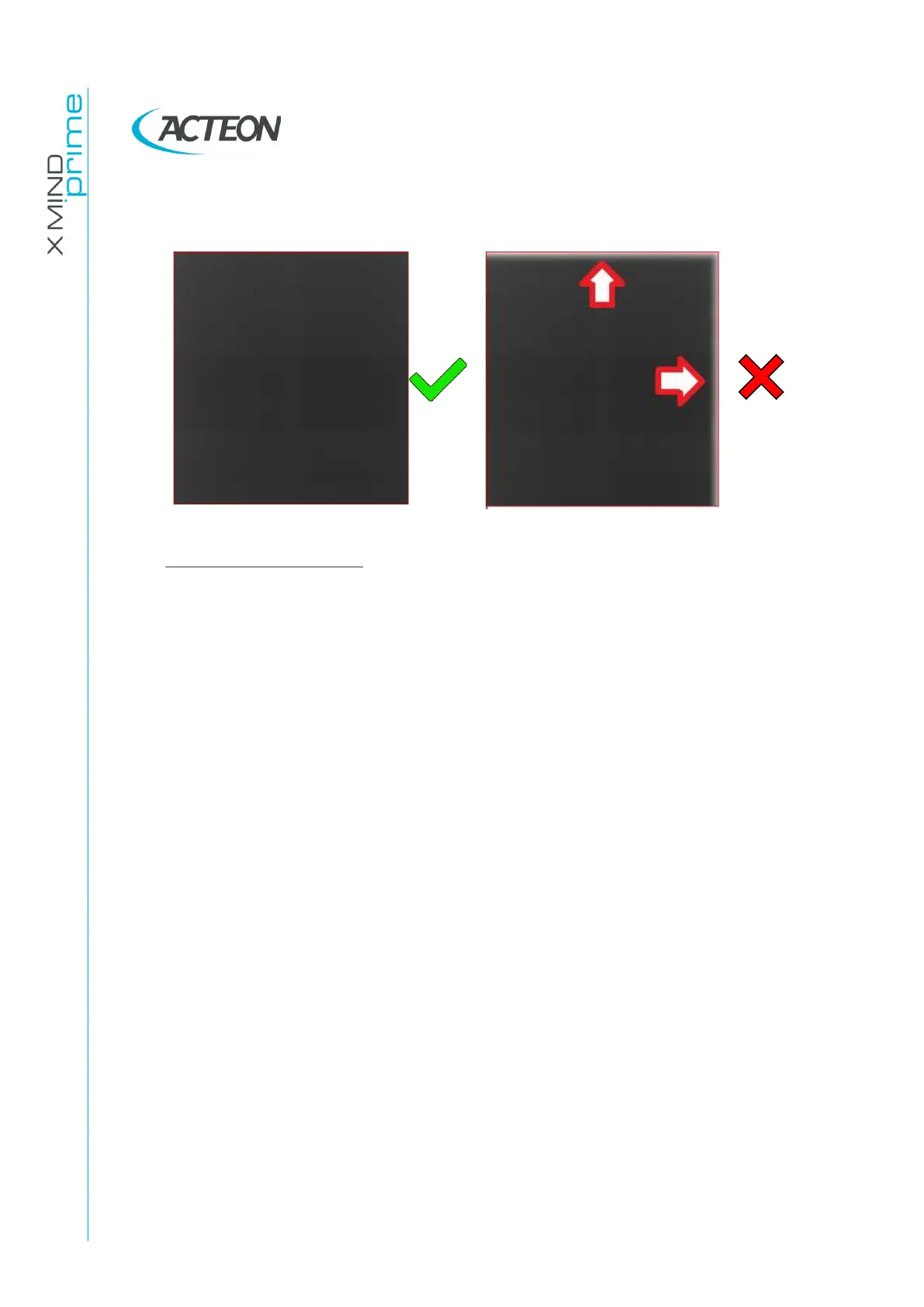
In the acquisition verify that:
•
The dot and the outer circle are inside of the main exposed area
•
The top and bottom border of the acquired area are fully exposed
•
The width of the ceph collimator window (distance between leads
edge of P1 and P2) is
W=2mm +/-0.2mm















 To Next Page