Service Manual – Corrective maintenance
SERVICE MANUAL • X-MIND prime 3D • (19) • 11/2019 • NXMPEN080A
4.
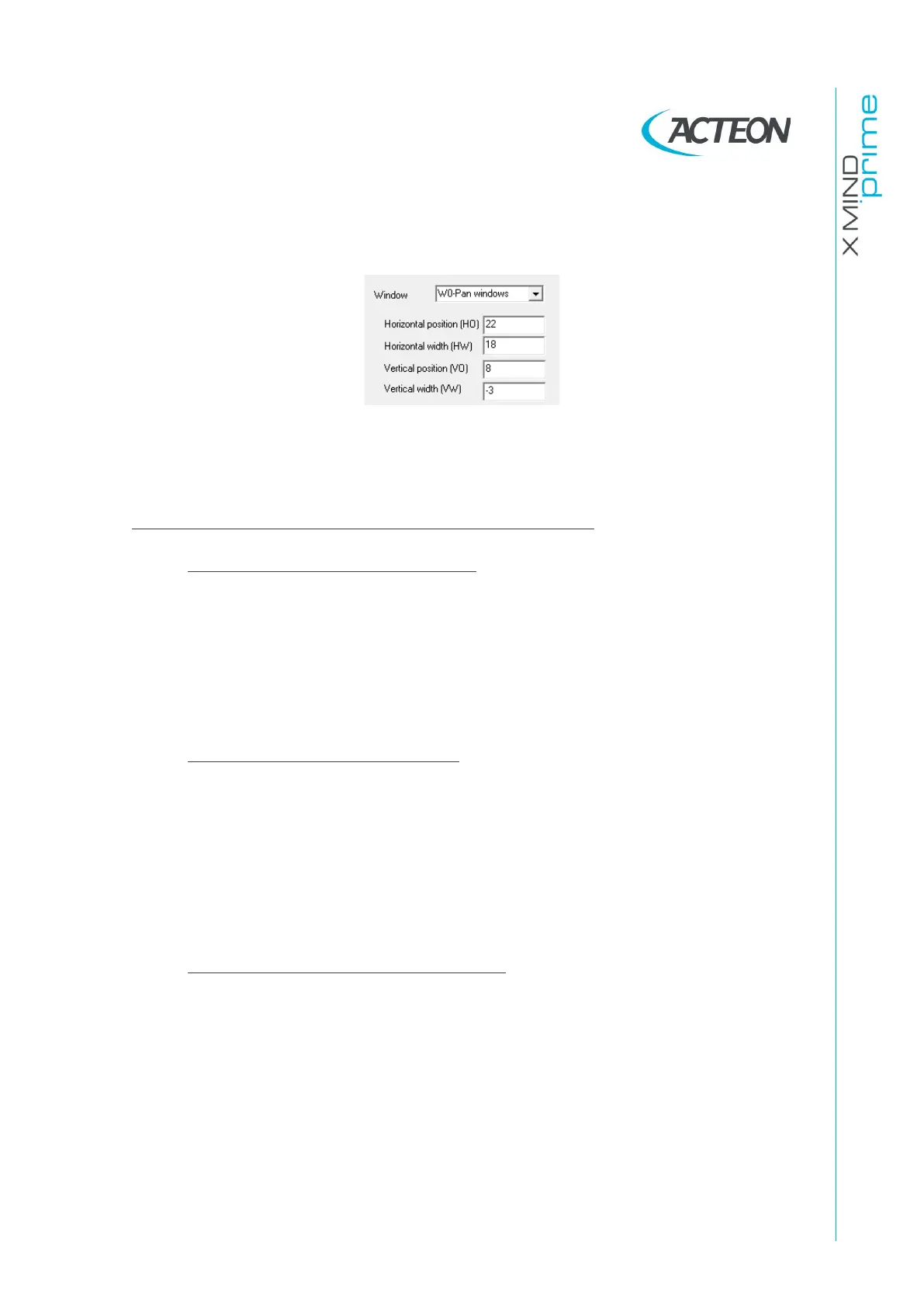
If the tilt of the irradiated area is ok, but the position is not: modify the offsets
following the conventions reported below and then press on send parameter,
save
5.
Once an offset value has been changed, before acquiring a new static image,
press the >o< button on the keyboard in order to perform a collimator reset
and apply the new parameters to the to the collimator position.
COLLIMATOR OFFSETS (HO, HW,VO,VW) CONVENTIONS
•
The
horizontal position (HO)
offset allows to move the window on the
right or left of the acquisition area without modifying the window width (P1
and P2 blades distance remains unchanged)
Move the collimator window on the LEFT of the
sensor acquired area
Move the collimator window on the RIGHT of the
sensor acquired area
•
The
horizontal width (HW)
offset allows to increase/ decrease the
collimator width by moving only the P1 collimation blade
INCREASE the window width by moving the P1 blade
on the Left of the sensor acquired area without
moving the P2 blade
DECREASE the window width by moving the P1
blade on the Left of the sensor acquired area
without moving the P2 blade
•
The
vertical position (VO)
offset allows to move the window towards the
Top/Bottom border of the acquisition area without modifying the window
height (P3 and P4 blades distance remains unchanged)
Move the collimator window DOWN
Move the collimator window UP















 To Next Page