Service Manual – Corrective maintenance
SERVICE MANUAL • X-MIND prime 3D • (19) • 11/2019 • NXMPEN080A
3.
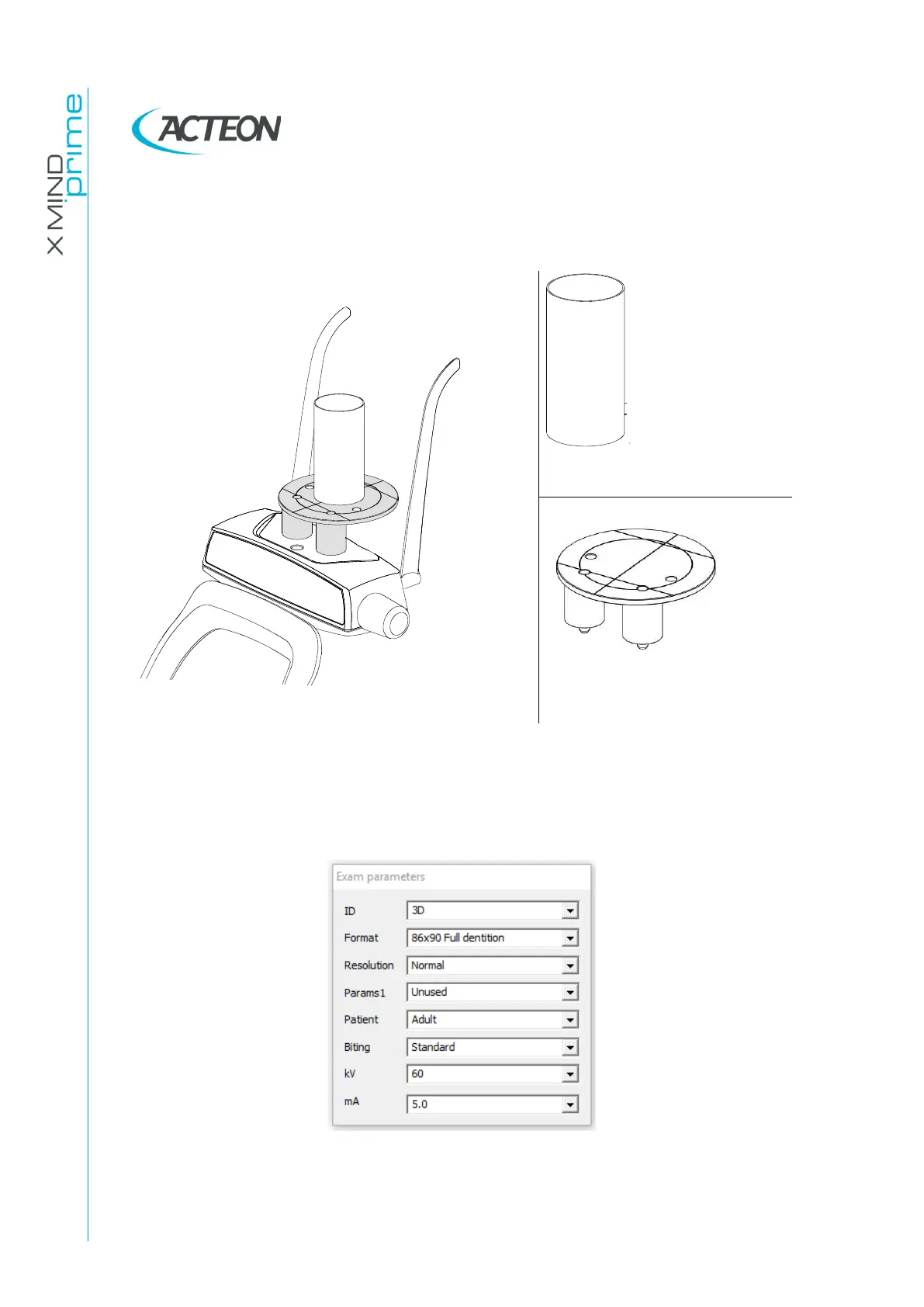
Insert support plate (P/N 6195170100) on the chin rest, and place the centering
cylinder (P/N 5207900900) in the middle of the plate.
Figure 50: Support plate and centering cylinder positioning
4.
In "PhD_C_Test" program, from the "Exam parameters" window select the
exam ID "3D" and the Format "86x90 Full dentition". Set the parameters to
60kV-5mA.
5.
Press >0< button on the unit keyboard and wait until the chin rest support is
positioned. Press >0< button again to complete the unit positioning.















 To Next Page