Service Manual – Corrective maintenance
SERVICE MANUAL • X-MIND prime 3D • (19) • 11/2019 • NXMPEN080A
Note
After any changes to the offsets values, update the paper copy of the
equipment parameters table (supplied as paper copy with the unit
documentation) with the new offset values (see Appendix A paragraph
14.1).
Furthers checks after the adjustment
If the offset has been modified perform all the checks of the following paragraphs
following the numeric sequence
11.2.11.4
Rotation ceph offset
Checks
1.
Rotate the ceph head support in the lateral position
2.
Open "PhD_C_Test.exe" service program
3.
Select the following parameters:
- Format: Height Custom
- Resolution: High
- Param1: View of Primary collimator field
- 70kV 8mA
4.
In the image processing menu select: “Dynamic adjustment”
5.
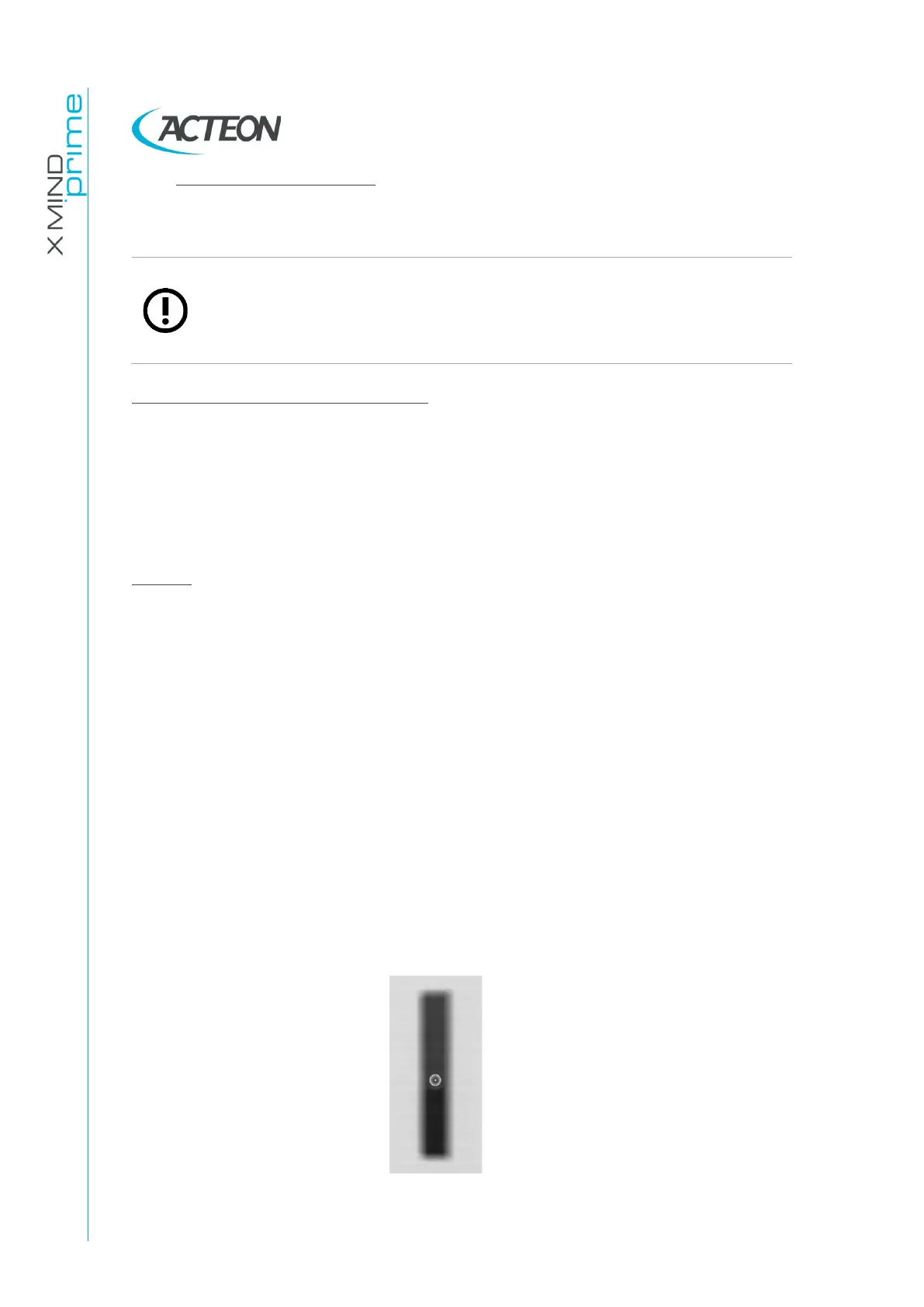
Prepare the unit to take the ceph exam and then press the X-Ray button
until the end of the exposure
6.
Save the image as “Rotation.bmp”















 To Next Page