Service Manual – Corrective maintenance
SERVICE MANUAL • X-MIND prime 3D • (19) • 11/2019 • NXMPEN080A
11.2.11.7
Secondary collimator – Ceph Sensor tilting check and
adjustment
A not perfect parallelism between the secondary collimator and the sensor acquisition
area may cause slight lines along the whole or partial height of the image similar to those
reported in the paragraph 11.2.12
checks
1. Open PhD_C_Test (technical Tool) service program
2. Wait the unit connection
3. Select the following exam:
o Exam ID: Ceph
o Format: No collimator
o Resolution: High
o Param 1: View of sec. collimator field
o kV: 70
o mA:8
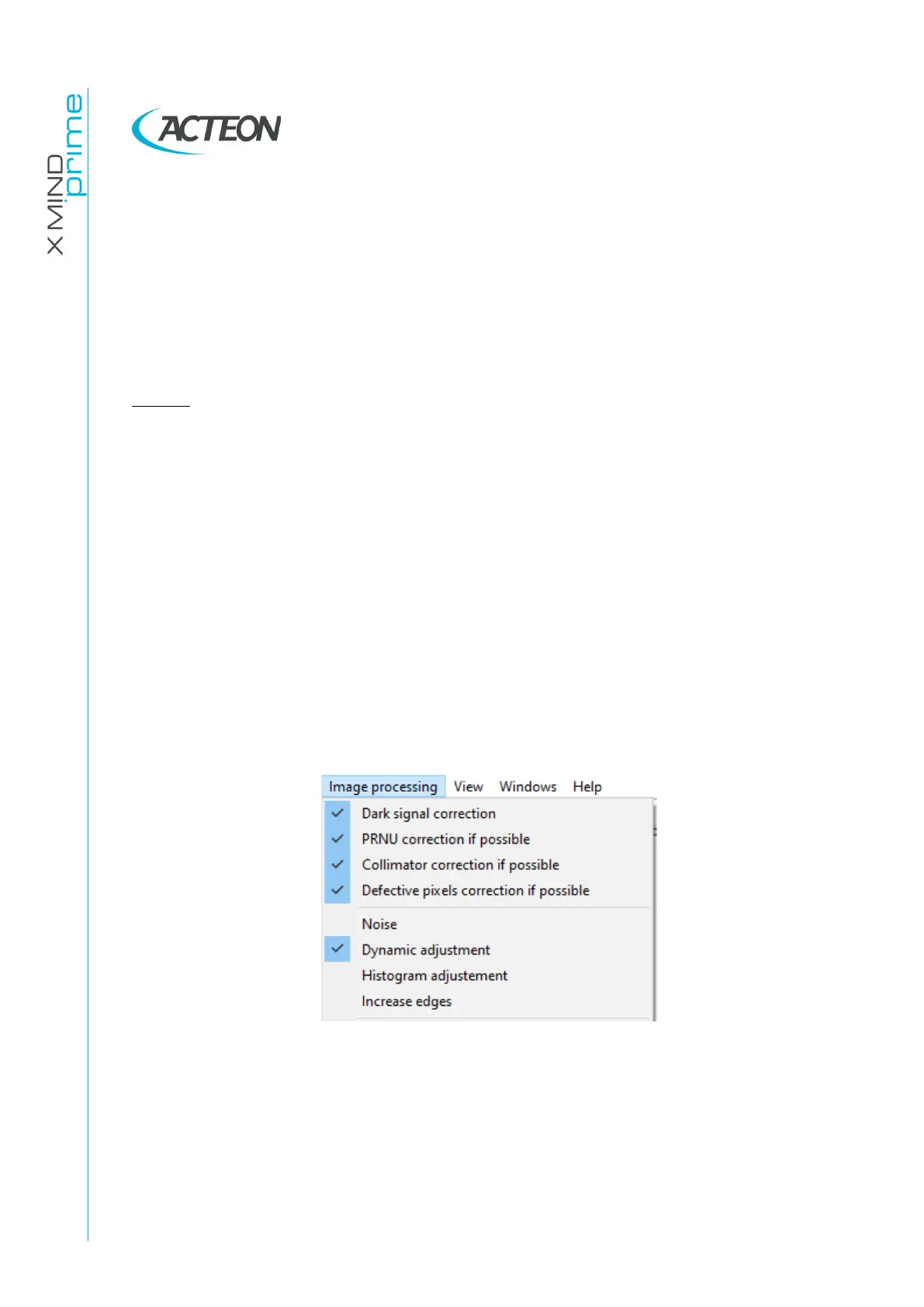
4. Verify that the Image processing options selected are like the following:
5. Prepare the unit to acquire the above selected image
6. Acquire the image and save it as “Secondary.bmp”
7. Run ImageJ software (download it from Internet: eg.
http://wsr.imagej.net/distros/win/ij153-win-java8.zip)















 To Next Page