Service Manual – Corrective maintenance
SERVICE MANUAL • X-MIND prime 3D • (19) • 11/2019 • NXMPEN080A
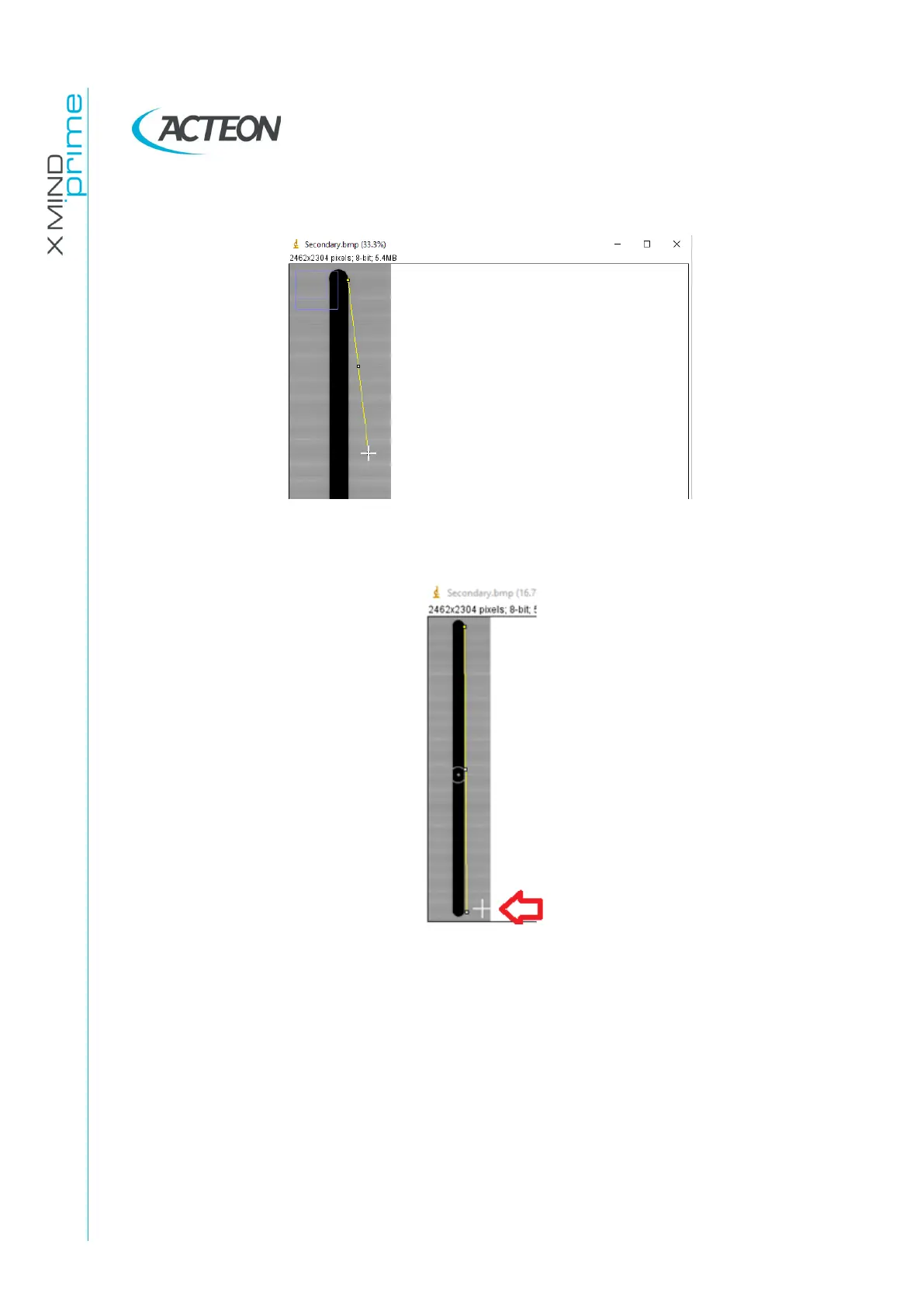
15. While the cursor is in this exact position, click with the mouse and keeping the left
mouse button pressed press the keyboard button “-” in order to zoom-out the image
16. Keeping the left mouse button pressed, place the cursor close to the bottom right
edge of the secondary collimator shadow and release the mouse button
Note. The cursor has to be close to the bottom edge not in the exact position
17. Place the cursor (do not click with the mouse) close to the bottom edge of the
secondary collimator and then press the keyboard button “+” in order to zoom-in
this image area















 To Next Page