Service Manual – Corrective maintenance
SERVICE MANUAL • X-MIND prime 3D • (19) • 11/2019 • NXMPEN080A
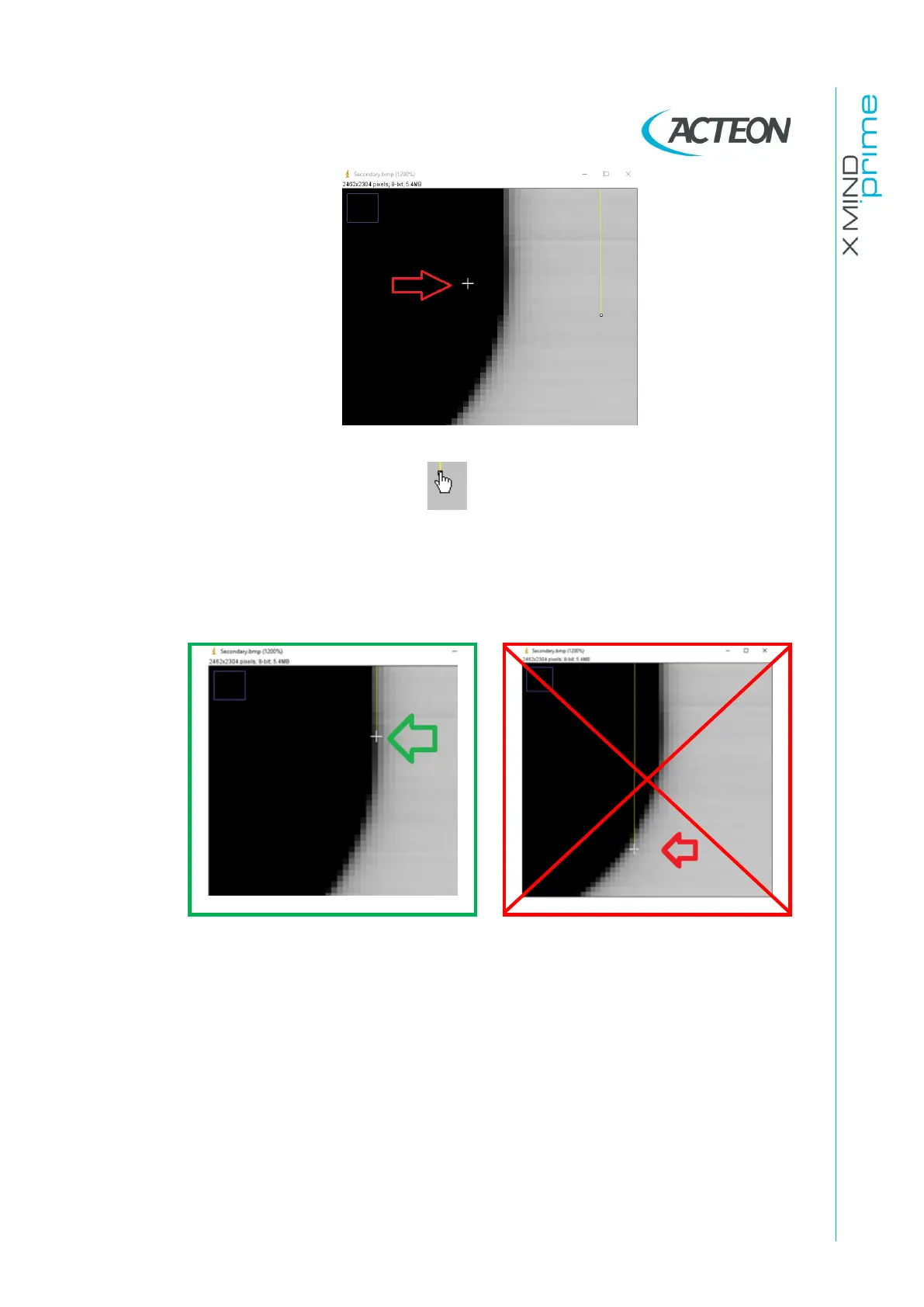
18. Place the cursor on the white box under the yellows straight line
19. When the hand symbol appears , press the left mouse button and keeping it
pressed place the cursor on the exact position of the bottom edge of the secondary
collimator shadow.
Note. Release the cursor on the straight part of the secondary collimator shadow
and not close the circular edge.















 To Next Page