Service Manual – Corrective maintenance
SERVICE MANUAL • X-MIND prime 3D • (19) • 11/2019 • NXMPEN080A
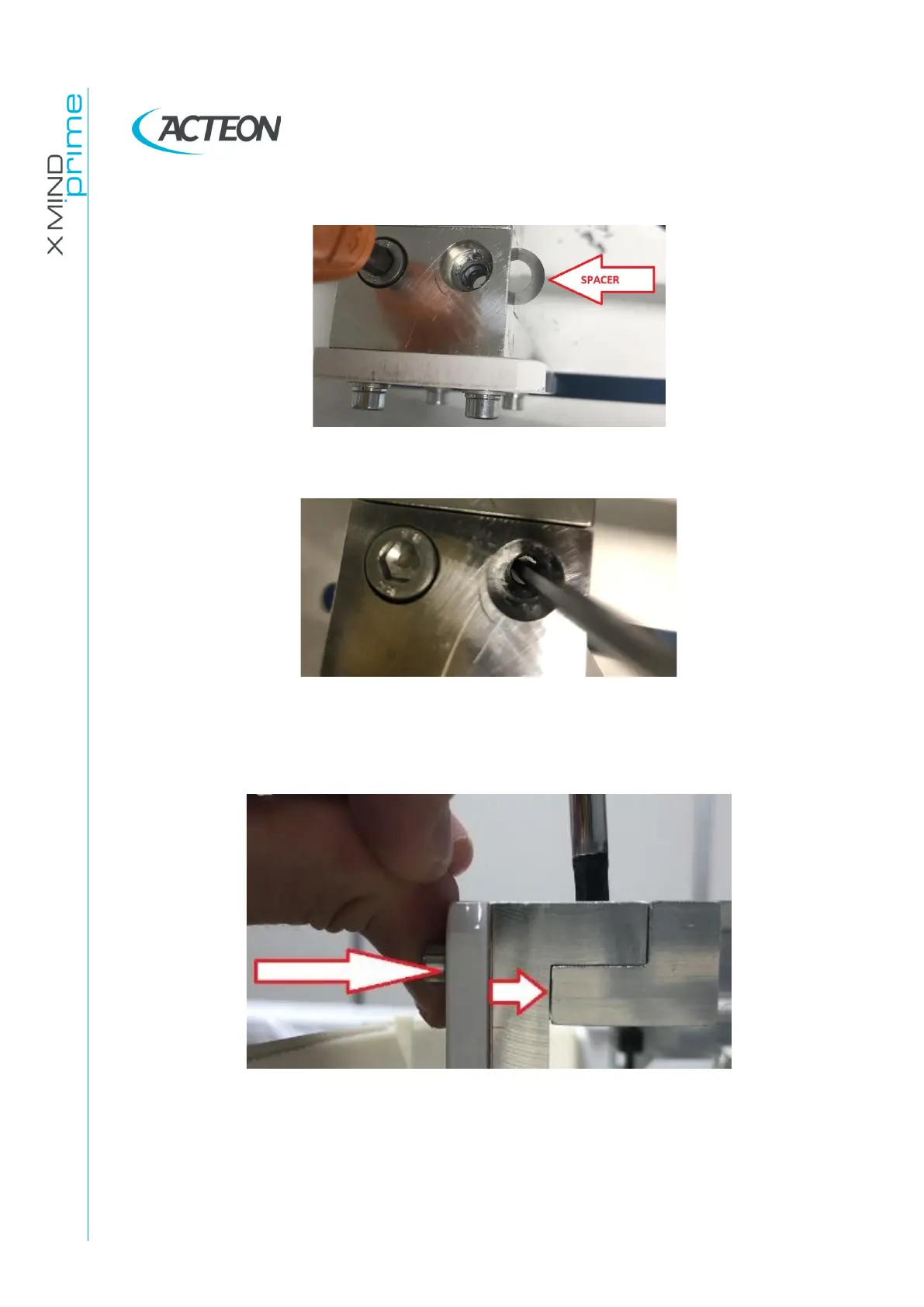
3. Insert the spacers washers in the required side
4. Using a thin tool, align the washers holes to the screw hole
5. Insert the removed screw
6. Tighten both the screws taking care to recover the mechanical play in the direction
indicated in the following image
7. Iterate the process in order to verify the effectiveness of the correction.
8. Once the measured angle is within the prescribed tolerance verify the absence of
vertical lines on ceph images following the vertical line correction procedures
(paragraph 11.2.12)















 To Next Page