24.
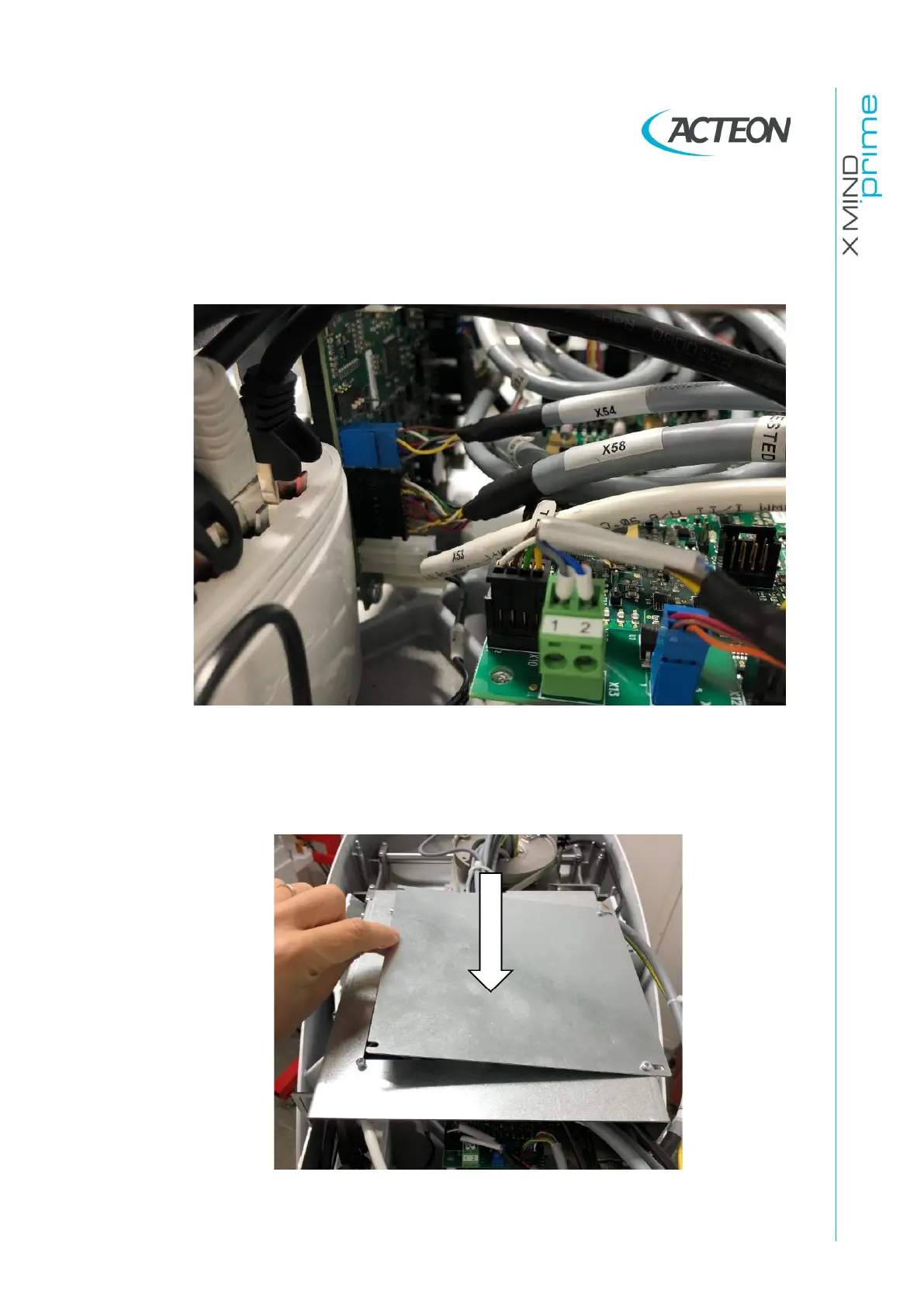
Connect the cables inside the fixed arm as follows:
• X53, X54, X58 to the CCU board (A11)
• The ethernet cable to the Ethernet switch
• The ground cable to the main grounding point
Figure 31
25.
Reinstall the fire protection plate on top of the electronic boards. If the screws
are not well tightened they can create vibrations.
Figure 32















 To Next Page