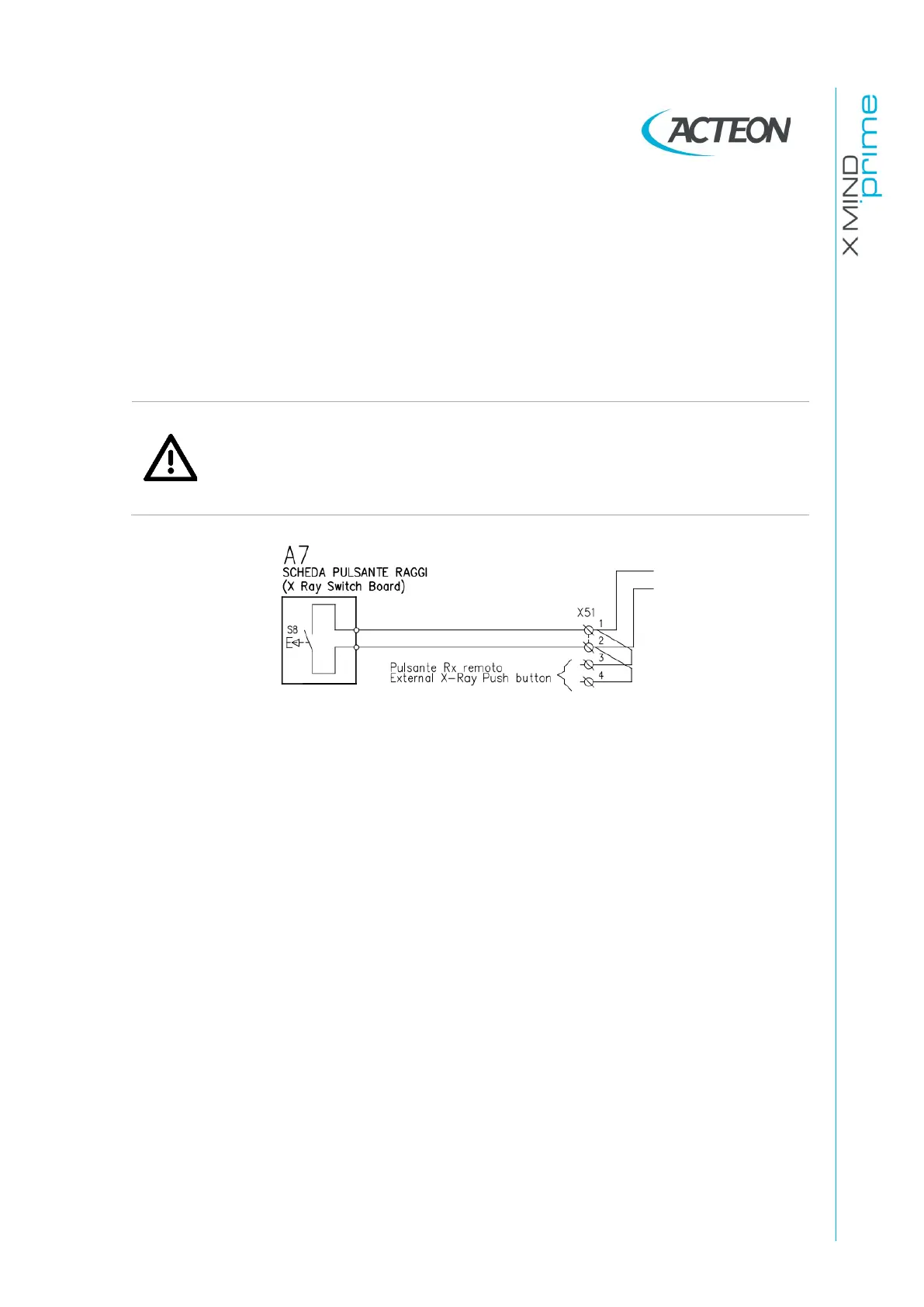
X-RAY buttons
Connections are located on the left side of the unit.
The main x-ray button shall be connected to X51-1 and X51-2.
An external pushbutton can be connected so that the operator can start exposure
from outside the exam room. It is mandatory to use a
MOMENTARY pushbutton
in order to guarantee “dead man” operation. The standard X-ray button supplied
with the unit has the above characteristic. Contacts X51-3 and X51-4. Only a dry
contact shall be connected to this input.
Warning
It is installer’s responsibility to check the characteristics of the remote X-ray
button.
No current or voltage must pass through remote control hand switch.
Wrong connections may damage the unit.















 To Next Page