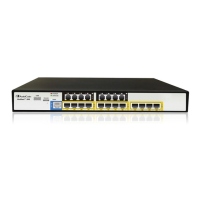
In addition to the color-coded status information depicted on the graphical display of the
device, the Home page displays various read-only information in the General Information
pane:
Gateway Operational State:
• "LOCKED": device is locked (i.e. no new calls are accepted)
• "UNLOCKED": device is not locked
• "SHUTTING DOWN": device is currently shutting down
To perform these operations, see 'Basic Maintenance' on page 621.
The table below describes the areas of the Home page.
Home Page Description
Item # Description
1 Displays the highest severity of an active alarm raised (if any) by the device:
Green = No alarms
Red = Critical alarm
Orange = Major alarm
Yellow = Minor alarm
To view active alarms,click the Alarms area to open the Active Alarms page (see
Viewing Active Alarms on page 673).
2 Module slot number.
3 Module interface type (e.g., FXS, FXO, and DIGITAL).
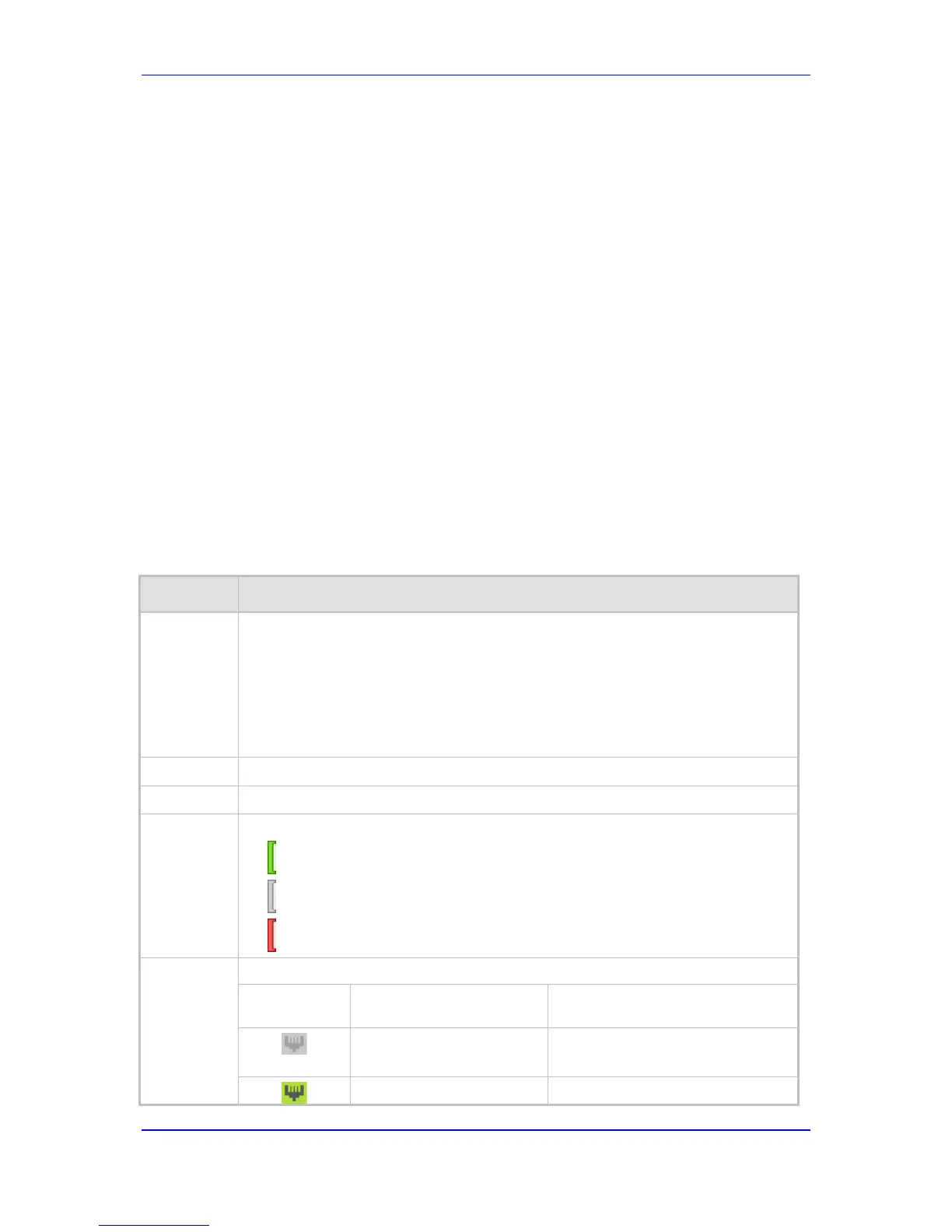
4 Module status icon:
(green): Module has been inserted or is correctly configured
(gray): Module was removed and "Reserved" is displayed
(red): Module failure and "Failure" is displayed
5 Port (trunk or channel) status icon.
Icon Trunk Description
(Digital Module)
Channel Description
(Analog Modules)
(gray)
Disable: Trunk not
configured (not in use)
Idle: Channel is currently on-hook


 To Next Page
 Loading...